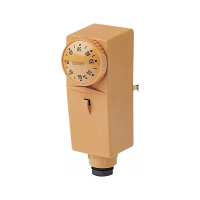
FIG. 2
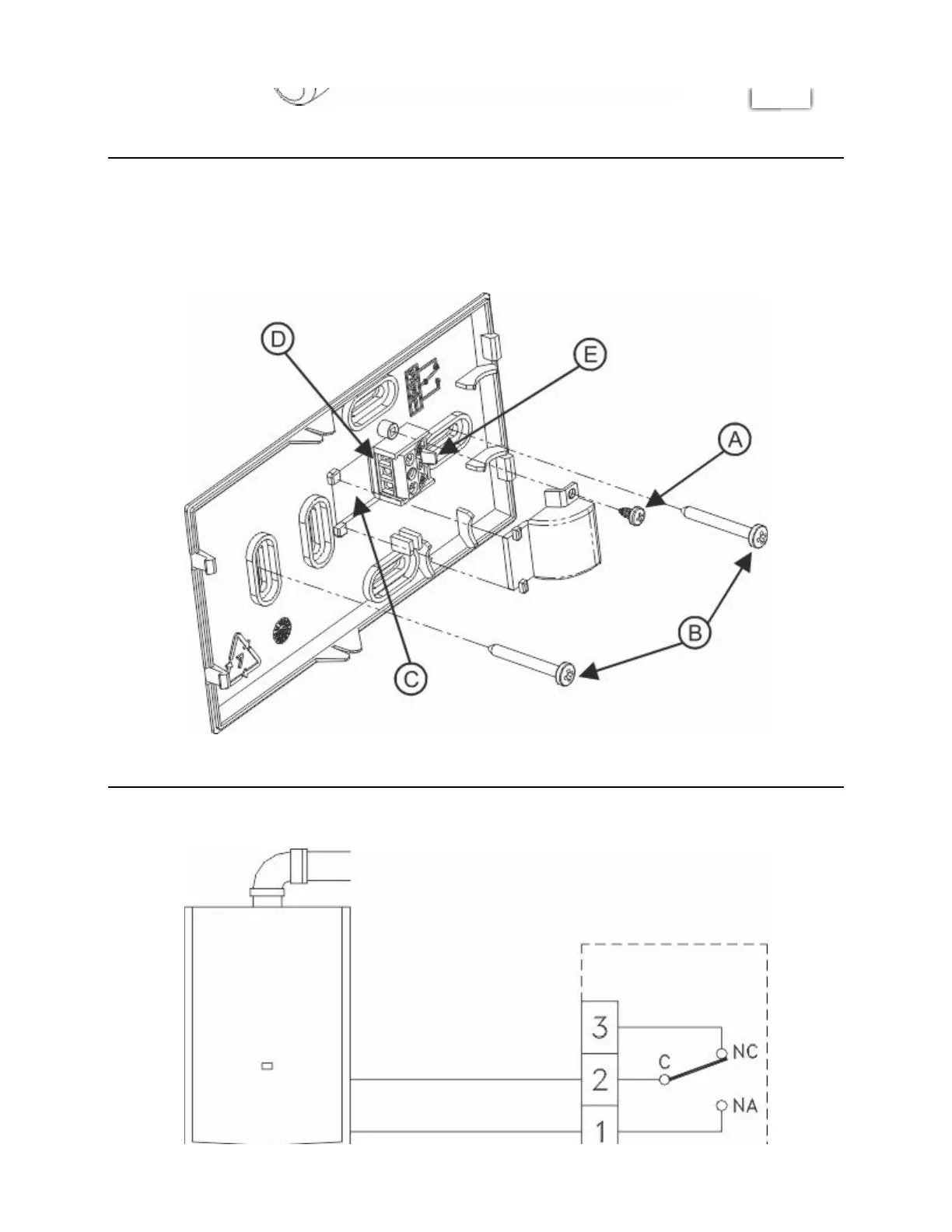
Remove the screw and detach the terminal cover (Fig.3 A).
Insert the cables through the opening on the bottom (Fig.3 C).
Attach the base to the wall or on the ush mounted box with screws, using the relevant holes (Fig.3 B). To facilitate
the electrical connections, remove the 3-way terminal block (Fig.3 D), exerting slight outward pressure on the
lever that secures the terminal block to the base (Fig.3 E).
FIG. 3
Connect the wires to the terminal block as indicated (Fig.4).
Chronomix S - Imit Control System s.r.l. https://manimit.it/en/chronomix-s-2/
3 of 9 1/27/2022, 11:35 AM


 To Next Page