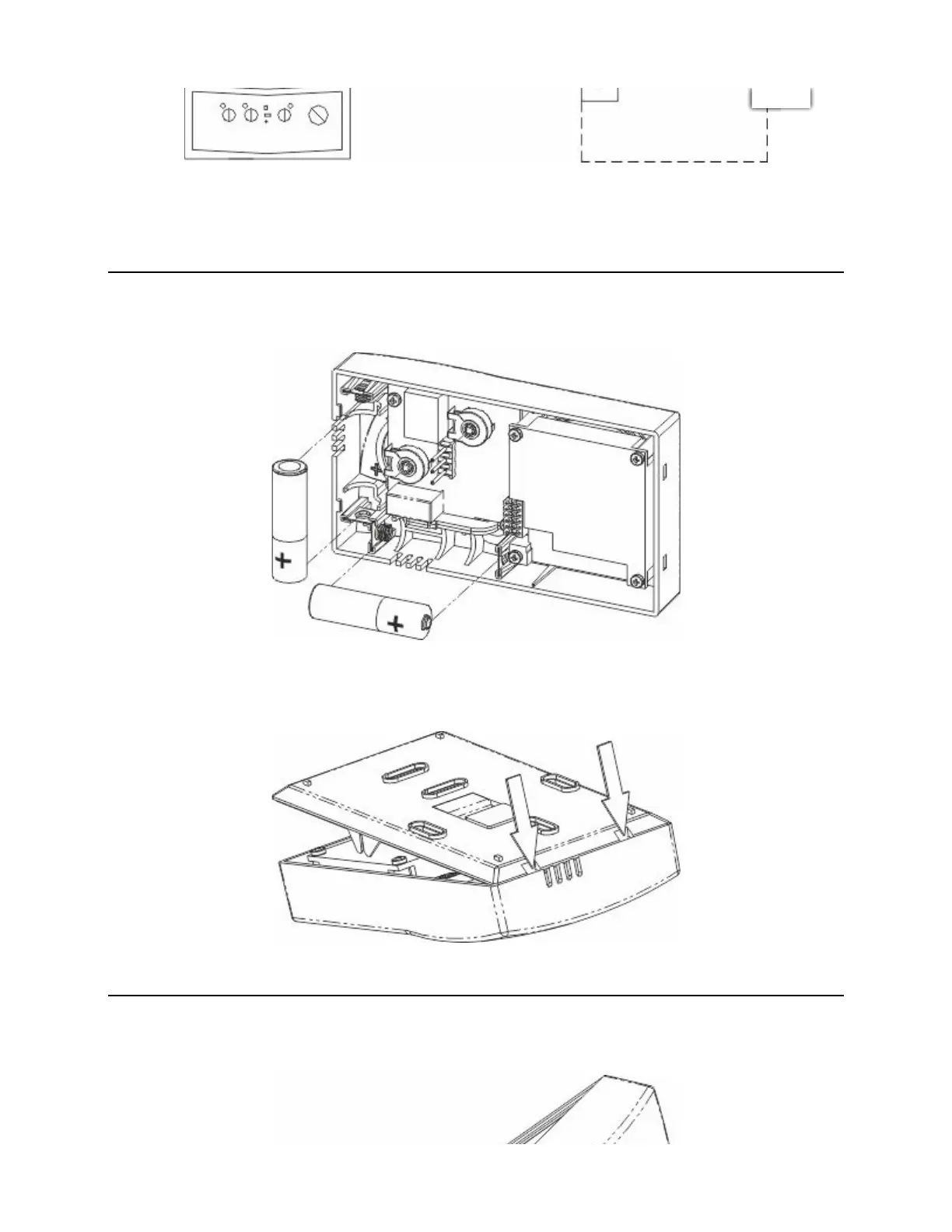
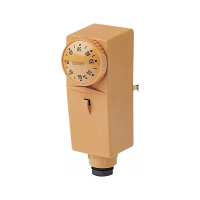
FIG. 4
After connecting the cables, insert the terminal block into place, pressing it gently until the lever clicks. Replace
the terminal cover, screwing it back onto the base (Fig.3 A).
Select the temperature regulation mode, as described in the chapter “REGULATION TYPE”.
Insert the batteries into the slot inside the front ensuring correct polarity (Fig.5).
FIG. 5
Ret the front onto the base, tilting it 45° and engage the notches (Fig.6).
FIG. 6
Close the device again, aligning the contacts with the terminal block on the base until the upper part touches the
lock hooks (Fig.7 A) .
Chronomix S - Imit Control System s.r.l. https://manimit.it/en/chronomix-s-2/
4 of 9 1/27/2022, 11:35 AM


 To Next Page