97
INSTALLER
USERMAINTENANCE TECHNICIAN
TECHNICAL DATA
3.15 PARAMETERS AND INFORMATION MENU
ere are 3 Settings menus (Fig. 49):
DHW: accessible from the DHW button (2);
Zones: accessible by pressing the zone button (3);
General settings menu: accessible by pressing the menu button (18).
Some menu settings appear only when the options are actually connected and working.
“DHW (Domestic hot water)” Menu.
Press the “DHW (Domestic hot water)” button to access a list of variables that enable you to customise use of the DHW (Domestic hot
water).
Hereunder is a list of available menus:
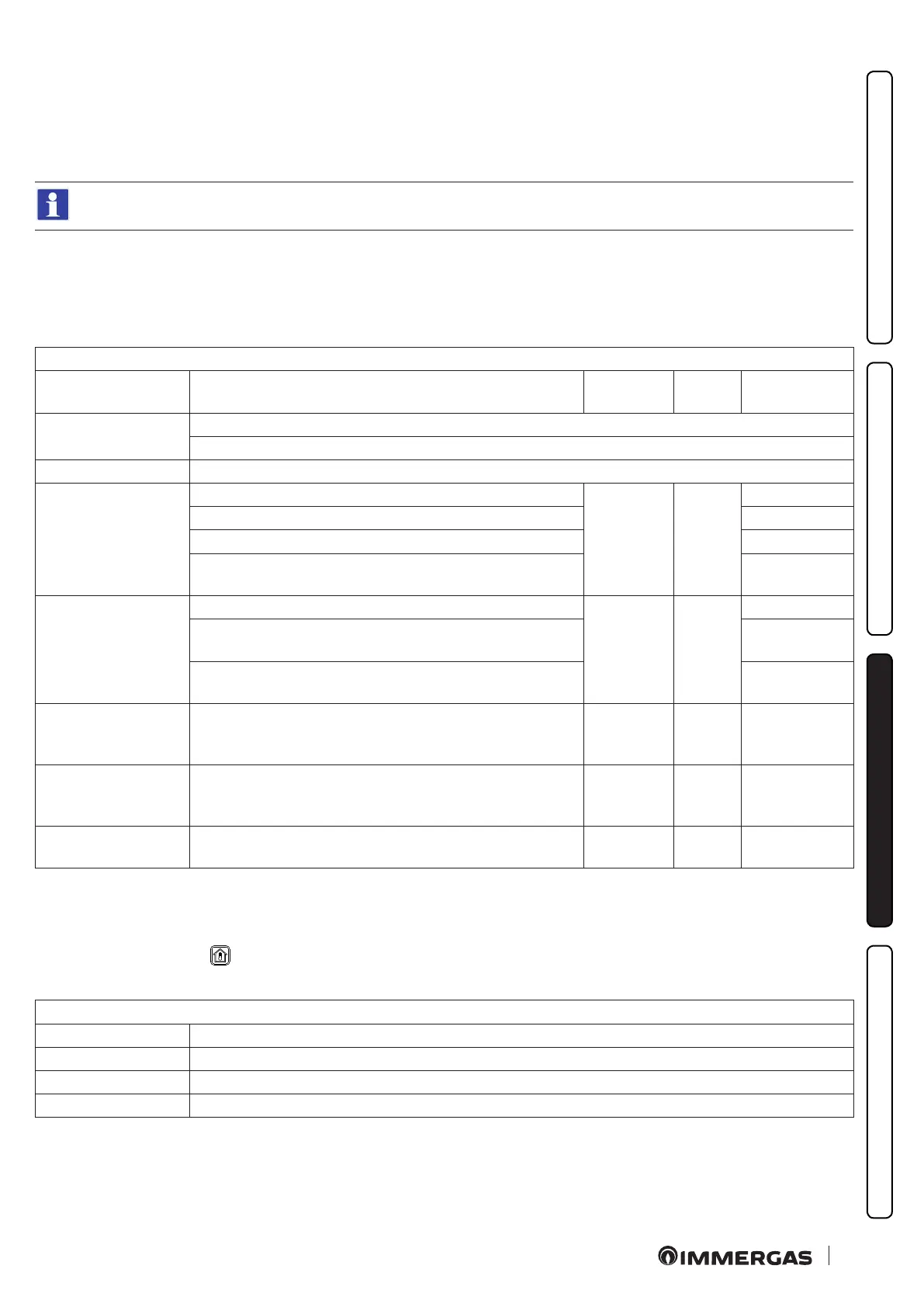
DOMESTIC HOT WATER
Menu item Description Range Default
Customised
value
DHW control
Boiler = informs that the DHW control is managed from the boiler panel
Remote = informs that the DHW control is managed by CAR v2
Temperature Temperature read by the DHW probe
Boost function (*)
Sets the DHW (Domestic hot water) boost function management:
O-On-Auto O
Boost: O = always o
On = always on
Auto = managed as required by the DHW (Domestic hot water) pro-
gram
Set management (*)
Sets the DHW (Domestic hot water) set control mode:
Auto-Man Man
Auto = the DHW (Domestic hot water) set will be controlled at two
levels, according to the DHW (Domestic hot water) program.
Man = the DHW (Domestic hot water) set will always be xed at the
manual value (regardless of the DHW (Domestic hot water) program)
Set comfort
Sets comfort set (comfort set will be active during the active time slots
of the DHW (Domestic hot water) program if "Set management =
Auto" is selected)
30 ÷ 60 °C 50°C
Set economy
Sets reduced set (economy set will be active during the NON active
time slots of the DHW (Domestic hot water) program if "Set manage-
ment = Auto" is selected)
30 ÷ 60 °C 30°C
Set manual
Sets manual set (manual set will be active 24 hours a day if "Set man-
agement = Man" is selected)
30 ÷ 60 °C 30°C
(*) See the DHW paragraph (Parag. 2.6)
Zones Menu.
Aer accessing as “SERVICE”, the zone menu is enriched with additional parameters with respect to user access.
Press the “Zones” BUTTON
to access a list of variables that enable you to customise use of the zones.
Hereunder is a list of available menus:
ZONES
Menu item Description
Zone 1 Denes the operating parameters to manage zone 1 (or the entire system if single-zone).
Zone 2 (*) Denes the operating parameters to manage the zone 2 (if present).
Zone 3 (*) Denes the operating parameters to manage the zone 3 (if present).
(*) if present.







 To Next Page