42
DE
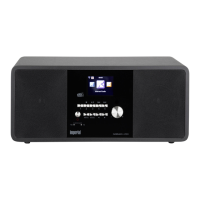
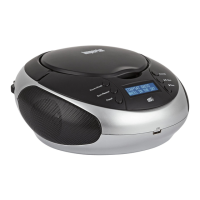
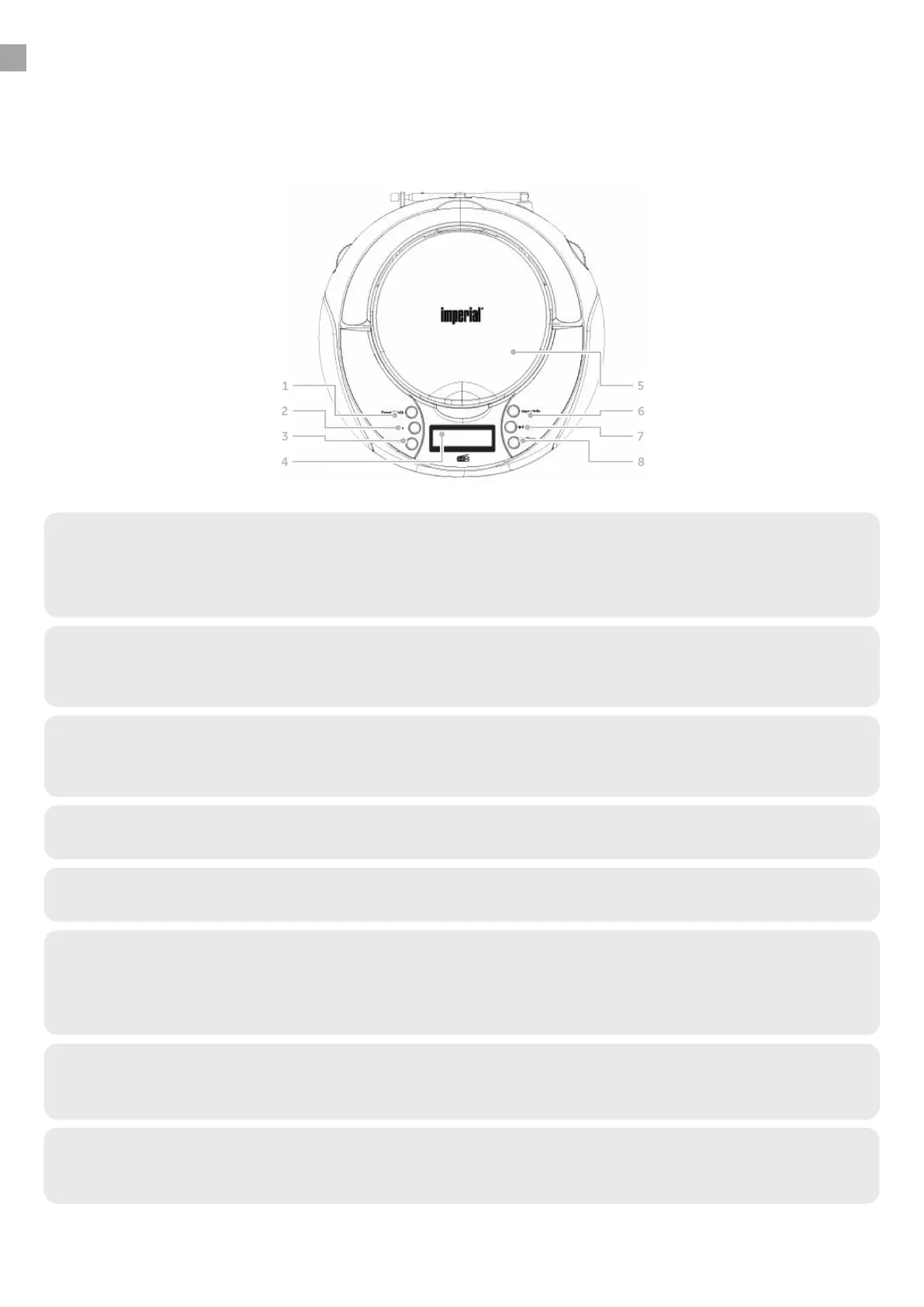
4.1 Front
1. Power/Mode
• Press this button to switch the device on or off.
• Press this button to change the operating mode while the device is on
(DAB / FM/ USB/AUX / CD).
2. Scan/Repeat
• Press this button in CD mode to activate automatic track repeat.
• Press this button in DAB+ or FM radio mode to activate a station search.
4. Display
5. CD drive
Insert a CD into the CD drive with the label facing up.
3. Preset - save button
• Hold the button down to save a radio station to a memory slot.
• Press the button to listen to a saved radio station.
6. Menu
• Hold this button down to view the menu.
• Press this button to see information about the
current radio programme.
7. Play/Pause/Select
• Use this button to start or pause CD or USB playback.
• Press this key to confirm an entry in the device’s menu.
8. Stop/Sleep
• Use this button to stop CD or USB playback.
• Hold this button down to activate a sleep timer.
4. OVERVIEW OF CONTROLS/CONNECTIONS


 To Next Page
 Loading...