Chapter 2: Installing and Connecting Speedway/Revolution
Copyright © 2009, Impinj, Inc. 6
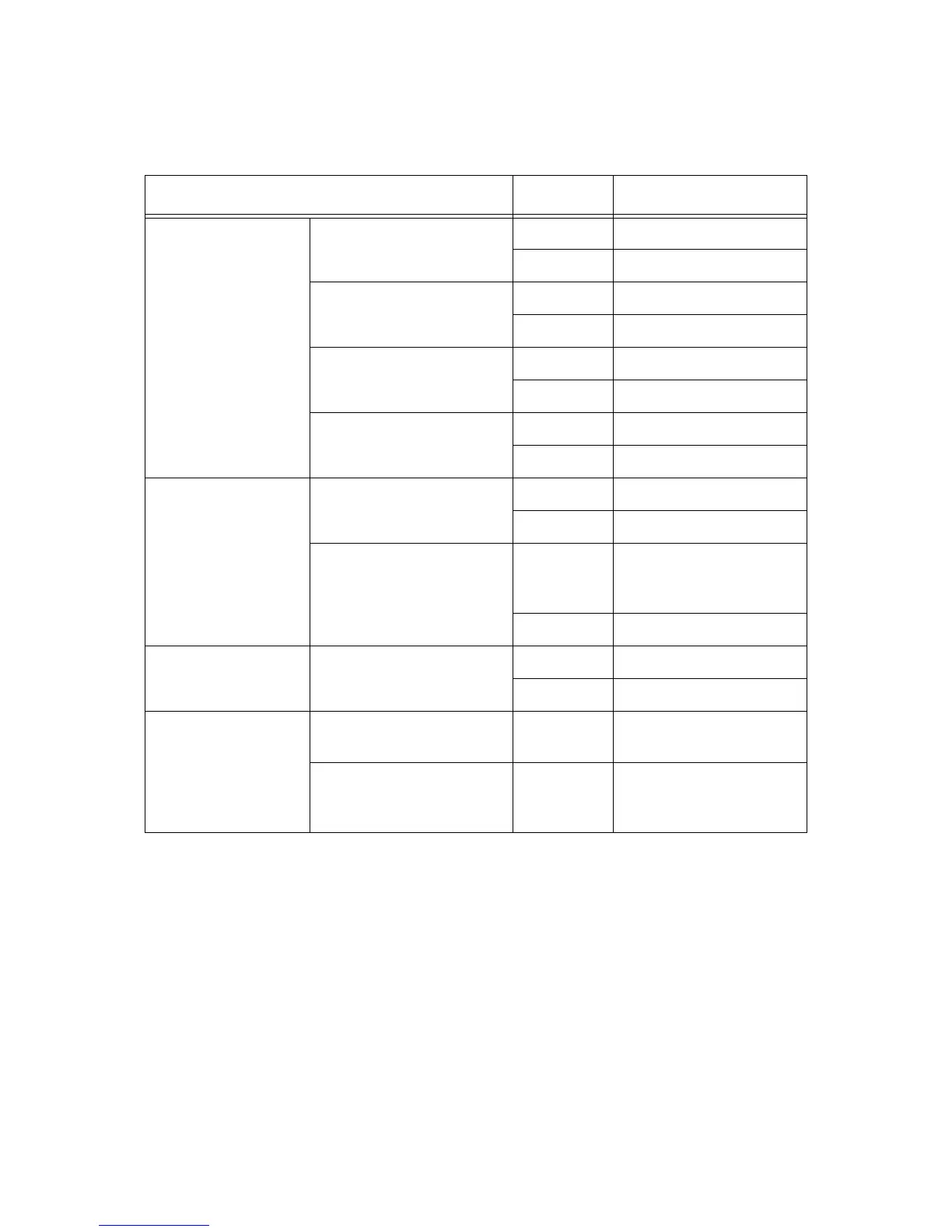
The following table describes the LED behavior for various reader states:
Table 2: Reader Operations and Associated Status LED Behavior
Reader Operation LED Expected Behavior
Startup (power on),
normal completion
Power applied, attempting
to start boot code
Power Solid red
Status Off
Bootloader running Power Blinking green (1Hz)
Status Off
Bootloader calling firm-
ware image
Power Solid green
Status Off
Bootloader completed suc-
cessfully, reader is ready
Power Solid green
Status Solid green
Startup (reset),
normal completion
Factory Default Restore
(FDR) button pressed
Power Turns off
Status Off
FDR button pressed for 3
seconds
Power Blinks twice (red), indi-
cates a configuration
default restore will occur
Status Off
Startup (failure) Hardware problems
detected, unable to boot
Power Continuous blinking red
Status Off
Detection of
antenna activity
Detects no activity on
antenna port
Antenna Off
Detects antenna transmis-
sion activity on antenna
port
Antenna Solid green


 To Next Page