Set Top Box USER MANUAL
6
Manual installation
If you are facing problems to install channels automatically you can try by going to manual mode (this
procedure is reserved to educated people or to service center)
You can go to main menu (hit “Menu” key of the remote control)
A this stage you can use the navigation pan of your remote control with Up and Down arrow to select
an area. Once highlighted you can press OK to select the item. At any point of time if you did
something wrong you can hit the back button to go to previous menu or exit to leave the menu.
From this menu go to Configuration
Then select “Channel installation” and then manual installation
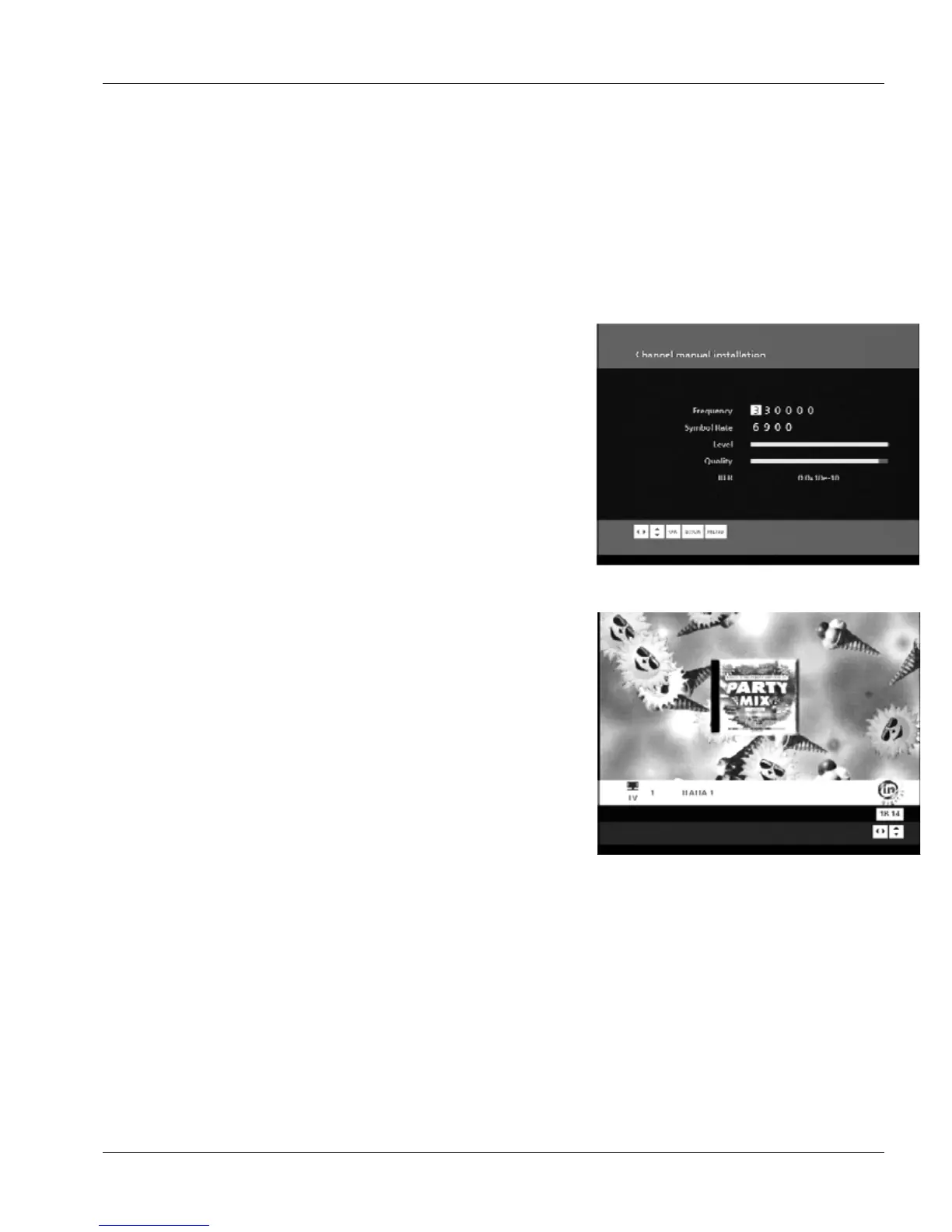
Once you reach this screen you can enter the manual
parameters required to find some channels. The signal level
and quality can help you to optimize you cable connection.
When all is green you can press OK to proceed and install the
services.
At this stage you can go back to automatic installation and let
your Set Top Box install the comple list of services.
Using your Set Top Box
While watching your favorite TV programs you can press the
“info” button at any time to get info on the current TV channel.
By pressing “Info” twice you can have more details on the
program content.
You can now discover many new functions of your digital Set Top Box to make your TV experience
better:
Pressing “OK” button while watching the TV bring you to channel selector: press OK to select
one channel or exit to quit this channel selector.
You can create favorite channel lists in order to select only your most watched channels and
simplified the channel selection: Hit the “menu” button. Then Select “favorite lists” and then
“create favorite list”. Just select the channels by pressing Green button on your remote
handset that you need in your favorite list.
To know what program are actually available or will come in the next hours or days you can
press the “EPG” button. You can then navigate between different channels and select different


 To Next Page