EasyManua.ls Logo

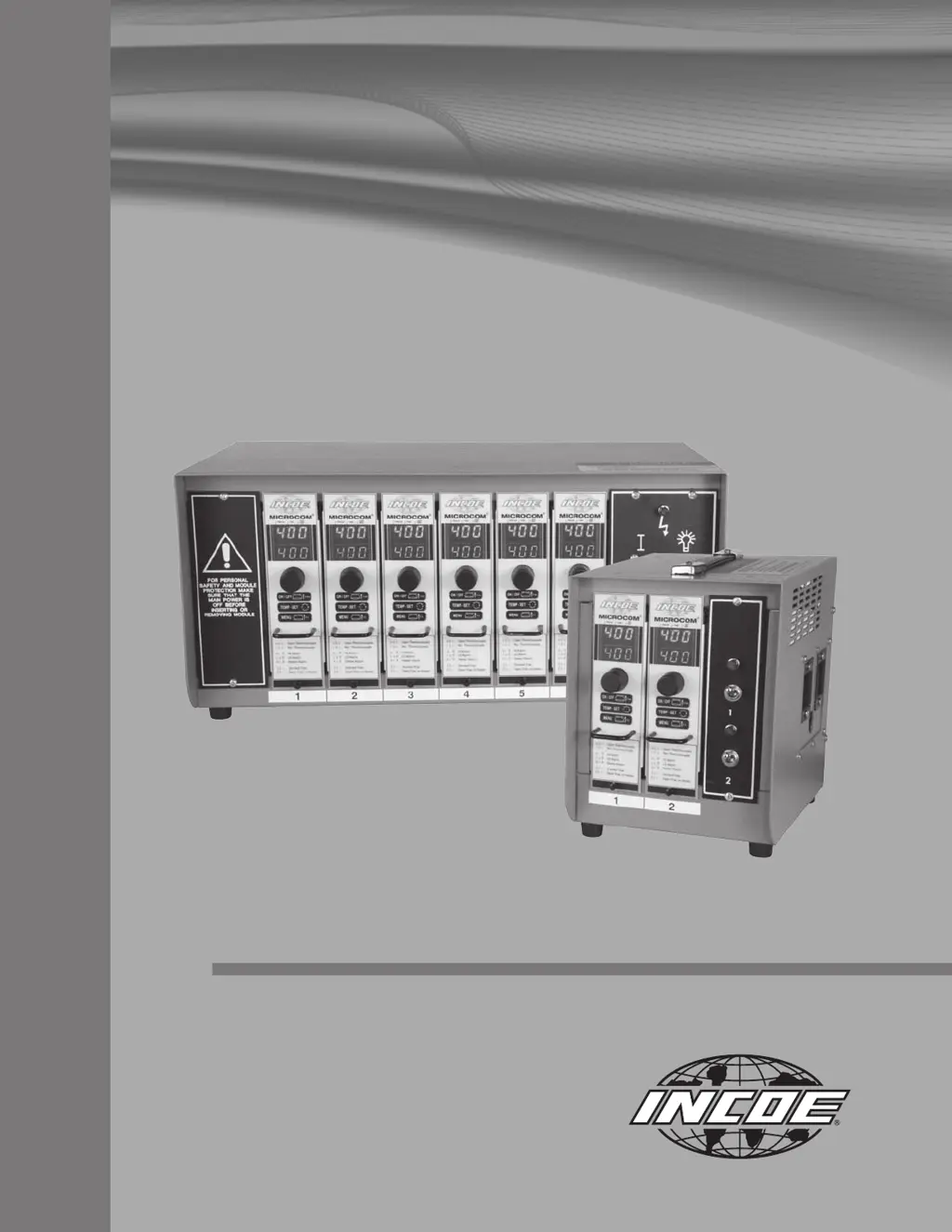
INCOE MICROCOM - User Manual

INCOE MICROCOM
22 pages
Print Icon
To Next Page IconTo Next Page
Loading...
Instruction Manual
MICROCOM
®
I Temperature Controller

Questions and Answers

  • W
    William MoodyAug 1, 2025
    Why INCOE Temperature Controller heats uncontrollably?
    • A
      Andrew BurtonAug 1, 2025
      If your INCOE Temperature Controller heats uncontrollably, and the Po value reads 99.9% (indicating full power output), it could be due to a short-circuited thermocouple, a cut or poorly connected heater. Inspect all wirings and the heater's resistance to resolve this issue.
  • J
    jeromelaneAug 6, 2025
    What to do if my INCOE Temperature Controller has fuses blowing 16A in the fault zone?
    • J
      Julie ZavalaAug 6, 2025
      If you find the 16A fuses blowing in the fault zone of your INCOE Temperature Controller, replace the faulty fuse.
  • J
    julie53Aug 10, 2025
    What to do if INCOE MICROCOM Temperature Controller does not light when switching on the cabinet?
    • J
      Jessica LittleAug 10, 2025
      If your INCOE Temperature Controller doesn't light up when you switch on the cabinet, check the fuses located on the controller circuit board.
  • J
    John HunterAug 14, 2025
    What to do if my INCOE MICROCOM triac shorted?
    • W
      Walter MartinAug 14, 2025
      If the triac in your INCOE Temperature Controller is shorted, send the controller to INCOE for repair.
  • W
    wwilsonAug 18, 2025
    What to do if INCOE Temperature Controller shows reversed thermocouple?
    • J
      James WilsonAug 18, 2025
      If your INCOE Temperature Controller indicates a reversed thermocouple, check for proper wiring. You can also switch to manual mode.
  • D
    Dean ThorntonAug 22, 2025
    How to fix pinched thermocouple in INCOE MICROCOM Temperature Controller?
    • T
      Tim CortezAug 22, 2025
      To address a 'pinched' thermocouple in your INCOE Temperature Controller, fix the pinching. If time is a constraint, switch to manual mode.
  • B
    Brandon PhillipsAug 27, 2025
    How to troubleshoot open thermocouple in INCOE MICROCOM?
    • T
      Travis YoungAug 27, 2025
      To troubleshoot an open thermocouple in your INCOE Temperature Controller, test the thermocouple with an ohmmeter and switch to manual mode.

Summary

1 Introduction to MICROCOM Controller

1.3 Technical Features

Highlights key functionalities like temperature measurement, control modes, and output capabilities.

2 Operation and Setup

2.4 Initial Start Up

Guides through the essential steps for powering on and initiating the controller for the first time.

2.5 Controller Operating Mode

Describes the controller's display, LEDs, switch functions, and operating states.

2.5 Controller Operating Modes and Interface

Controller Mode Description

Details the controller's display, LEDs, and the functions of the 'Click & Rotate' switch.

Click & Rotate Switch Operation

Describes the various tasks performed by the single switch for data entry and navigation.

Alarm and Fault Descriptions

Lists and explains the various alarms and fault messages displayed by the controller.

Operator Interface Menu Navigation

Provides a general overview of menu organization and how to navigate through it.

2.6 Main Menu and Configuration

Main Menu Options

Outlines primary menu selections for control mode, power display, and configuration.

Configuration Menu 1 Details

Details parameters for High Alarm, Low Alarm, Maximum Setpoint, and Time Ramp.

Configuration Menu 2 Details

Details parameters for Temperature Units, Thermocouple Type, and Output Type.

2.6.1 Configuration 1 Menu Parameters

High Alarm User Select

Allows adjustment of degrees above setpoint for high alarm activation.

Low Alarm Adjustment

Allows adjustment of degrees below setpoint for low alarm activation.

2.6.2 Configuration 2 Menu Parameters

Thermocouple Fault Operating Mode

Defines controller behavior when a thermocouple fault occurs.

Controller Settings and Safety Features

3 Trouble Shooting

Fault Identification and Solutions

Provides a table listing faults, their effects, protections, and recommended solutions.

4 Wiring Schematics & Plug Diagrams

INCOE MICROCOM Specifications

General IconGeneral
Control Zones1
Thermocouple TypeJ, K
OutputSSR
AlarmsDeviation
Input TypeThermocouple
Output TypeSSR
Control AlgorithmPID
DisplayLED
Operating Temperature0°C to 50°C