15 of 33
Service Manual UK
Indesit
Company
English
DESCRIPTION OF THE APPLIANCE
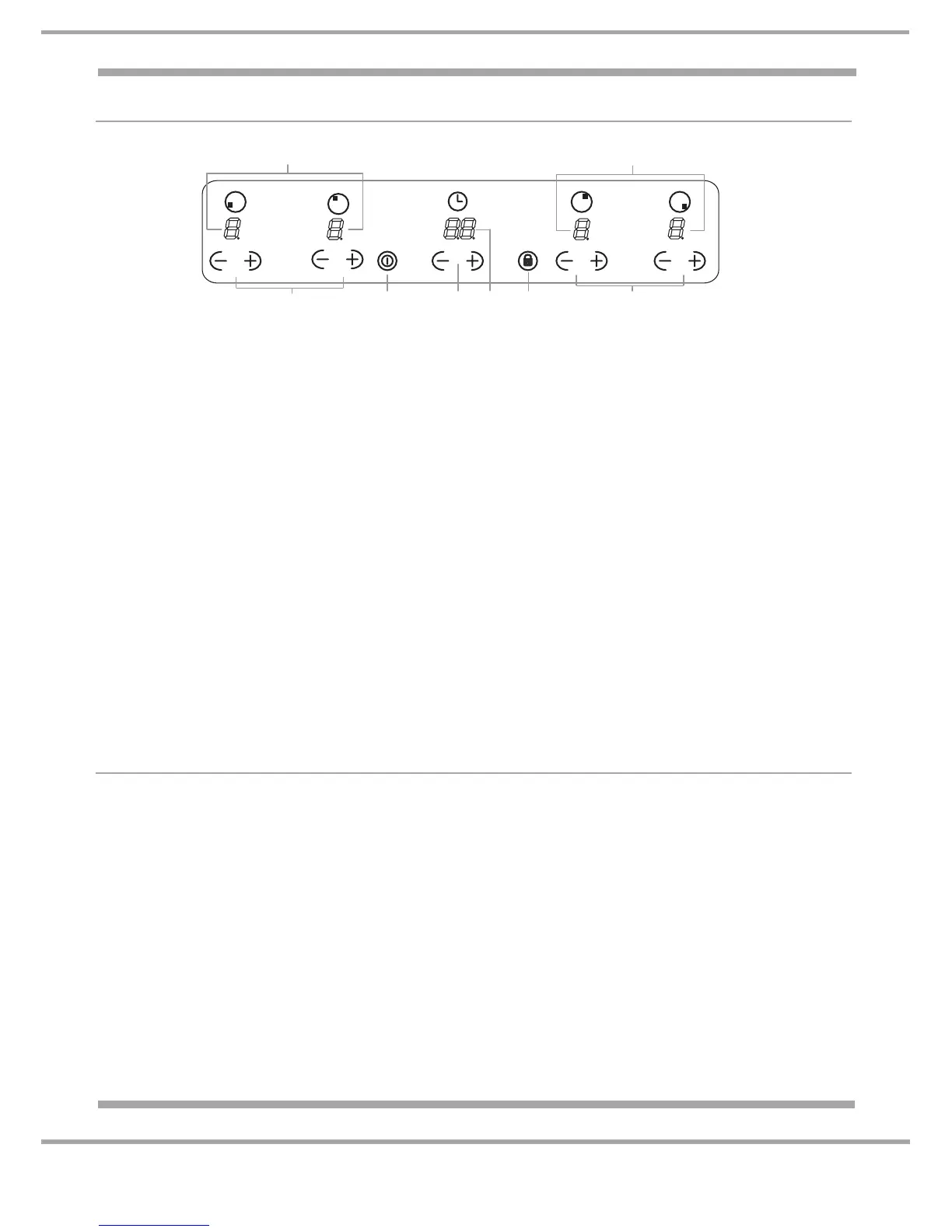
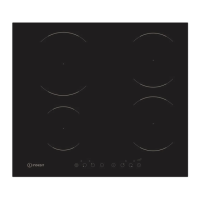
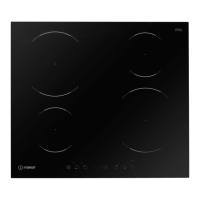
The control panel described above is only a representative example, it may not exactly match the
panel on this appliance.
1 INCREASE (+) / REDUCE (-) POWER button - controls the power level on every individual
cooking zone.
2 INCREASE (+) / REDUCE (-) TIME button - controls the timer of cooking on the cooking zones.
3 COOKING ZONE POWER displays - shows the power level selected for every individual cooking
zone.
4 ON/OFF button - switches the appliance on and off.
5 CONTROL PANEL LOCK button - prevents accidental changes to the hob settings and shows the
control panel has been locked.
6 TIMER display - shows the cooking time selected.
When using the touch control panel:
• Do not use gloves
• Use a clean finger
• Touch the glass smoothly
STAND-BY MODE
This product complies with the requirements of the latest European Directive on the limitation of power
consumption of the stand-by mode.
If no operations are carried out for a period of 2 minutes, after the residual heat indicator lights turn off
and the fan stops (if present), the appliance automatically switches to the OFF Mode.
The appliance resumes the operating mode once the ON/OFF button is pressed.
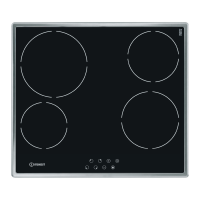
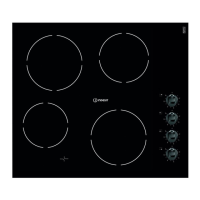
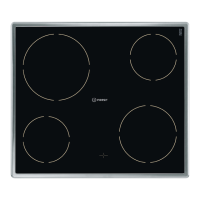
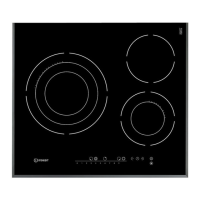
Depending on the number of heaters/cooking zones on the hob the COOKING ZONE SELECTED
INDICATORS may vary between 3 and 4.
2
5
4
1
6
1
3
3



 To Next Page