Web interface
sh. 18 of 26
4.4.1 Buttons on start page
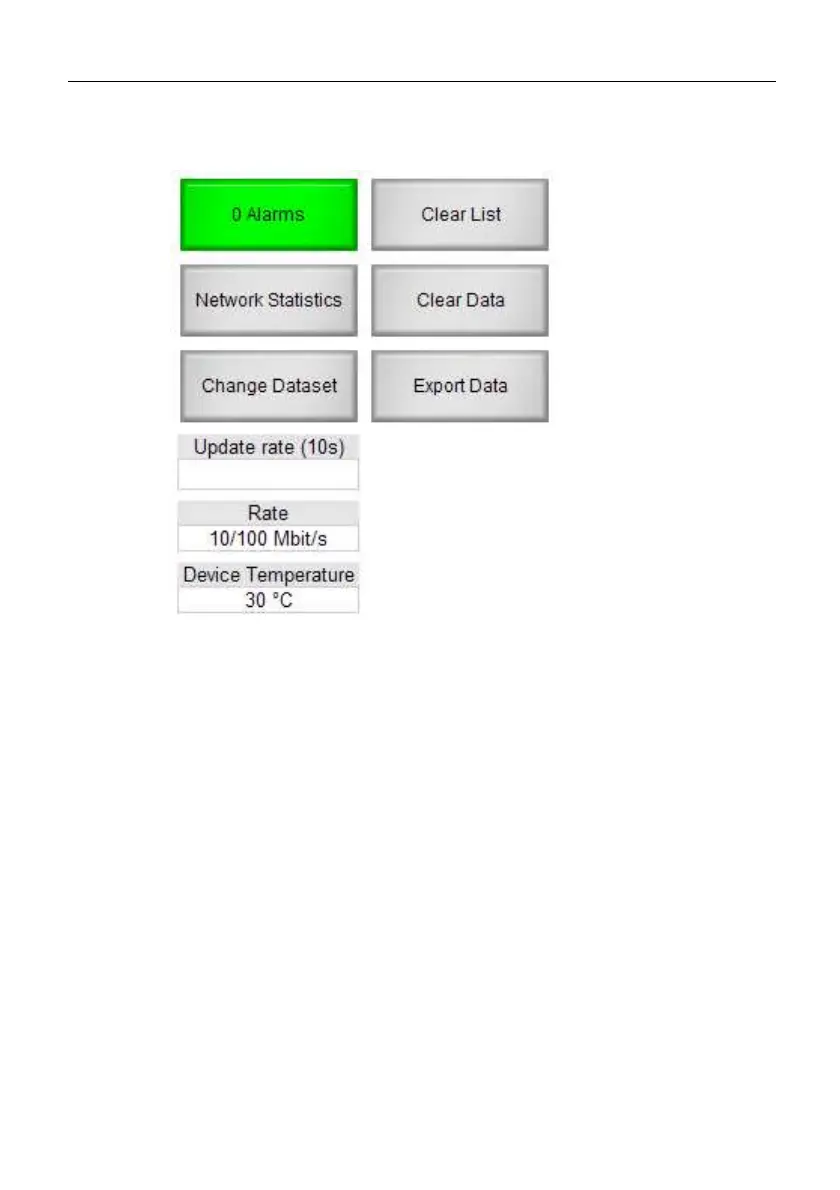
Fig. 3: Buttons of start page
Alarms -> Shows alarm list
Network statistics -> Shows network overview
Change data record -> Changes the current data record (4 data
records in ring buffer)
Clear list -> Entries in table are set to 0, devices and their names
are maintained, however.
Clear data -> Entries in table are reset including all devices and
names.
Export data -> Listing of recorded data



 To Next Page