Web interface
sh. 20 of 26
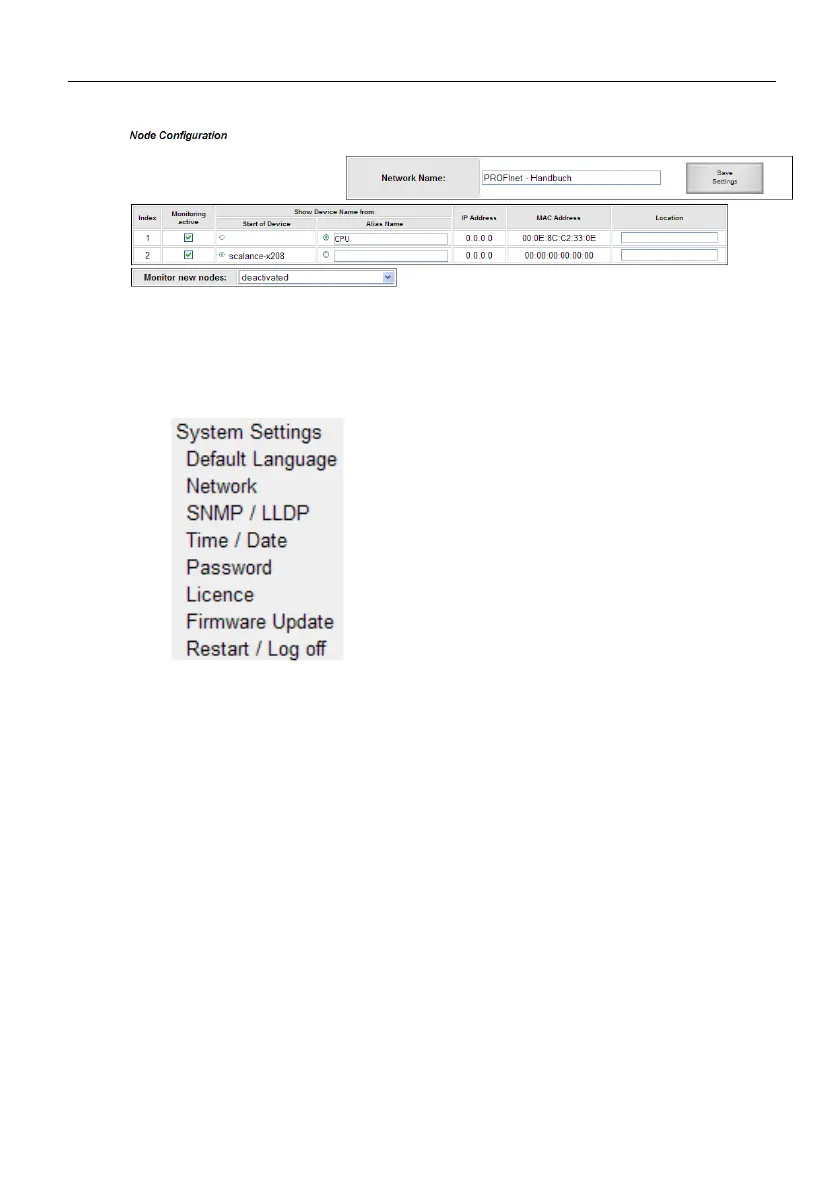
Fig. 5: Designation of subscribers
4.4.5 System settings
Under System Settings all settings of the device can be adjusted.
Fig. 6: System settings
Default language -> to define the language of the website when
selected.
Network -> to set the network parameters
SNMP/LLDP -> to set the SNMP name and parameters
Time/Date -> to set date and time
Password -> to set the password for all users incl. setting of
password prompt.
License -> view of license and possible upgrade by input of a
license code
Firmware update -> to load new firmware
Restart/Logout: to logout active user or device restart.



 To Next Page