67
“Keep warm” Function
This function allows the cooking zones to reach and automatically maintain a temperature of 42,
70 or 94°C, this to avoid liquids flowing over and pans burning.
• To start the function « Keep warm » :
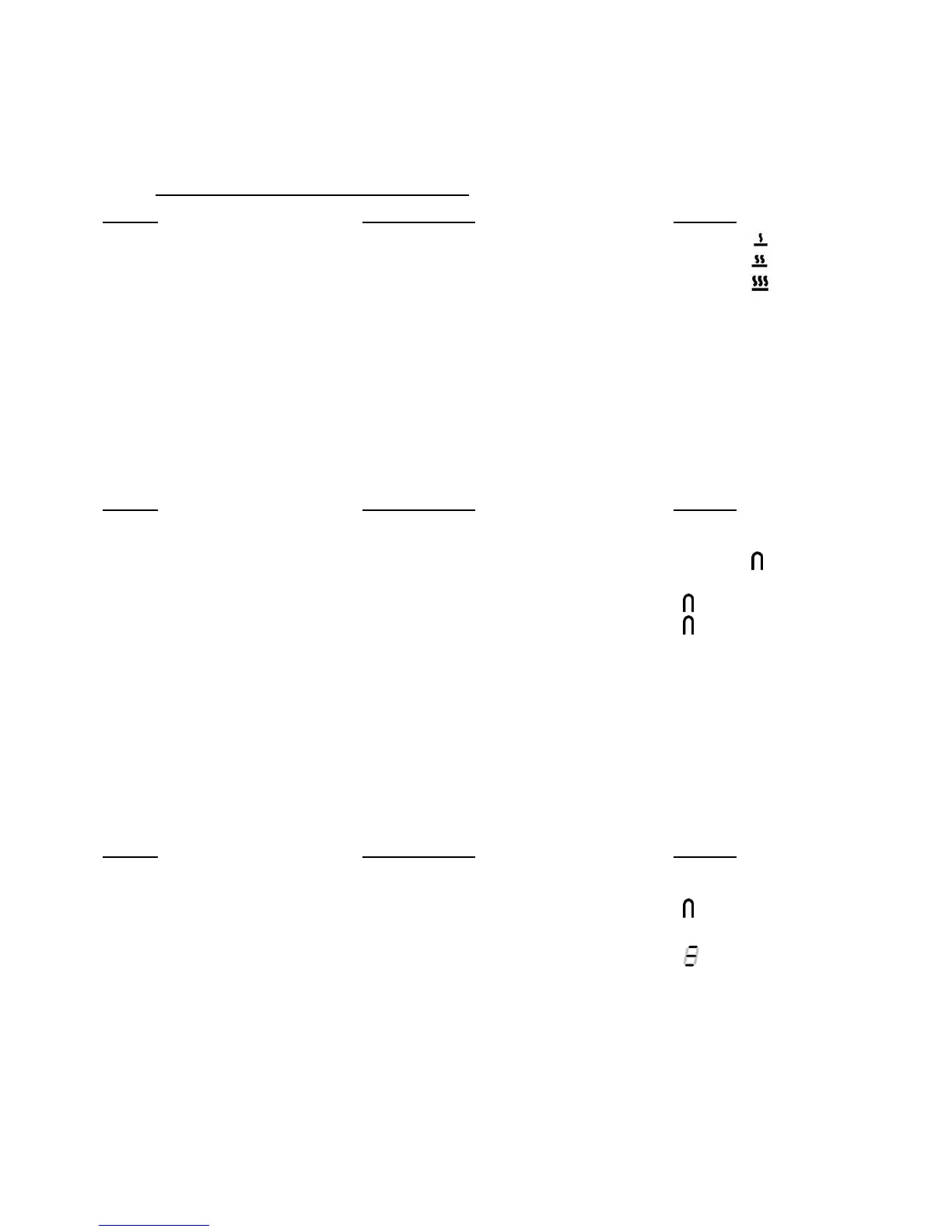
Action Control panel Display
42°C to engage Press once on key [ U ] [ U ] and [ ]
70°C to engage Press twice on key [ U ] [ U ] and [ ]
94°C to engage Press 3 times on key [ U ] [ U ] and [ ]
To stop Slide on the “SLIDER“ [ 0 ] to [ 9 ]
or press key [ U ] until [ 0 ] [ 0 ]
The maximum duration of keeping warm is 2 hours.
Bridge and automatic bridge Function (depending on model)
This function allows the use of 2 cooking zones at the same time with the same features as a
single cooking zone. Booster function is not allowed.
Action Control panel Display
Activate the hob Press display [ 0/I ] [ 0 ]
Activate the bridge Press simultaneously on [ U ]
of the 2 cooking zones [ 0 ] and [
]
or
put a great pan on the 2 zones [
] blink
and press on the 2 “SLIDER” [
]
Increase bridge Slide on the “SLIDER“ [ 1 ] to [ 9 ]
which indicates the power
Stop the bridge Press simultaneously on [ U ] [ 0 ]
of the 2 cooking zones
Grill function (depending on model)
This function allows the optimal use of the grill plate “IDPGRIC” with combining two areas and
using appropriate powers.
Action Control panel Display
Activate the hob Press display [ 0/I ] [ 0 ]
put the grill plate on the
2 zones to use [
] blink
Activate the Grill Press simultaneously on the
« SLIDER » of the 2 cooking zones [
]
Increase the Grill Slide on the “SLIDER“
witch indicates the power power level on the
slider
Stop the Grill Press simultaneously on the
« SLIDER » of the 2 cooking zones [ 0 ]



 To Next Page