Ref. IS.MDUINO.XXX
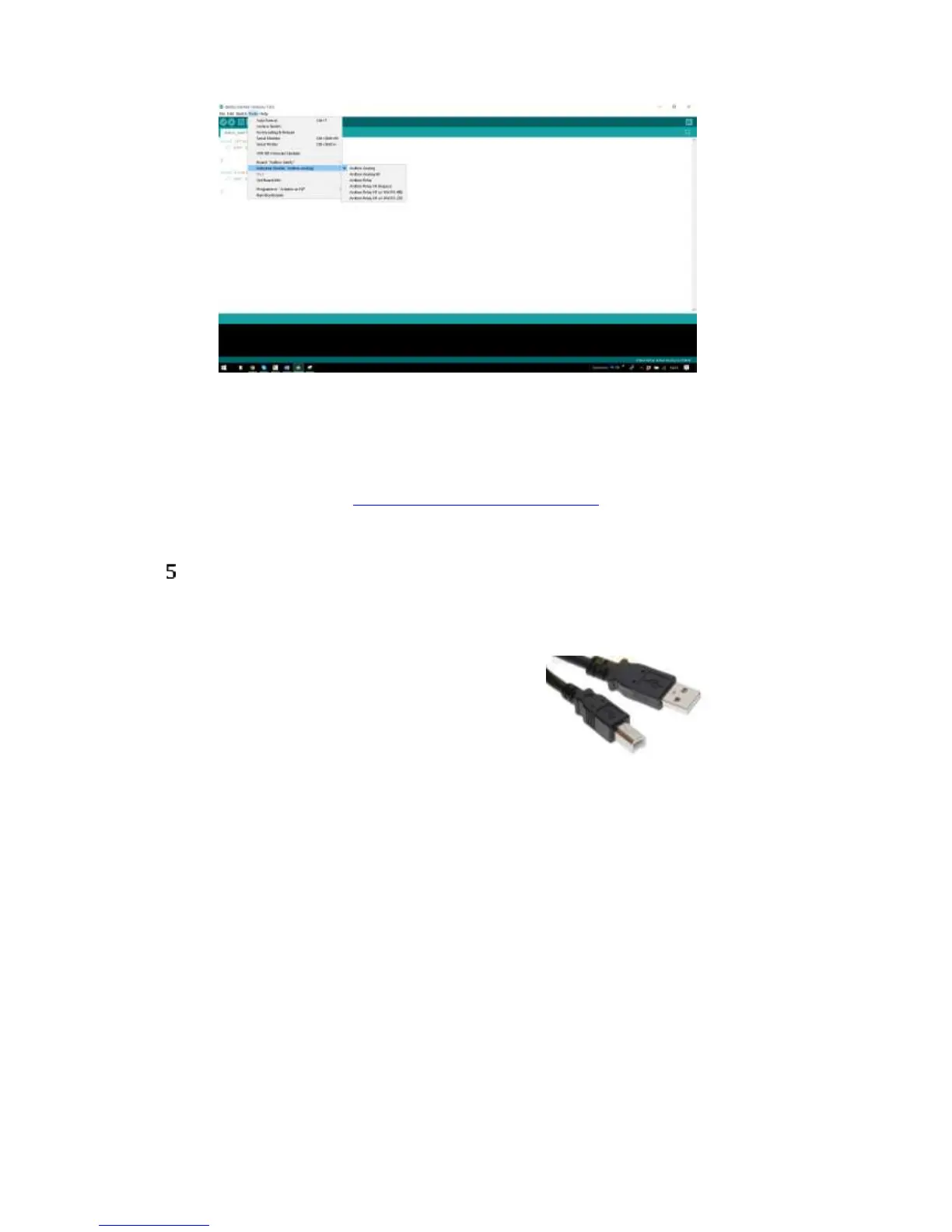
Also there are some examples of programming in File -> Examples -> M-Duino Family.
Furthermore there are some extra libraries that can be found in Industrial Shields github.
https://github.com/IndustrialShields/
How to connect PLC Arduino to PC
- Connect USB port from PLC to PC.
NOTE:
M-Duino Family uses USB-B cable.
- Open Arduino IDE interface:
- Select Industrial Shields boards -> M-Duino Family



 To Next Page