44
Import Libraries from USB
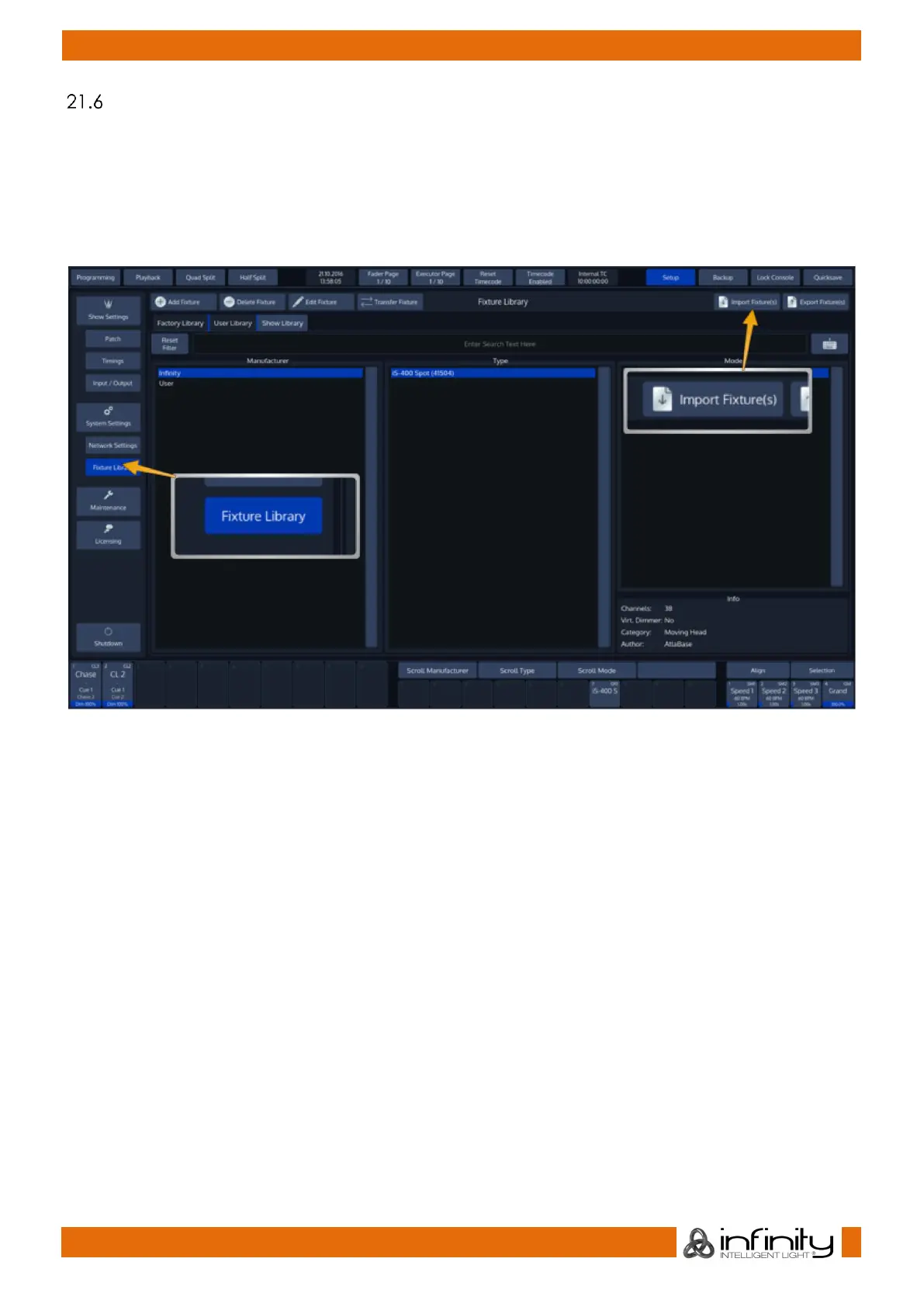
Plug the USB Key into one of the Chimps USB Ports and head over to the Setup Menu. Select Fixture
Library from the Side Menu.
Select the library type you would like to import these fixtures into by selecting the appropriate tab.
Factory Library is read only, hence fixtures may only be imported into the User Library or Show Library.
Click on Import Fixture(s).
Fig. 52: Setup Menu – Fixture Library - Import Library from USB
Chimp will open a wizard guiding you through the progress.



 To Next Page