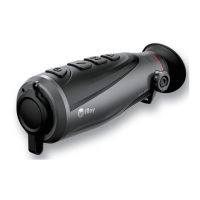
16.Laser designation and ranging (Rangefinder Module required)
Rico series supports rangefinder module (optional) for laser designation and ranging. The maximum
ranging distance is 1000m.
Laser Ranging
➢ Hold down both ↑button and ↓button simultaneously to turn on laser ranging.
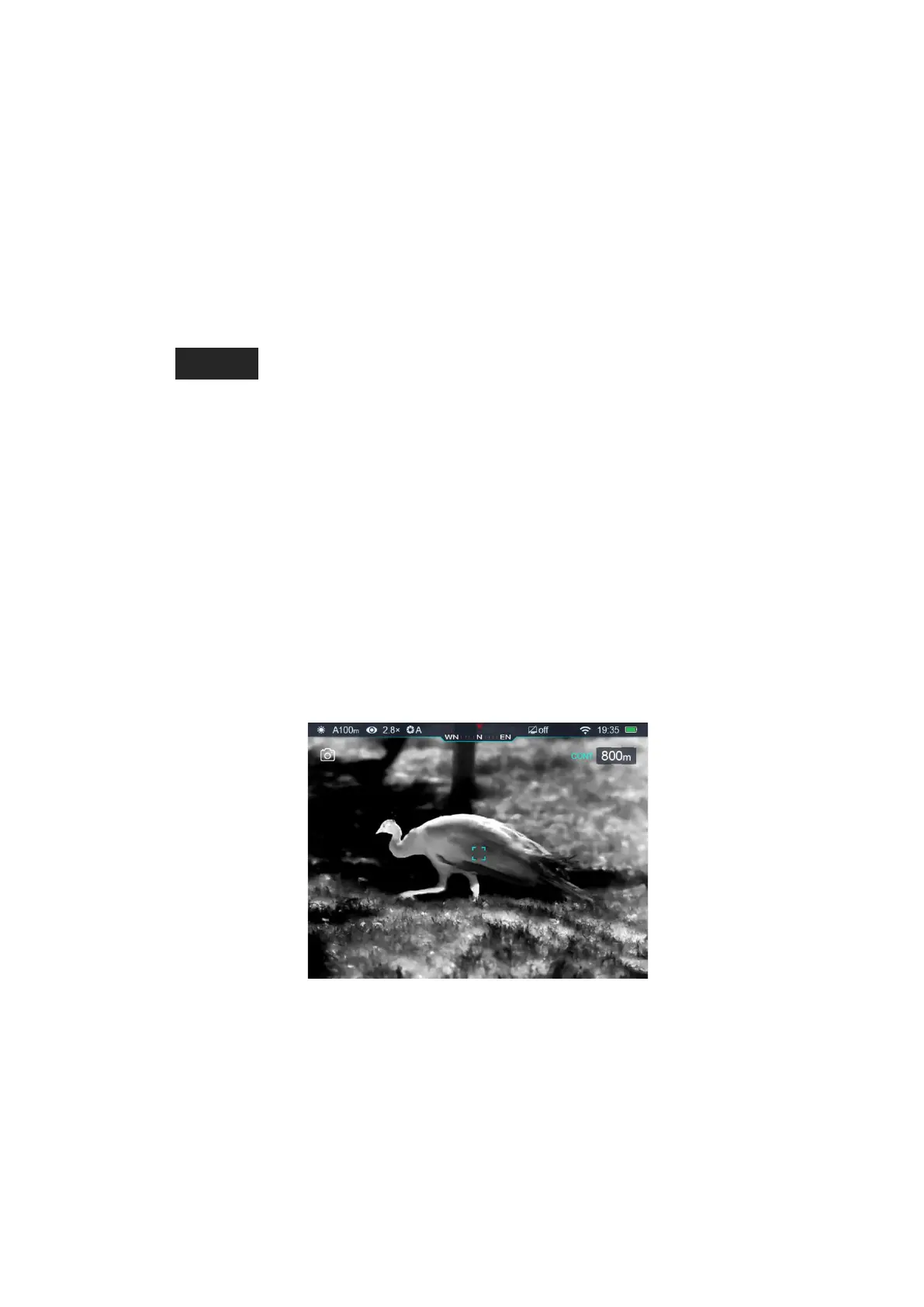
➢ There is ranging indicator in the center of screen, ranging value in the top right corner as
, ranging mode on the left of ranging value. When ranging targets that further than
1000m, ranging value will be “MAX”;
➢ Rico series have two ranging modes: Single time ranging (SGL) and Continuous ranging (CONT).
Press↑button and↓button simultaneously can switch between CONT/SGL.
➢ Once switched on ranging mode, the default mode is Single time ranging, the status ‘SGL’ will
reveal on the left of ranging value, press Power button to show a new ranging value; in SGL
mode, the shutter calibration is not available.
➢ In Continuous ranging (CONT) mode, the status ‘CONT’ will reveal on the left of ranging value.
The ranging value changes as target varies. The shutter calibration is available in CONT mode.
➢ Hold down ↑button and↓button simultaneously to exit laser ranging.
Laser indicator
➢ In ranging mode, hold down↑button and M button simultaneously to switch ON/OFF the laser
indicator.
Caution:


 To Next Page