EasyManua.ls Logo

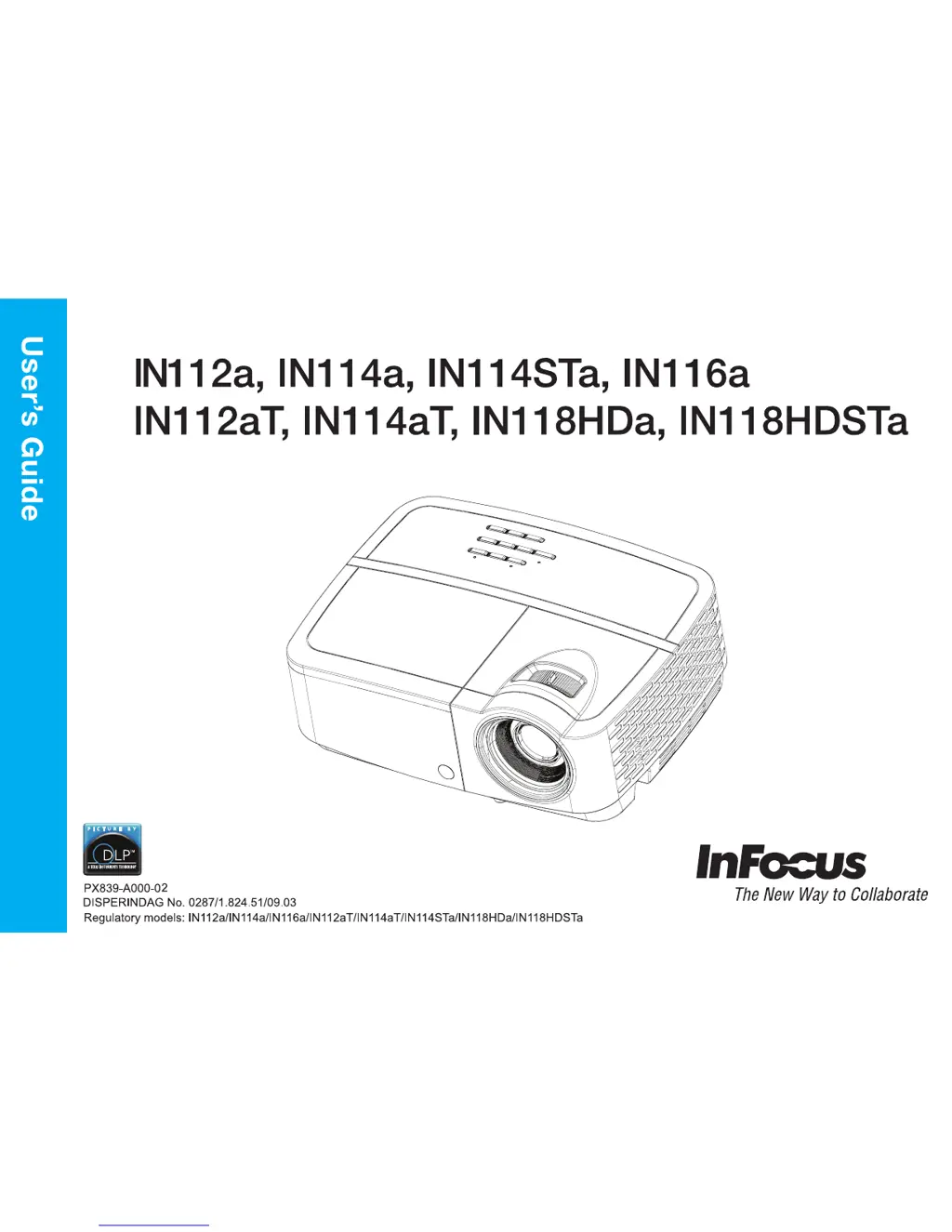
InFocus IN112a - User Manual

InFocus IN112a
36 pages
Print Icon
To Next Page IconTo Next Page
Loading...

Other manuals for InFocus IN112a

Questions and Answers

  • S
    Sarah SinghSep 12, 2025
    How to adjust aspect ratio on InFocus Projector?
    • M
      Matthew RivasSep 12, 2025
      To adjust the aspect ratio on your InFocus Projector to fit a 4:3 or 16:9 screen, go to the Basic Menu and select the Aspect Ratio menu. From there, change the aspect ratio to 4:3 or 16:9.
  • K
    Kristine WrightSep 14, 2025
    How to correct reversed image on InFocus IN112a Projector?
    • D
      Dr. Justin MckaySep 14, 2025
      To correct an image that is reversed left to right on your InFocus Projector, turn off the Rear Project option in the Advanced Menu under Setup > Image Setup... menu.

Summary

Important Operating Considerations for Safety

General Safety Warnings

Covers warnings for placement, handling, power, and servicing to ensure user safety.

Connector Panel

Positioning the Projector

Connecting a Computer Source

Connecting Power

Guidance on connecting the projector to a power source using the provided cord.

Optional Computer Connections

Information on connecting audio and using monitor out for additional computer connections.

Displaying an Image

Adjusting the Image

Connecting a Video Device

HDMI Connection

Connecting video devices via HDMI for digital audio and video.

Composite Video Connection

Connecting video sources using composite video cables.

VGA Connection

Connecting video sources with VGA output to the projector.

Shutting Down the Projector

Troubleshooting Your Setup

Using the Remote Control

Using the Audio

Using the Keypad Buttons

Optimizing Computer Images

Optimizing Video Images

Using the Menus

Basic Menu

Advanced Menu

InFocus IN112a Specifications

General IconGeneral
Weight2.4 kg
Throw Ratio1.96 - 2.15:1
Projection TechnologyDLP
Resolution800x600
Contrast Ratio20000:1
ConnectivityHDMI, VGA, USB
Aspect Ratio4:3
Noise Level32 dB (Normal) / 28 dB (Eco)
Keystone CorrectionVertical ±40 degrees
Lamp Life5000 hours (Normal) / 6000 hours (Eco) / 7000 hours (Dynamic)

Related product manuals