72
OPTION menu
Item Description
SERVICE
(continued)
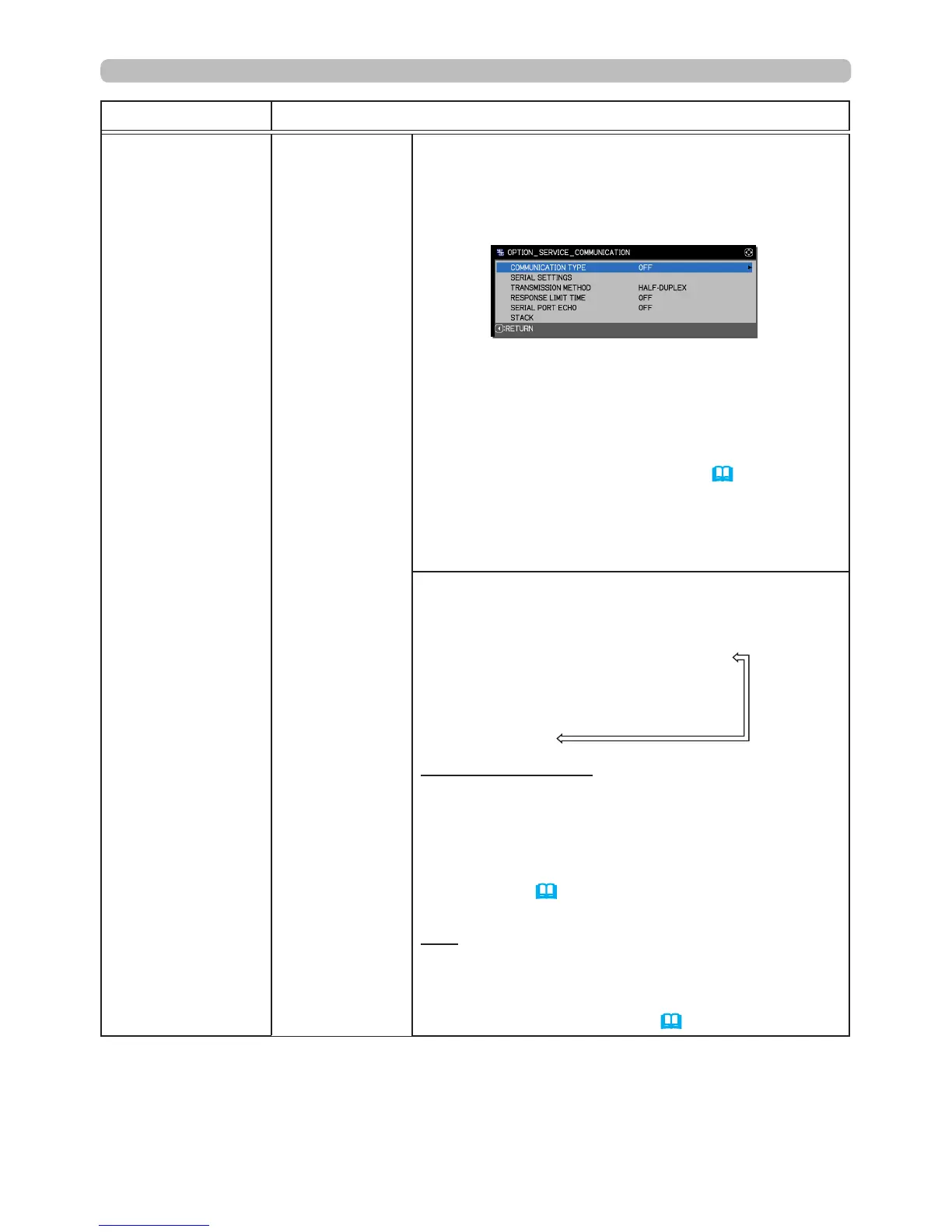
COMMUNICATION
Selecting this item displays COMMUNICATION
menu.
In this menu, you can congure the projector's
serial communication settings using the
CONTROL
port.
• Select an item using the cursor buttons ▲/▼.
Then press the ► button to open the submenu
for setting the item you selected. Or, press the ◄
button instead of the ► button to go back to the
previous menui without changing the setup. Each
submenu can be operated as described above.
• When COMMUNICATION TYPE (
below
) is
OFF, all other items in the COMMUNICATION
menu are unavailable except STACK.
• For serial communication functions, refer to the
Network Guide.
COMMUNICATION TYPE
Select the communication type for transmission via
the
CONTROL
port.
NETWORK BRIDGE (WIRELESS)
NETWORK BRIDGE (WIRED)
OFF
NETWORK BRIDGE: Select this type, if an
external device must be used as a network
terminal between this projector and the computer.
Select WIRELESS or WIRED as your network
connection mode.
The
CONTROL
port does not accept RS-232
commands (
6. Network Bridge Function
in
the
Network Guide
)
OFF: Select this mode to receive RS-232
commands using the
CONTROL
port.
• OFF is the default setting.
• When you select NETWORK BRIDGE, check the
TRANSMISSION METHOD (
73
) settings.
(continued on next page)





 To Next Page