41
Maintenance
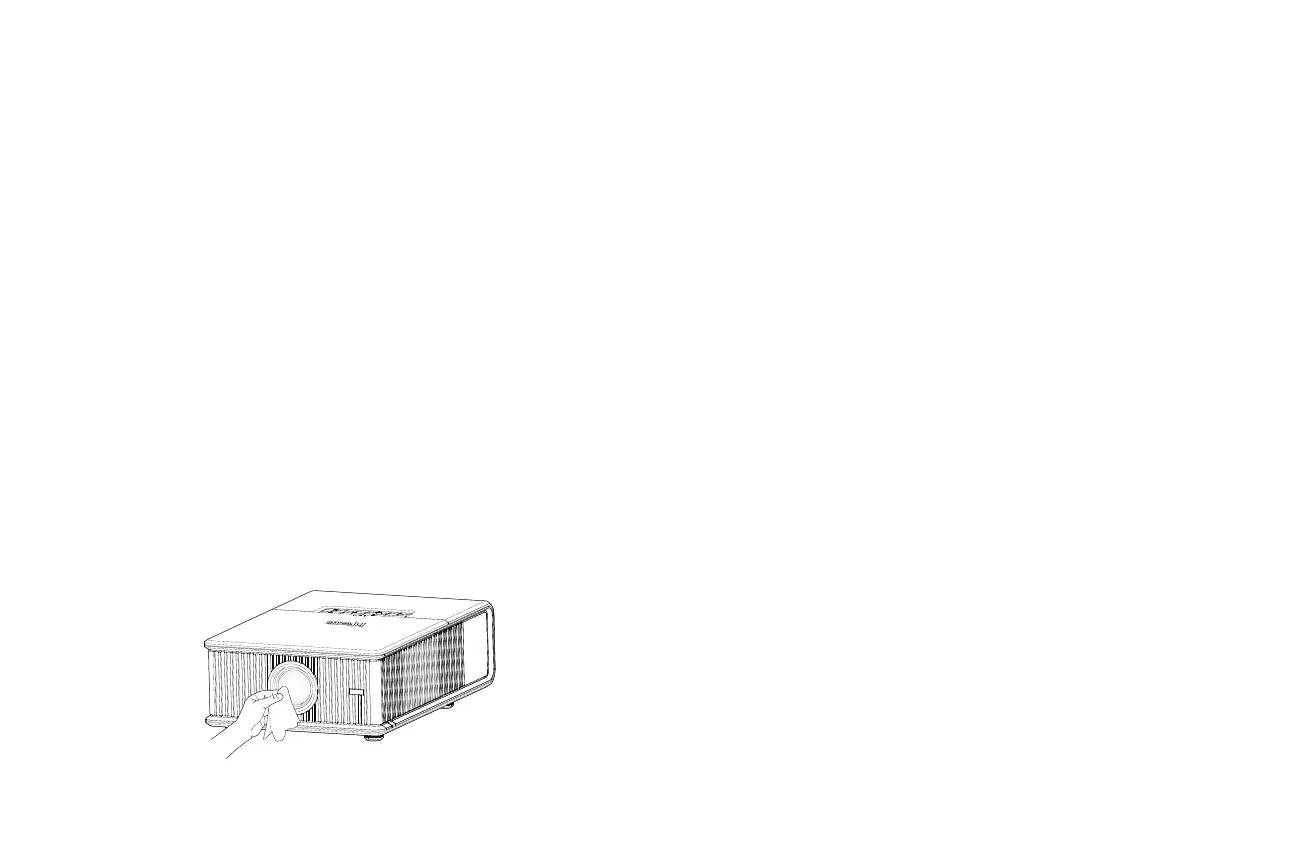
Cleaning the lens
1 Turn the projector off and unplug the power cord.
2 Apply a non-abrasive camera lens cleaner to a soft, dry cloth.
• Avoid using an excessive amount of cleaner, and don’t apply the
cleaner directly to the lens. Abrasive cleaners, solvents or other harsh
chemicals might scratch the lens.
3 Lightly wipe the cleaning cloth over the lens in a circular motion.
WARNINGS:
• Turn the projector off and unplug power cord before cleaning any part
of the projector.
• Do not open any cover on the projector, except the lamp cover or
projector top cover.
• Do not attempt to service this product yourself as opening and
removing covers may expose you to dangerous voltage and other
hazards. Refer all servicing to qualified service personnel.


 To Next Page
 Loading...








