EasyManua.ls Logo

InFocus IN5555L - Troubleshooting Image Geometry

InFocus IN5555L
57 pages
Print Icon
To Next Page IconTo Next Page
To Previous Page IconTo Previous Page
Loading...
16
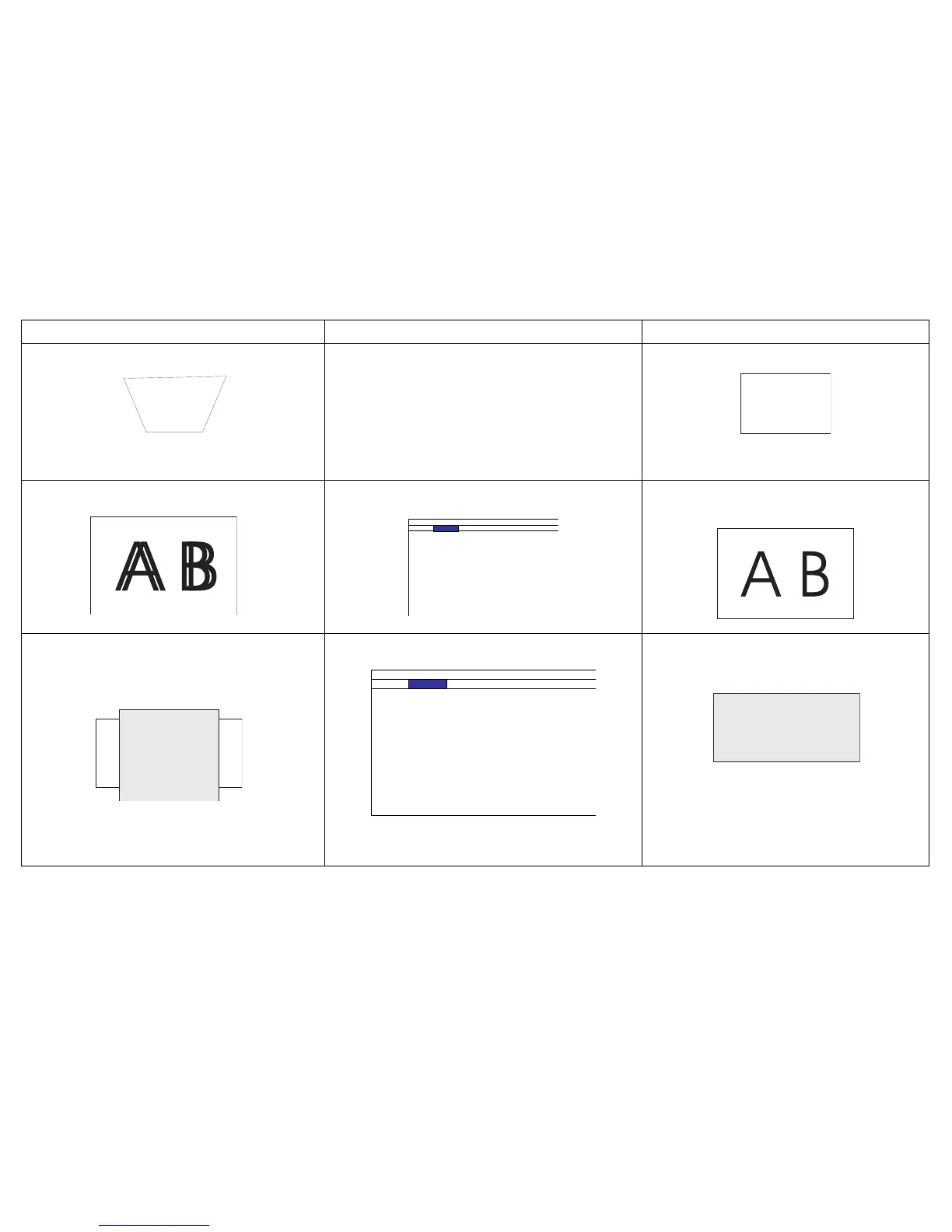
Image not square. Adjust the angle of the projector, so that it is
square with the screen.
Square image.
Image not sharp.
INPUT PICTURE LAMPS ALIGNMENT CONTROL SERVICE
Picture Mode < High Bright >
Contrast < 100 >
Brightness < 100 >
Adaptive Contrast < O >
Saturation < ------ >
Hue < ------ >
Gamma < Video >
Color < Enter >
Sharpness < 0 >
Noise Reduction < 0 >
Aspect Ratio < 16:10 >
Overscan < O >
VGA Setup Enter
Auto Sync Execute
Adjust Sharpness in the Picture menu. Correct image.
Image does not fit 4:3 or 16:9 screen.
INPUT PICTURE LAMPS ALIGNMENT CONTROL SERVICE
Picture Mode < High Bright >
Contrast < 100 >
Brightness < 100 >
Adaptive Contrast < O >
Saturation < ------ >
Hue < ------ >
Gamma < Video >
Color < Enter >
Sharpness < 0 >
Noise Reduction < 0 >
Aspect Ratio < 16:10 >
Overscan < O >
VGA Setup Enter
Auto Sync Execute
Change Aspect Ratio to 4:3 or 16:9 in the Picture
menu.
Correct image.
Problem Solution Result

Related product manuals