31
Using Projector Web Controls
Changes you make are applied immediately.
• T
o change a numeric setting (e.g. Brightness): Click the corresponding up
or down button.
• To perform a command (e.g. Source): Click the corresponding button.
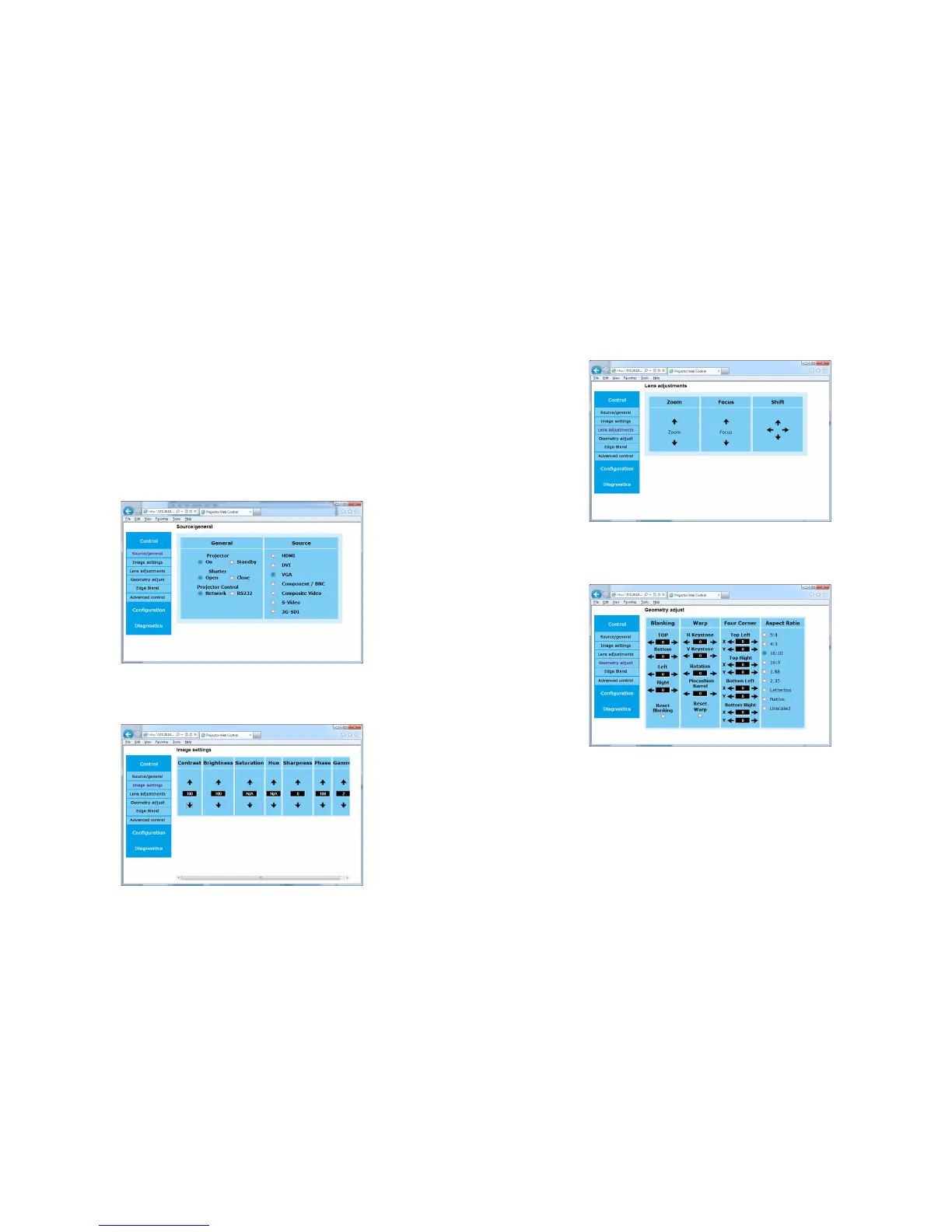
Controls Menu
Source/General Submenu: allows you to change the video source, turn the
projector on or put it into standby, open and close the shutter, and set the projec-
tor control to network or RS232 control.
Image Settings Submenu: allows you to adjust contrast, brightness, saturation,
hue, sharpness, phase and gamma for the projected video source.
Lens Adjustments Submenu: allows you to adjust the lens zoom, focus and
position.
Geometry Adjust Submenu: allows you to adjust the blanking, warp, four cor-
ners and aspect ratio of the projector.



 To Next Page