32
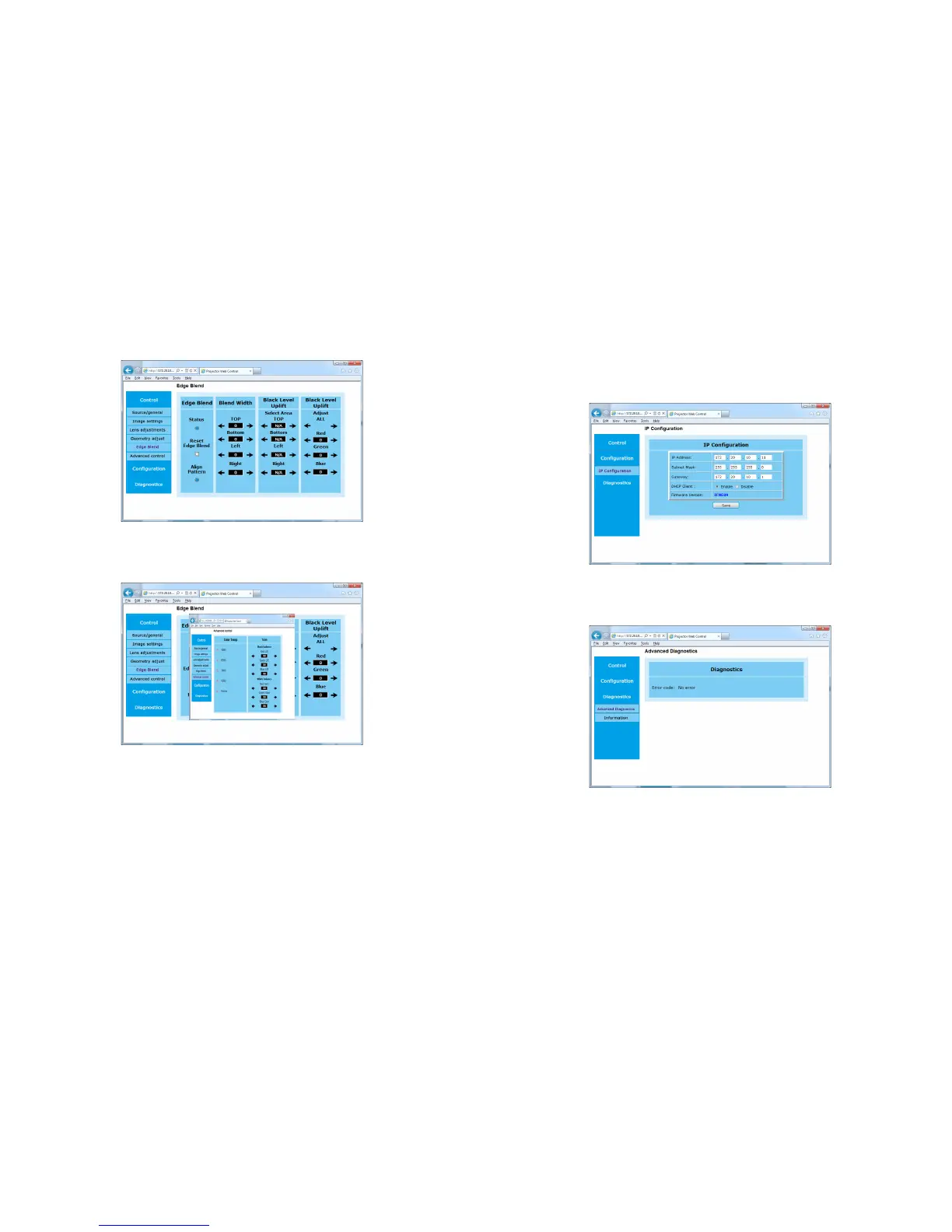
Edge Blend Submenu: allows you to adjust edge blend, blend width, black level
uplift and black level uplift.
Advanced Control Submenu: allows you to adjust the color temperature,
color offset and color gain of the projector.
Configuration Menu
IP Configuration Submenu: allows you to manually enter the IP address con-
figuration for your projector. Consult with your network administrator before mak-
ing any changes on this page; incorrect network configuration of the projector may
cause problems on your network.
Advanced Diagnostic Submenu: displays read-only error code information
used in troubleshooting.



 To Next Page