33
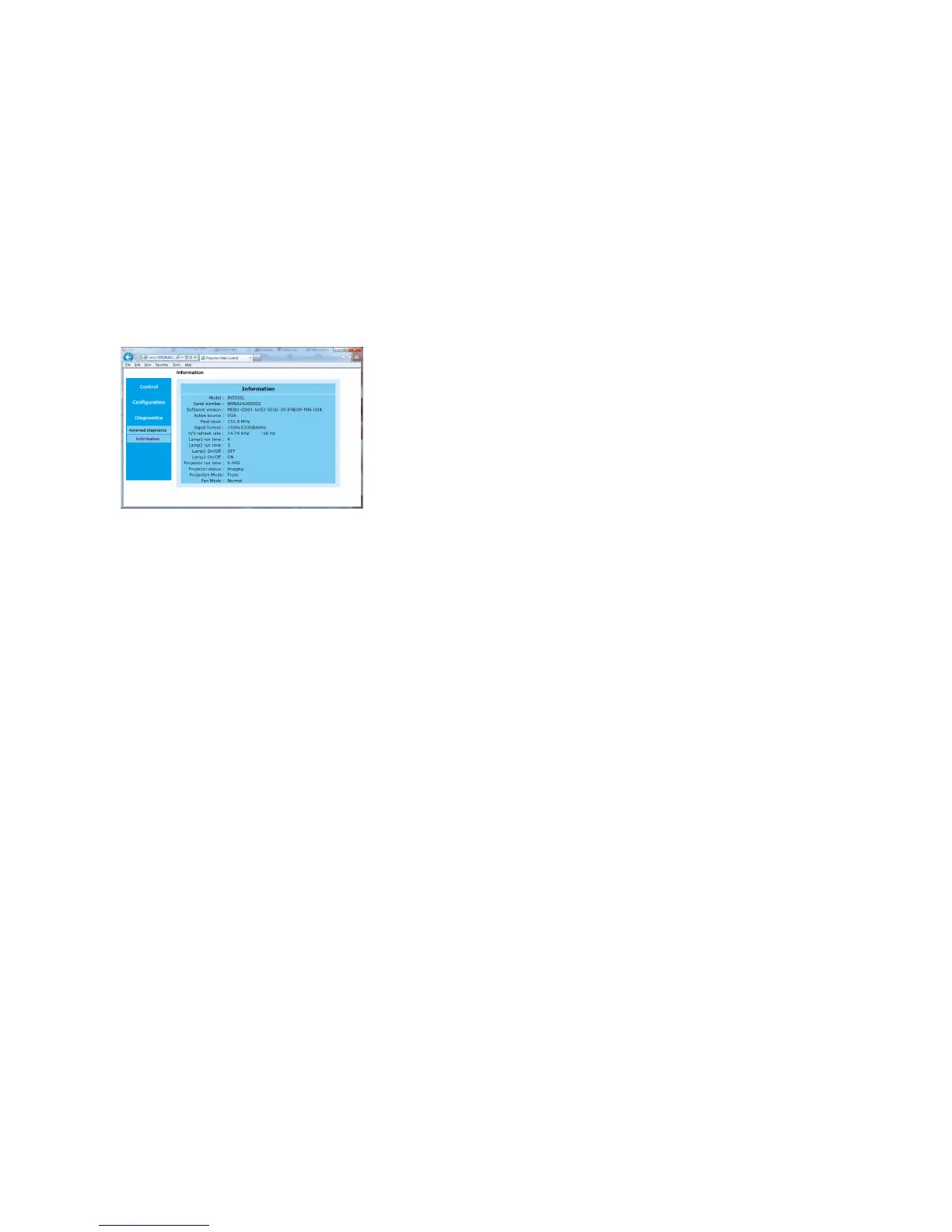
Information Submenu: displays a read-only page of projector information.
To upgrade Projector Network Firmware: Upgrades the firmware for the
projector's network features (this firmware is separate from the regular projector
firmware). Key in the IP address followed by “/firmwareUpdate.htm” on the URL
box to activate the firmware update procedure. Follow the prompts to accomplish
the upgrade.
Note: DHCP
must be disabled or OFF in order for the "/firmwareUpdate.htm" fea-
ture to work.
Troubleshooting Network Functions
• If the network status displays “Not Connected” in the projector's Network
menu, or if the projector does not display its IP address, check the cable and
the network configuration.
• If your web browser displays “Page Not Found” or a similar error when you try
to
access the projector's web pages, verify that the projector is connected to
the network. Note: Projector Control in the Control menu must be set to
Network.
• Make sure Eco Network Power in the Control menu is set to Standard (if it is
se
t to Eco, the projector web pages will not be available).



 To Next Page