12
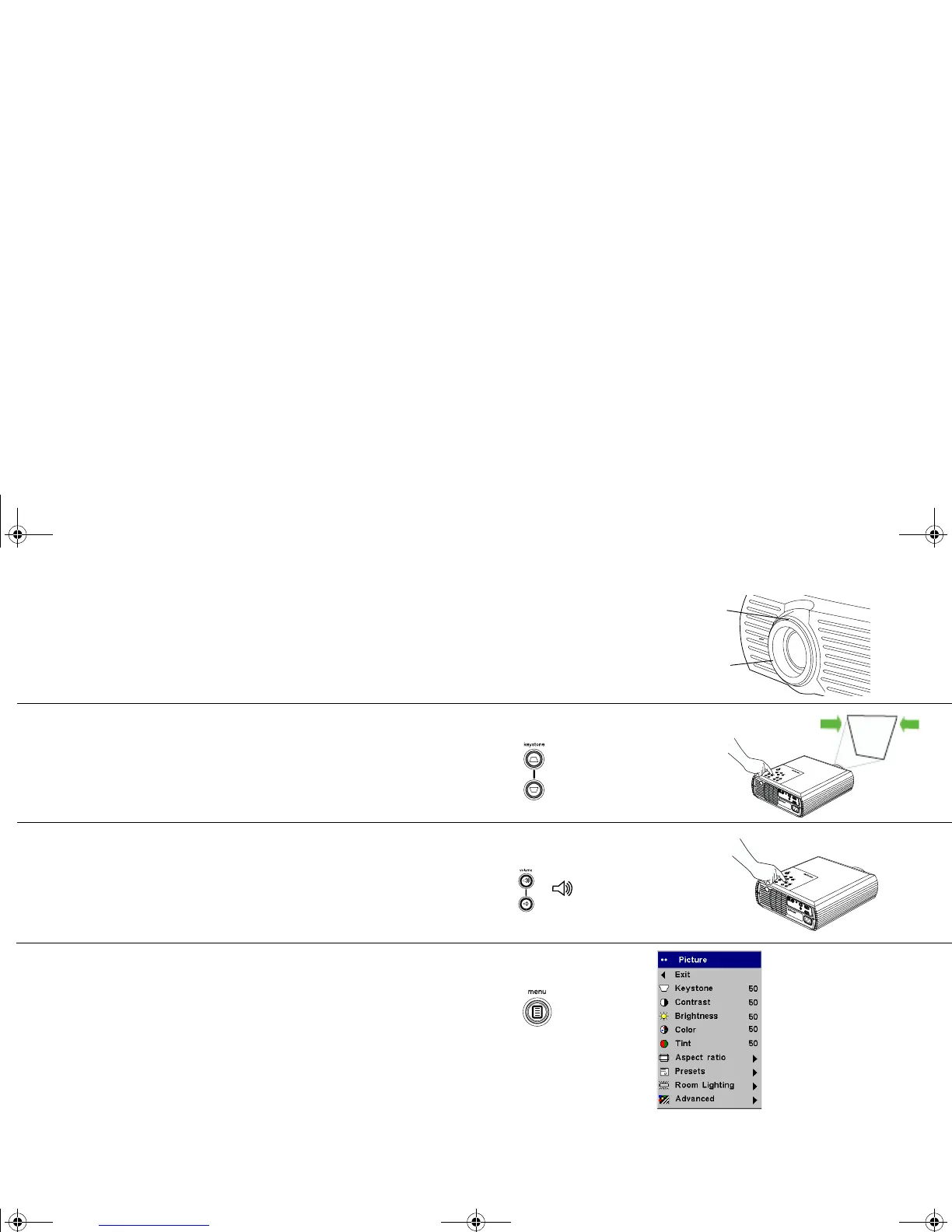
Adjust the zoom and focus.
If the image is not square, adjust the keystone using the buttons on the key-
pad. Press the top Keystone button to reduce the upper part of the image,
and press the bottom Keystone button to reduce the lower part.
Adjust the volume on the keypad or remote.
Adjust the Contrast, Brightness, Color, or Tint in the Picture menu. See
page 25 for help with the menus.
adjust zoom and focus
zoom
focus
adjust keystone
adjust volume
adjust Picture menu
p5p7 manual.fm Page 12 Thursday, January 9, 2003 9:46 AM



 To Next Page