28
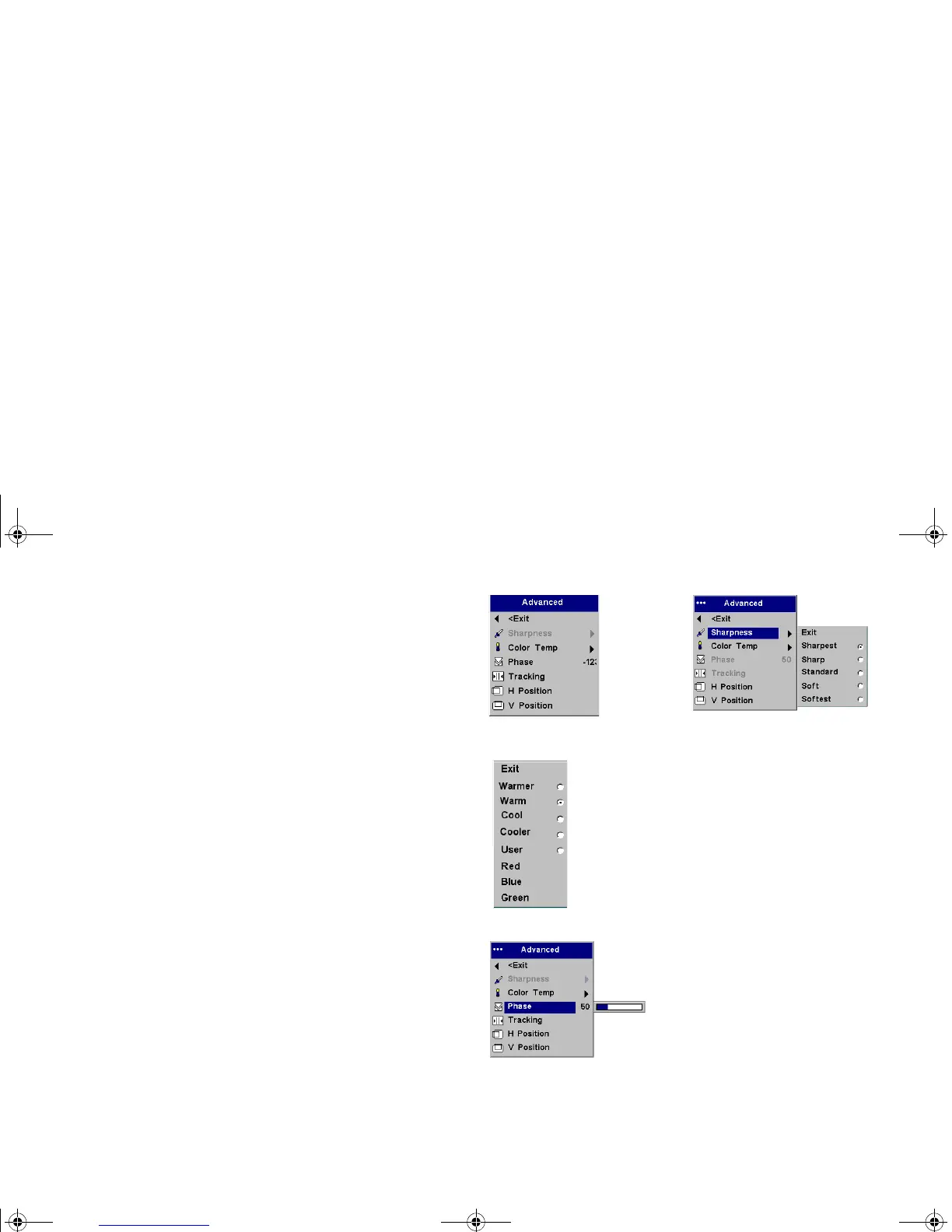
Advanced menu
Sharpness: (video sources only) changes the clarity of the edges of a video
image. Select a sharpness setting.
Color Temperature: changes the intensity of the colors. Select a listed
value, or select User and individually adjust the intensity of the red, green,
and blue color.
The following 4 options are for computer sources only.
Phase: adjusts the horizontal phase of a computer source.
Tr a ck i ng : adjusts the vertical scan of a computer source.
Horizontal/Vertical Position: adjusts the position of a computer source.
Advanced menu
Sharpness
Color Temperature
p5p7 manual.fm Page 28 Thursday, January 9, 2003 9:46 AM



 To Next Page