35
WARNING: To avoid burns, allow the projector to cool for at least 60 min-
utes before you replace the lamp.
WARNING: Do not drop the lamp module or touch the glass bulb! The
glass may shatter and cause injury.
WARNING: Be extremely careful when removing the lamp housing. In the
unlikely event that the bulb ruptures, small glass fragments may be gener-
ated. The lamp module is designed to contain these fragments, but use cau-
tion when removing the lamp module.
5
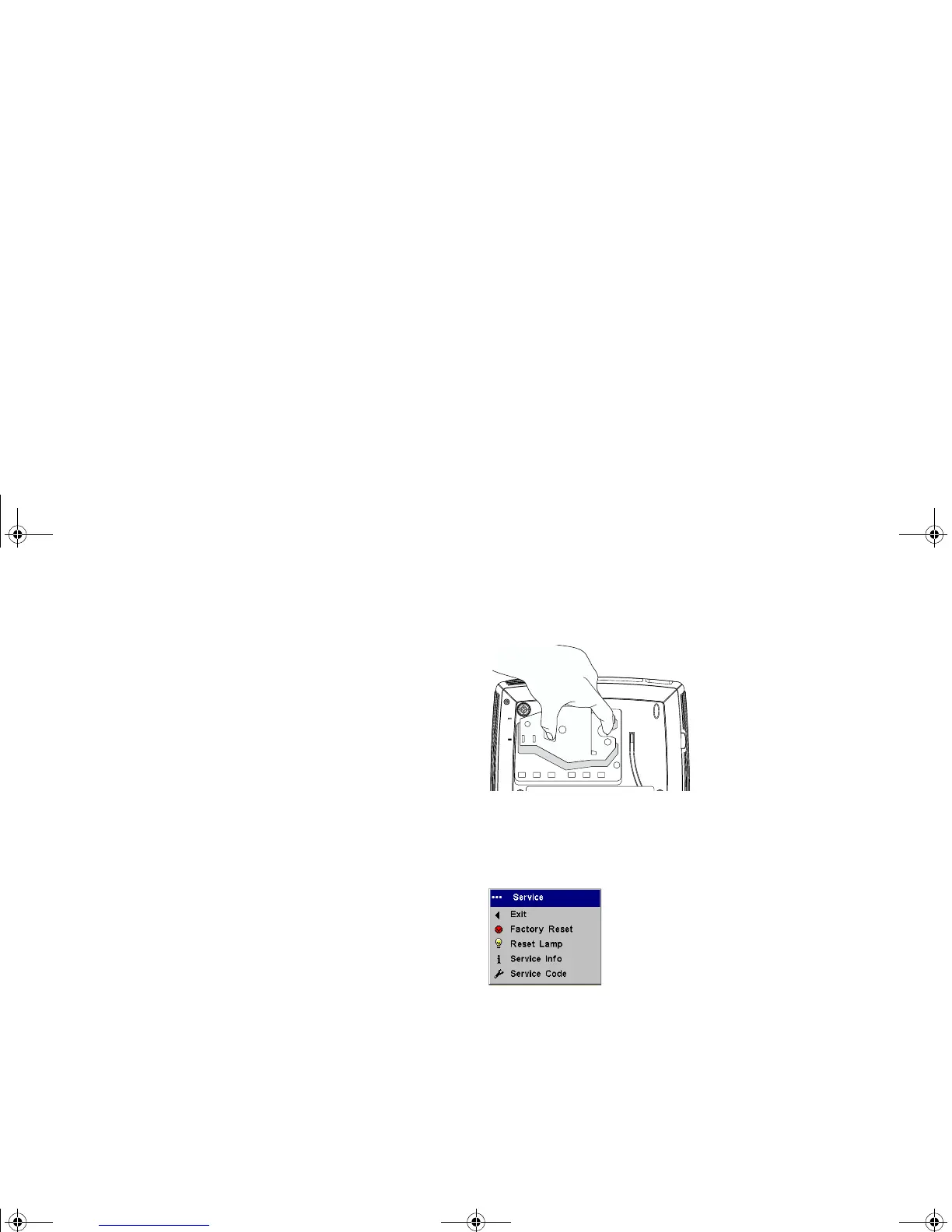
Carefully remove the lamp housing. Dispose of the lamp in an environ-
mentally proper manner.
6
Install the new lamp housing and tighten the screws.
7
Replace the lamp door.
8
Plug in the power cord, press the Power button to turn the projector
back on.
9
To reset the lamp hour timer, navigate to the Settings>Service menu
and select Reset Lamp. Or, press the Volum e + button then the Vo lu me -
button.
Reset Lamp
p5p7 manual.fm Page 35 Thursday, January 9, 2003 9:46 AM



 To Next Page