26
Using the Projector
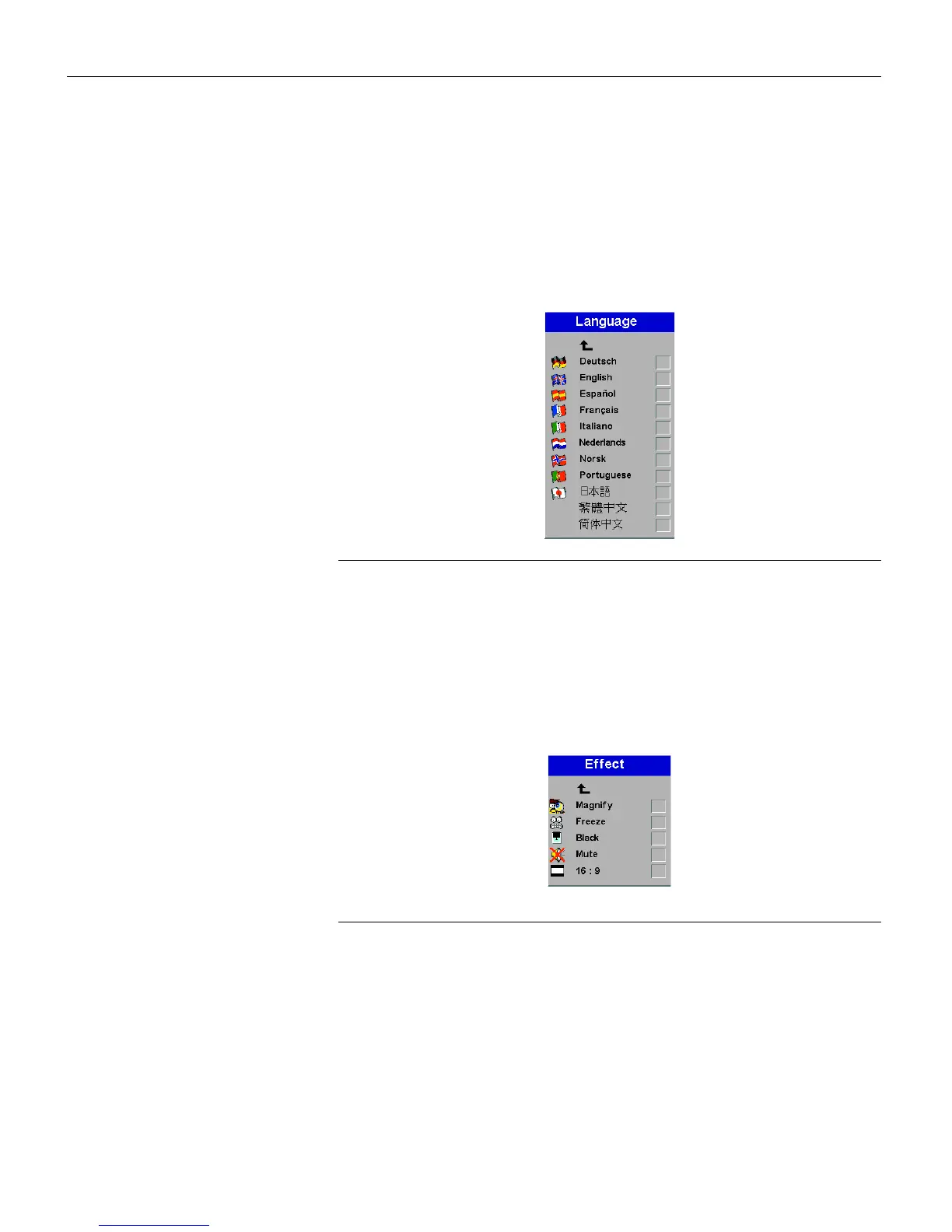
Language menu
You can display the on-screen menus in English, German, Span-
ish, French, Italian, Dutch, Norwegian, Portuguese, Japanese,
Chinese, or Simplified Chinese. Highlight the desired language,
then press
Source/Select
. The menus redraw immediately.
FIGURE 17
Language menu
Effect menu
This menu allows you to assign a different effect to the Effect but-
ton on the remote. The default effect is magnify. Highlight an
effect and press
Source/Select
to choose a different one.
F
IGURE
18
Effect menu
•
Magnify
: This allows you to enlarge and display different parts
of the image. See page 20 for detail on magnify.
•
Freeze
: This freezes the projected image.
•
Black
: This masks the projected image with a black screen.
•
Mute
: This mutes the sound.
•
16:9
: This allows you to switch between 4:3 and 16:9 wide-
screen formats.



 To Next Page