27
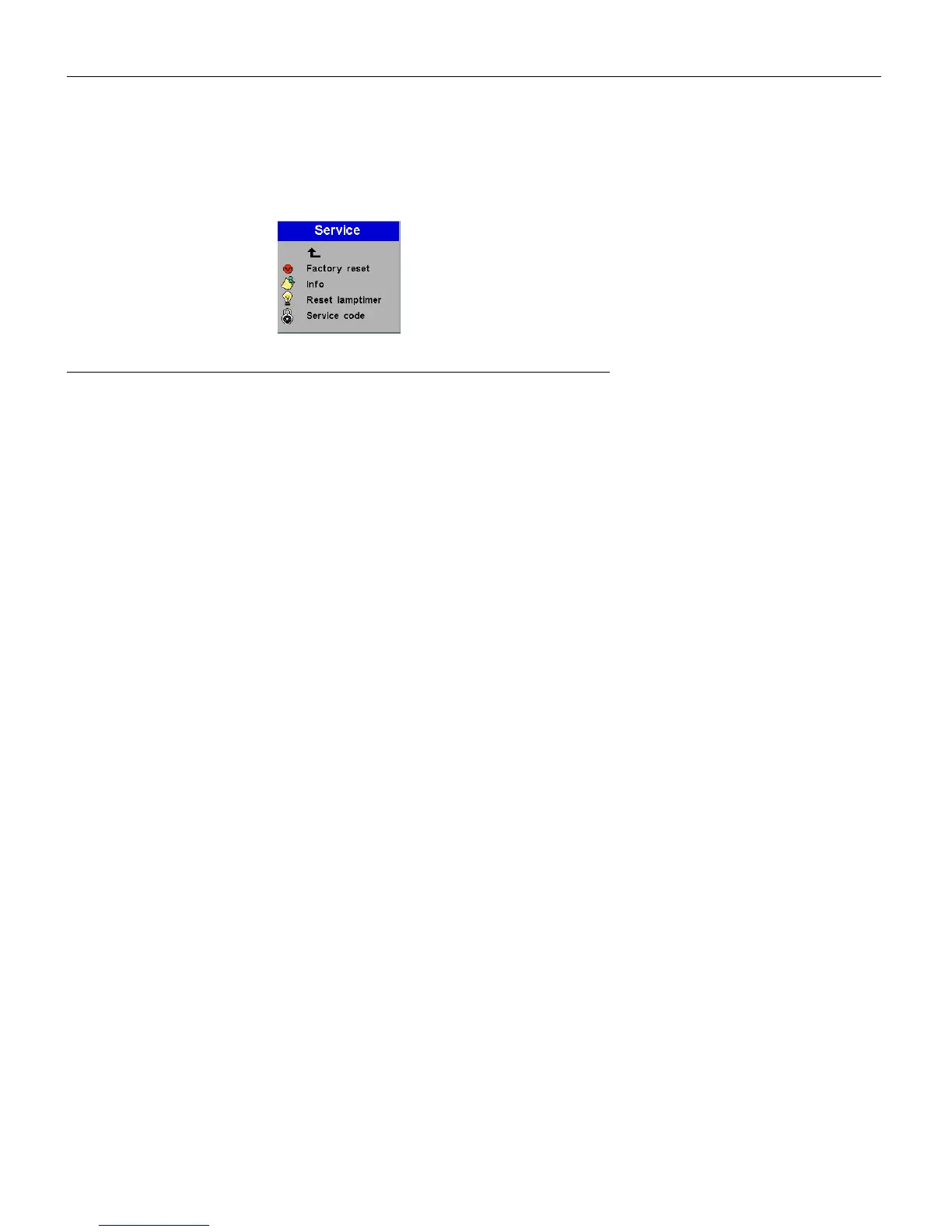
Service menu
FIGURE 19
Service menu
•
Factory reset
: This resets all options to the original factory set-
tings. Highlight it, then press
Source/Select
. A confirmation
dialog box appears. Press
Source/Select
to reset, press the right
arrow button to highlight No, then press
Source/Select
if you
don’t want a reset.
•
Info
: This read-only window provides information on the pro-
jector’s software, the number of hours the current lamp has
been in use, and selected image settings. Press
Source/Select
to
close this window.
•
Reset lamptimer
: This resets the lamp hour timer to zero. After
replacing the lamp (page 31), highlight Reset lamptimer, press
Source/Select
, then press it again to confirm your selection. The
timer in the Info window resets to zero.
•
Service Code
: This window can only be accessed by service per-
sonnel by entering a code.



 To Next Page