30
Maintenance & Troubleshooting
4
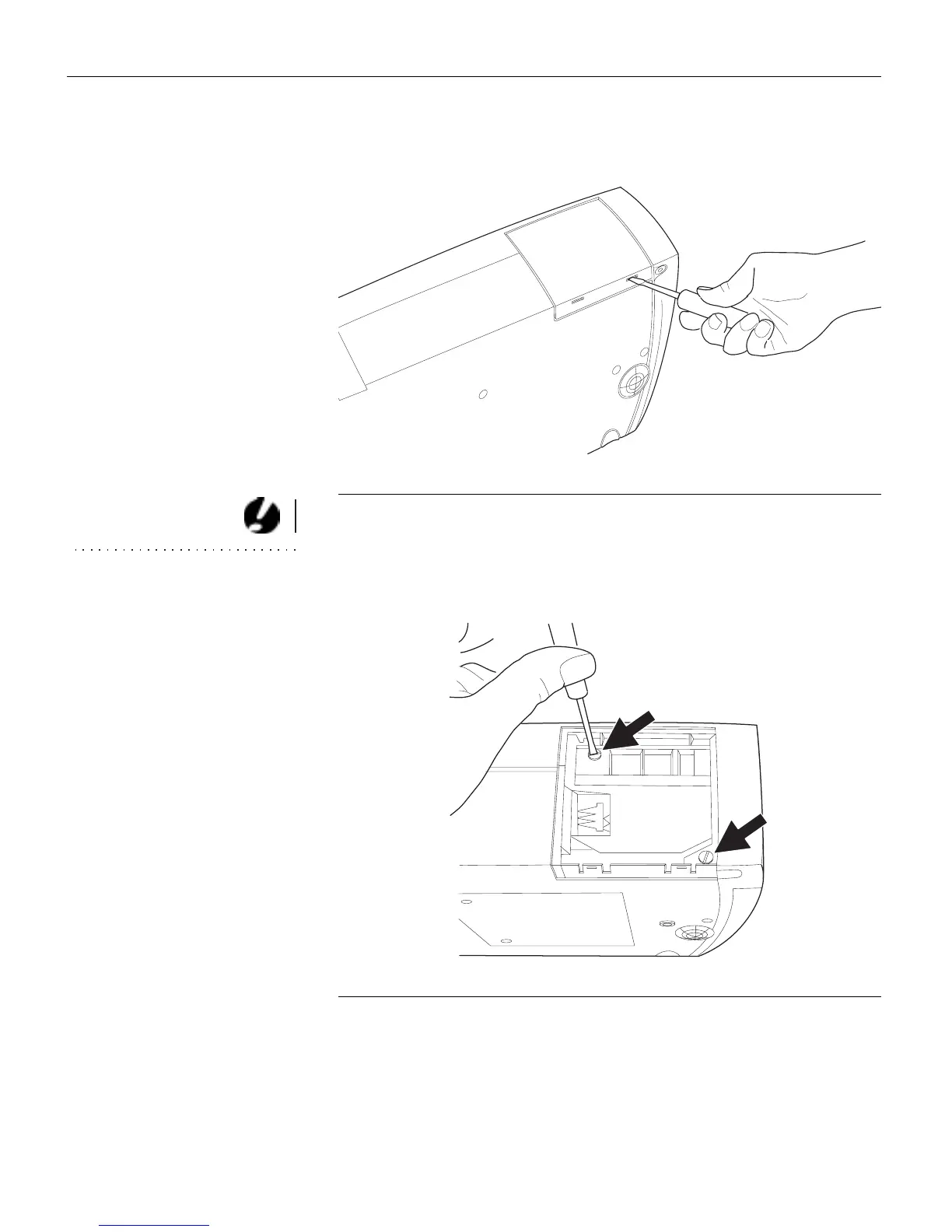
Pull the lamp door up and remove it.
FIGURE 19
Removing the lamp door
CAUTION: Never operate the
projector with the lamp door open
or removed. This disrupts the air
flow and causes the projector to
overheat.
5
Loosen the two non-removable screws on the outside of the
module.
FIGURE 20
Loosening the screws on the lamp module



 To Next Page