5
SETTING UP THE PROJECTOR
1
Place the projector on a flat surface.
•
The projector must be within 10 feet (3 m) of your power
source and within 6 feet (1.8 m) of your computer.
•
If you want to project from behind a translucent screen, set
up the projector behind your screen. See “Rear Projection”
on page 24 to reverse the image.
2
Position the projector the desired distance from the screen.
•
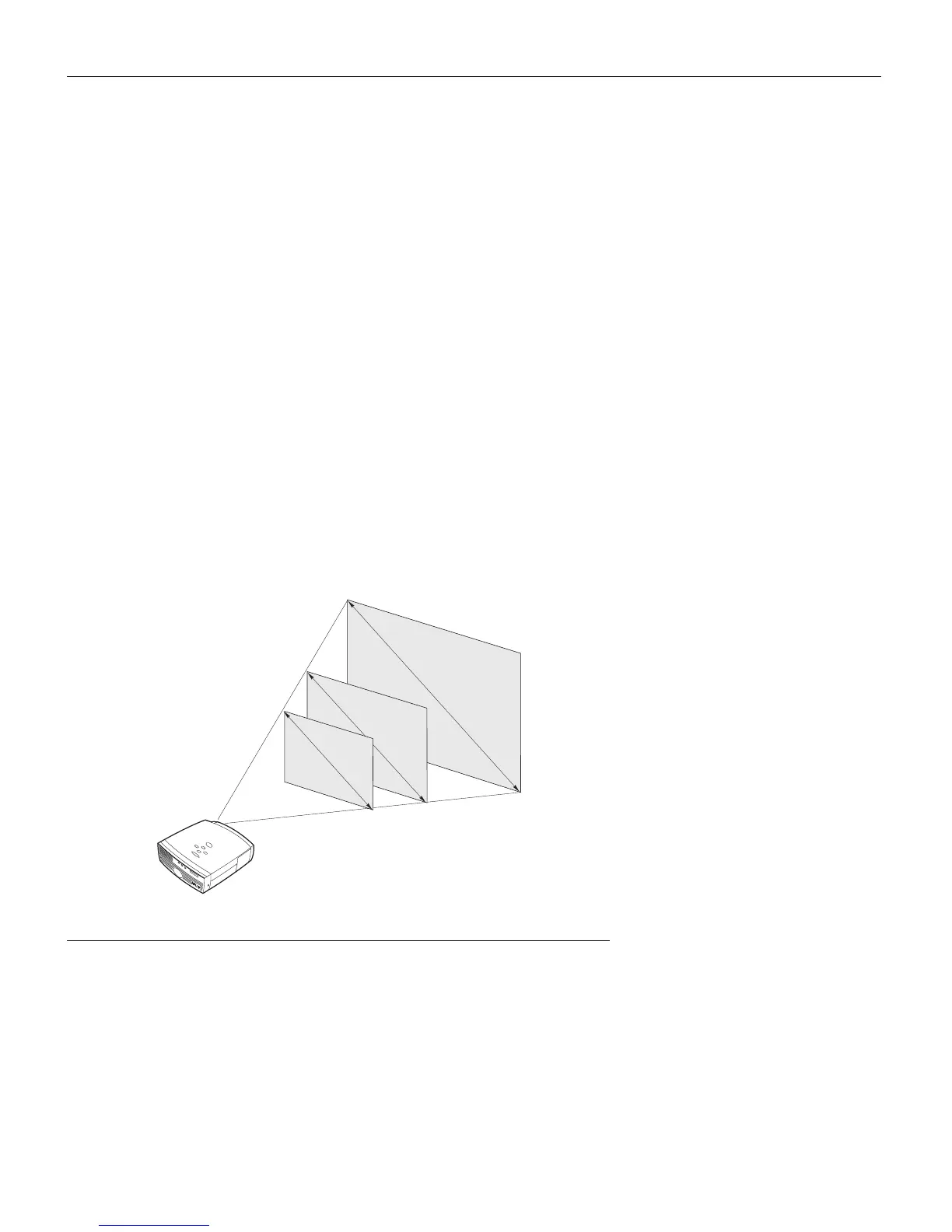
The distance from the lens of the projector to the screen
determines the size of the projected image. Figure 3 shows
three projected image sizes. For more information about
image size, see “Projected Image Size” on page 47.
3
Make sure the projector and your computer are turned off.
FIGURE 3
Projected image size
4
.
3
f
t
.
2
1
.
3
f
t
.
8
.
5
f
t
.
5 ft
.
10 ft.
25 ft.



 To Next Page