Charging the Battery Initial Start Up
Before using the phone, it is recommended to fully
charge the battery first.
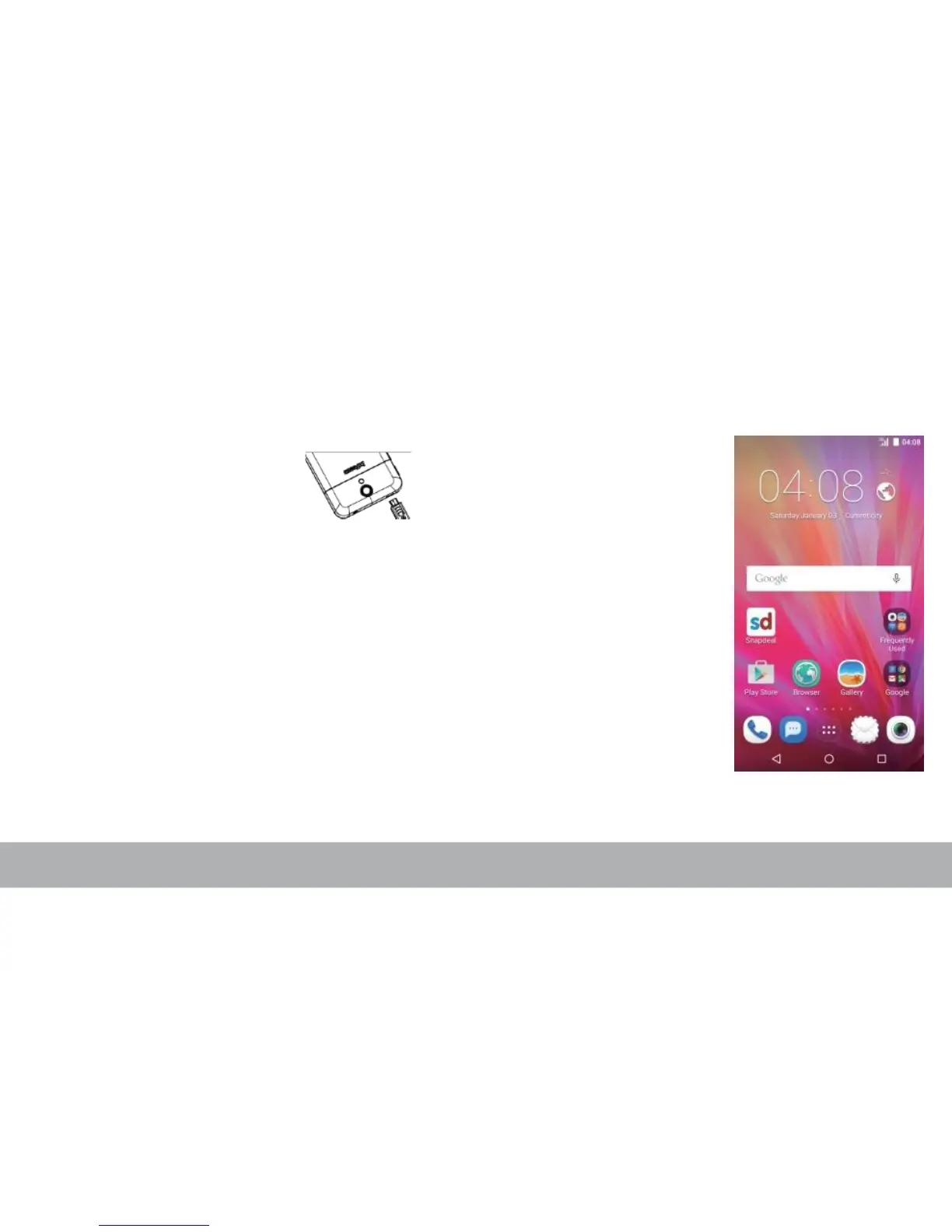
1. Connect the smaller end
of the USB cable to the
USB port of the device.
After installing the SIM card and charging the
battery, the device is
ready to be turned on.
Home Screen
2. Connect the other end of
,
to the cable to the
USB
charger or
other USB port with power source (for example,
laptop).
Warning
•
Charge only indoors and in dry environments.
•
For safety, the overheat protection will be active during
charging. If the system temperature reaches above the maximum
level, the device will automatically stop charging. The device will
only resume charging when normal operating temperature is
reached.
•
If there is no response after you press the Power button or touch
the panel, press and hold the “Power button” for 8 seconds to
force shutdown. If you hold the “Power button” for 2 seconds
more, it will restart.
From the Home screen,
you can quickly access
common features and
view notifications of
missed calls, received
messages, check battery
and connection status.
Swap the Home Screen
panels to access all the
applications and settings
of the device.



 To Next Page