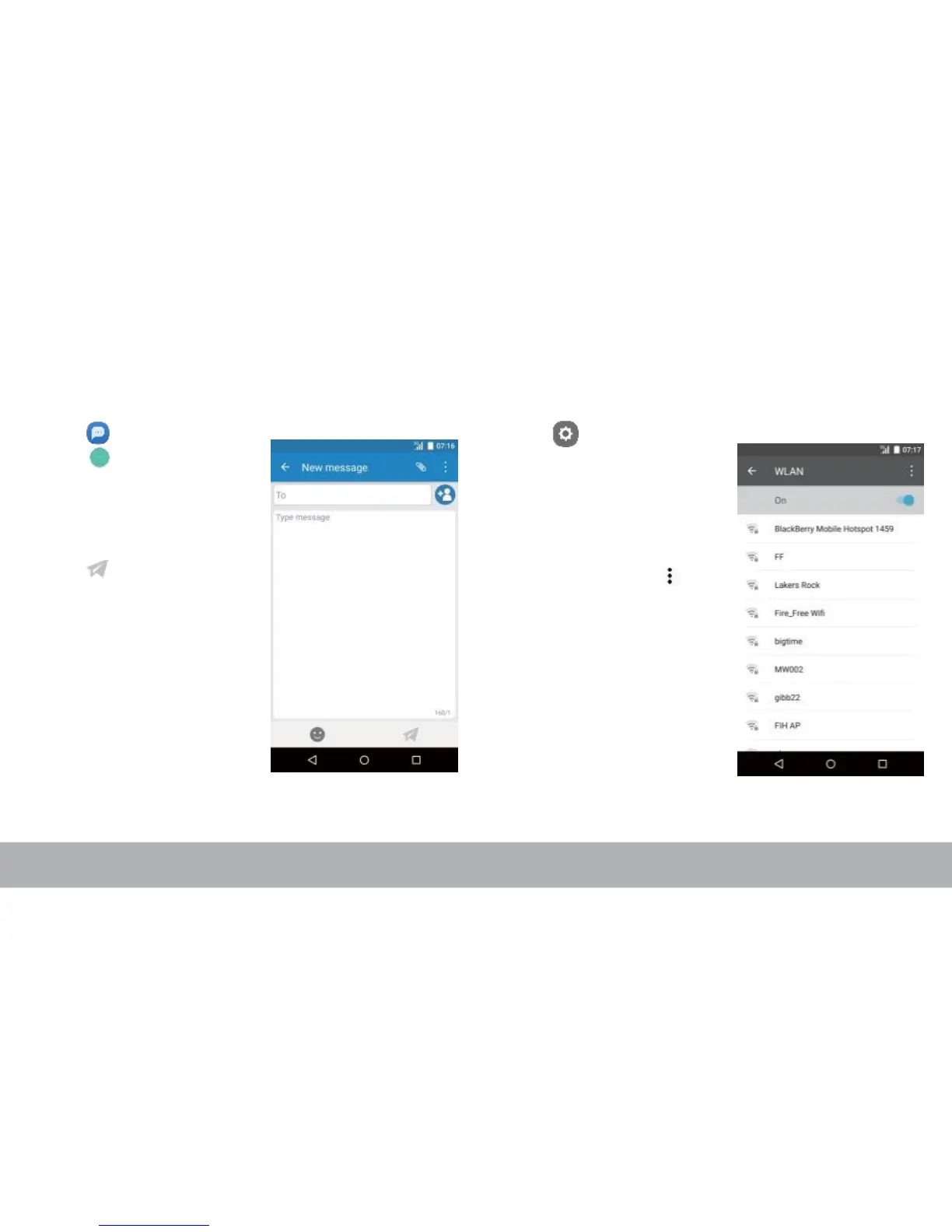
Sending a Text Message Setting up WLAN
1. From the Home screen,
tap .
2. Tap .
3. In the To field, enter the
recipient’s phone number
or name.
4. Compose your message.
5. Tap to send your
message.
1. From the Home screen,
tap .
2. In WIRELESS &
NETWORKS, tap WLAN
and turn it to on.
3. Available networks are
listed. Tap a network to
connect to or tap to
manually add a
connection.
NOTE:
Connecting to a secured network
will prompt for a password. Enter
the password, then tap Connect.



 To Next Page