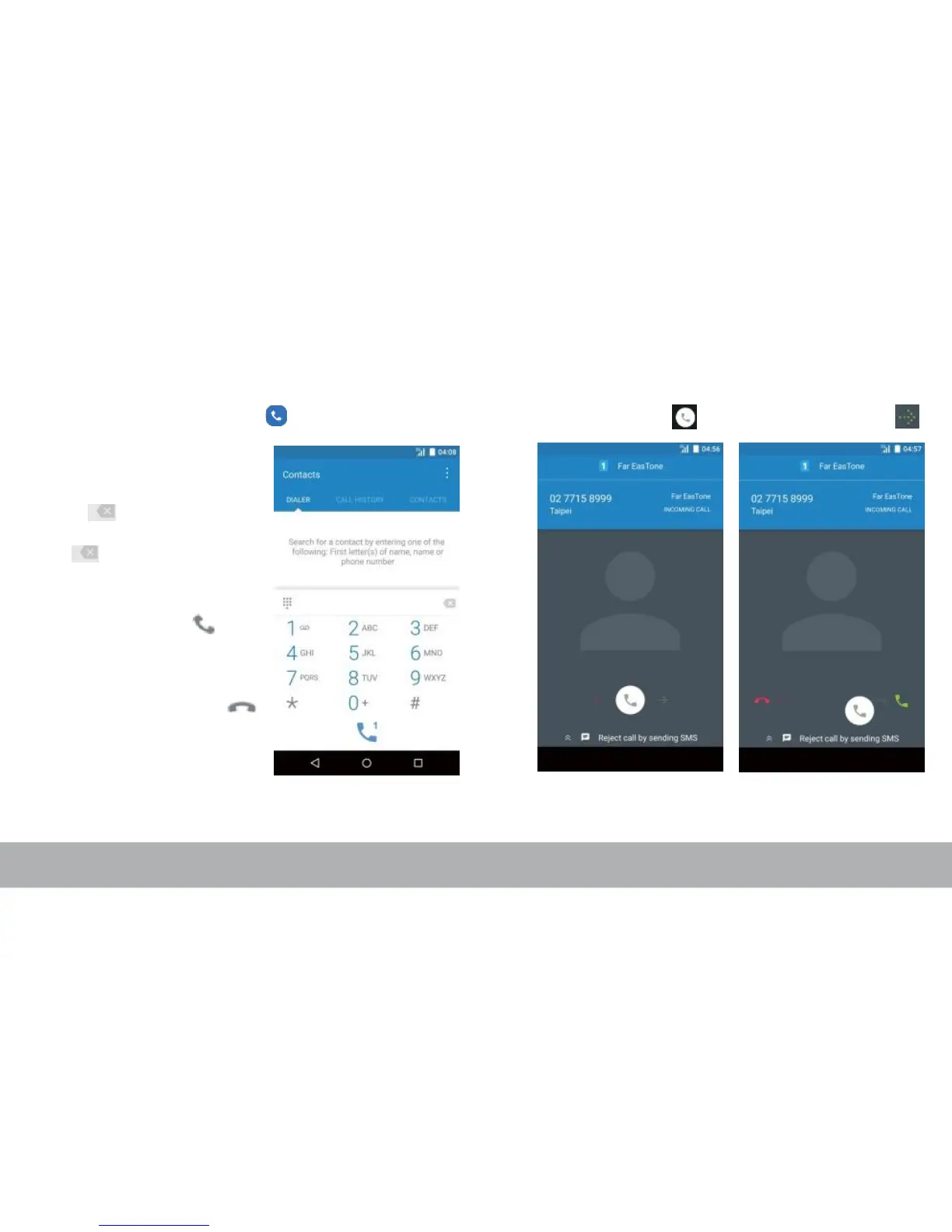
Making Your First Call To answer a call
From the Home screen, tap .
To make a call
1. Enter the phone number
on the keypad.
2. Tap to correct any
number. Tap and hold
to erase the entire
number.
NOTE:
To call a contact, tap
from the list.
3. Tap to make a call.
4. To end the call, tap .
NOTE:
If you have inserted two SIM cards,
select the desired SIM network.
To answer a call, tap and drag it to the right .



 To Next Page