EasyManua.ls Logo

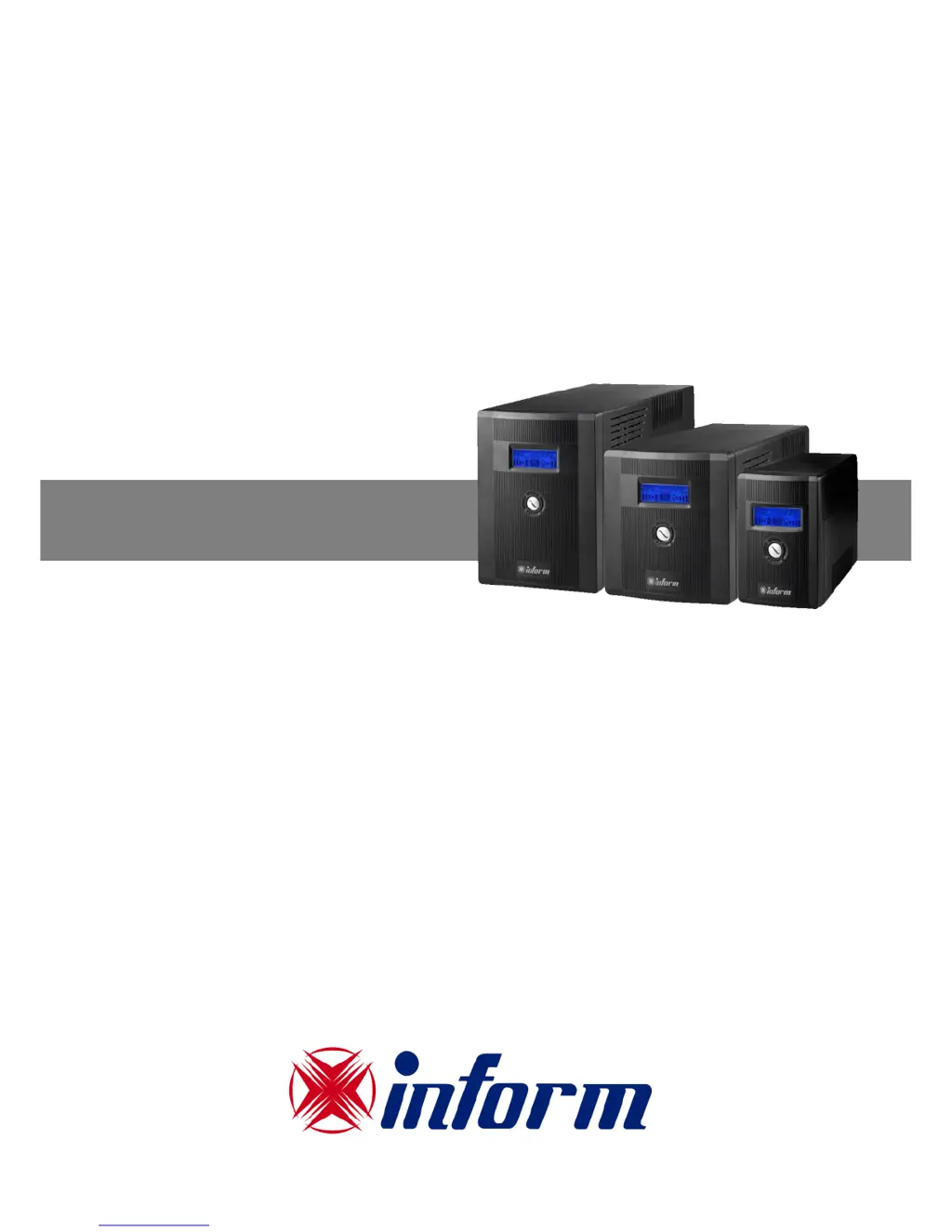
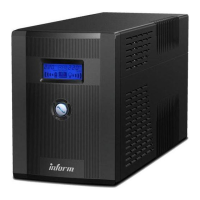
inform GUARDIAN - User Manual

inform GUARDIAN
6 pages
Print Icon
To Next Page IconTo Next Page
Loading...
GUARDIAN
L
L
I
I
N
N
E
E
-
-
I
I
N
N
T
T
E
E
R
R
A
A
C
C
T
T
I
I
V
V
E
E
U
U
P
P
S
S
Uninterruptible Power System
600VA - 2000VA
USER MANUAL

Questions and Answers

  • H
    Heather GlassJul 27, 2025
    Why is the inform GUARDIAN UPS backup time reduced when power fails?
    • H
      Heather JohnsonJul 27, 2025
      Reduced backup time in your inform UPS during a power outage can be due to several reasons: * The UPS might be overloaded. Try removing some non-critical devices. * The battery voltage could be too low. Charge the UPS for at least 6 hours. * The battery may be defective due to high temperature operation or improper use. In this case, replace the battery with the same type.
  • R
    Rhonda WolfAug 3, 2025
    How to fix an inform UPS with no LED or LCD display?
    • M
      michelleharrisAug 3, 2025
      If your inform UPS has no LED or LCD display, it could be due to: * A low battery. Charge the UPS for at least 6 hours. * A battery fault. Replace the battery with the same type. * The UPS not being turned on. Press the power switch again.
  • S
    Scott MoralesAug 11, 2025
    What to do if the inform GUARDIAN alarm continuously sounds when the mains is normal?
    • J
      Jacob RichmondAug 11, 2025
      If your inform UPS alarm is continuously sounding while the power is normal, it likely indicates that the UPS is overloaded. Remove some of the connected equipment. Before reconnecting, ensure the total load matches the UPS capacity specified in the specifications.
  • D
    David HayesAug 19, 2025
    Why is inform GUARDIAN in battery mode when the mains is normal?
    • S
      Shari HuertaAug 19, 2025
      If your inform UPS is running on battery even when the main power is on, the power cord might be loose. Ensure the power cord is properly reconnected.

Summary

Important Safety Instructions

Introduction to Guardian UPS

System Description

Overview of the UPS unit's physical layout and components, including visual aids.

LCD Panel Overview

Explanation of the indicators and information displayed on the UPS unit's LCD panel.

LED Panel Overview

Description of the status indicators shown on the LED panel of the UPS unit.

Installation and Operation Guide

Inspection and Placement

Instructions for inspecting the UPS upon receipt and selecting an appropriate installation location.

Charging and Equipment Connection

Guidance on charging the UPS battery and connecting external equipment to the UPS output.

Network Connection

Steps for connecting network cables to the UPS for surge protection.

Troubleshooting Common Issues

Technical Specifications

inform GUARDIAN Specifications

General IconGeneral
Output Voltage230V
Form FactorTower
Communication InterfaceUSB
Input Voltage230 VAC
TopologyLine Interactive

Related product manuals