EasyManua.ls Logo

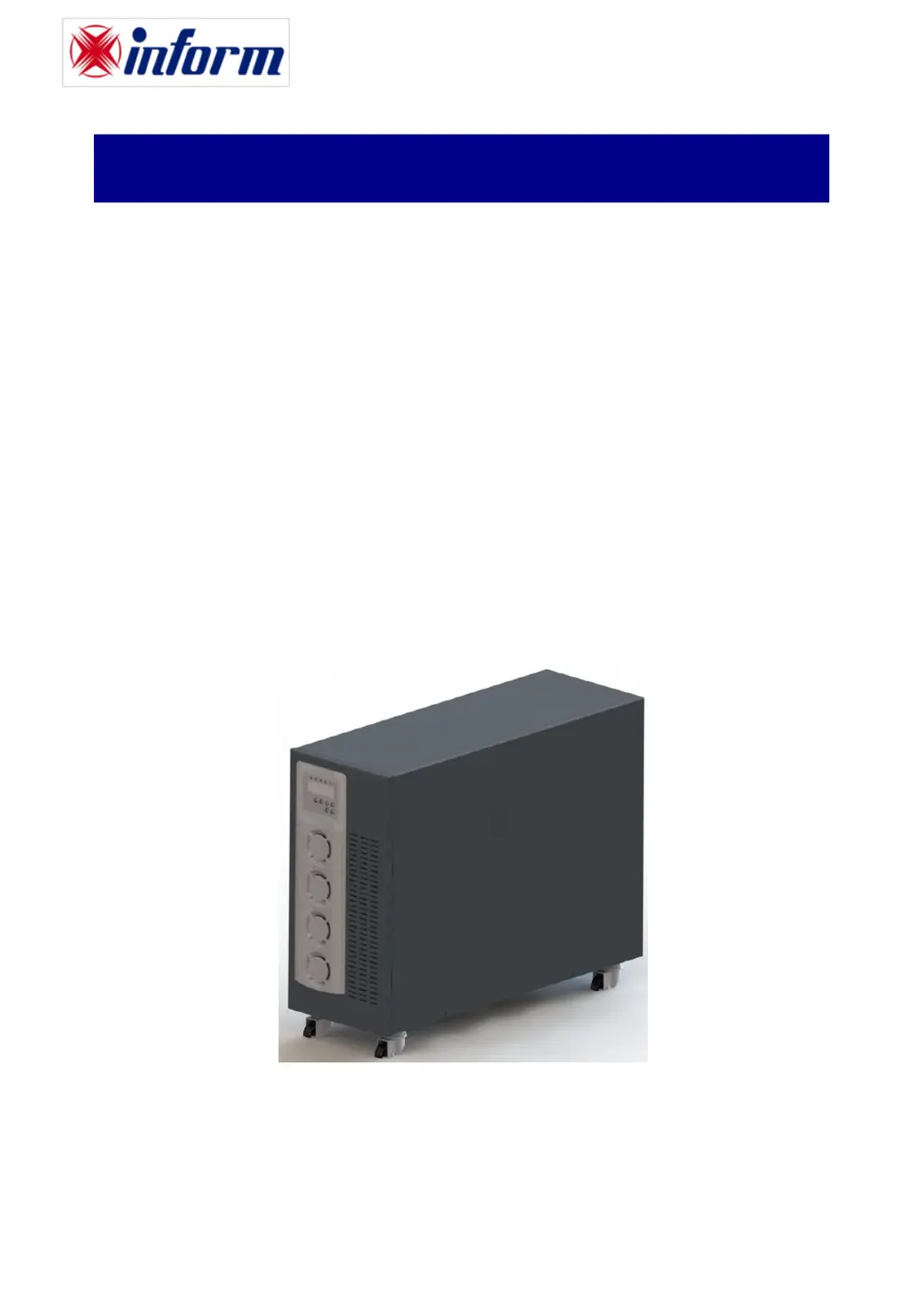
inform DSP FLEXIPOWER SERIES - User Manual

inform DSP FLEXIPOWER SERIES
52 pages
Print Icon
To Next Page IconTo Next Page
Loading...
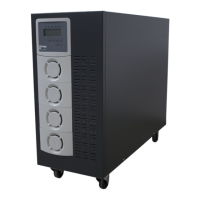
DSP FLEXIPOWER SERIES .
SINGLE PHASE IN SINGLE PHASE OUT
5-10kVA
THREE PHASE IN SINGLE PHASE OUT
10kVA
UNINTERRUPTIBLE POWER SYSTEMS
U
U
S
S
E
E
R
R
M
M
A
A
N
N
U
U
A
A
L
L

Questions and Answers

  • J
    Jose EvansAug 3, 2025
    What to do if the inform DSP FLEXIPOWER UPS Red Fault LED lights up?
    • N
      norrisjohnAug 3, 2025
      If the inform UPS red fault LED is lit, first ensure the battery connection is properly secured. Then, recharge the batteries for 8 hours to see if the UPS functions normally. Also, remove any overload, check and replace damaged AC power cables, remove any short circuits at the EPO terminal, and clear any obstructions from the ventilation holes. Verify that the cooling fans on the rear panel are working correctly. Ensure the UPS is operating normally; if it's in CVCF mode, turn it off and on again. In parallel UPS setups, all parameters except the ID Number must be identical. Reconnect the RJ-45 wire or set a UPS with ID=1.0. If the UPS is in CVCF mode, bypass input is prohibited; turn off the UPS and bypass input before restarting. If problems persist, consult your local distributor.
  • M
    Martin McgrathAug 15, 2025
    Why does my inform UPS not provide battery backup or has a short backup time?
    • J
      Jimmy RyanAug 15, 2025
      If your inform UPS fails to provide battery backup or the backup time is shorter than expected, charge the UPS for 8 hours. If the backup time remains insufficient, contact your local distributor for a battery replacement.

Summary

General Safety and Usage Notices

Important Notices for UPS

Important introductory information regarding safety and manual usage.

WARRANTY

1.1. Terms of Warranty

Details of the warranty period and coverage for the UPS.

SAFETY

2.1. Important Notice for UPS

Critical safety information and precautions for UPS operation.

2.2. Important Notice for Battery

Essential safety guidelines for handling and maintaining UPS batteries.

UNPACKING AND INSTALLATION OF UPS

4.2. Installation Procedures

Detailed steps and requirements for installing the UPS, including connections and interfaces.

MODES OF OPERATION

5.1. Online Mode (norl)

Explanation of the UPS operating in normal online mode.

5.4. Battery Mode

UPS operation when powered by batteries during mains failure.

OPERATING PROCEDURES

7.3. Commissioning

Step-by-step guide for starting up and commissioning the UPS.

7.7. Emergency Power Off (EPO)

How to use the Emergency Power Off function.

MAINTENANCE

TROUBLESHOOTING

Appendix -1: Error List

inform DSP FLEXIPOWER SERIES Specifications

General IconGeneral
WaveformSimulated Sine Wave
Output Voltage230VAC
Frequency50/60Hz
Battery TypeSealed Lead-Acid (SLA)
ProtectionOverload protection
OutletsIEC

Related product manuals