EasyManua.ls Logo

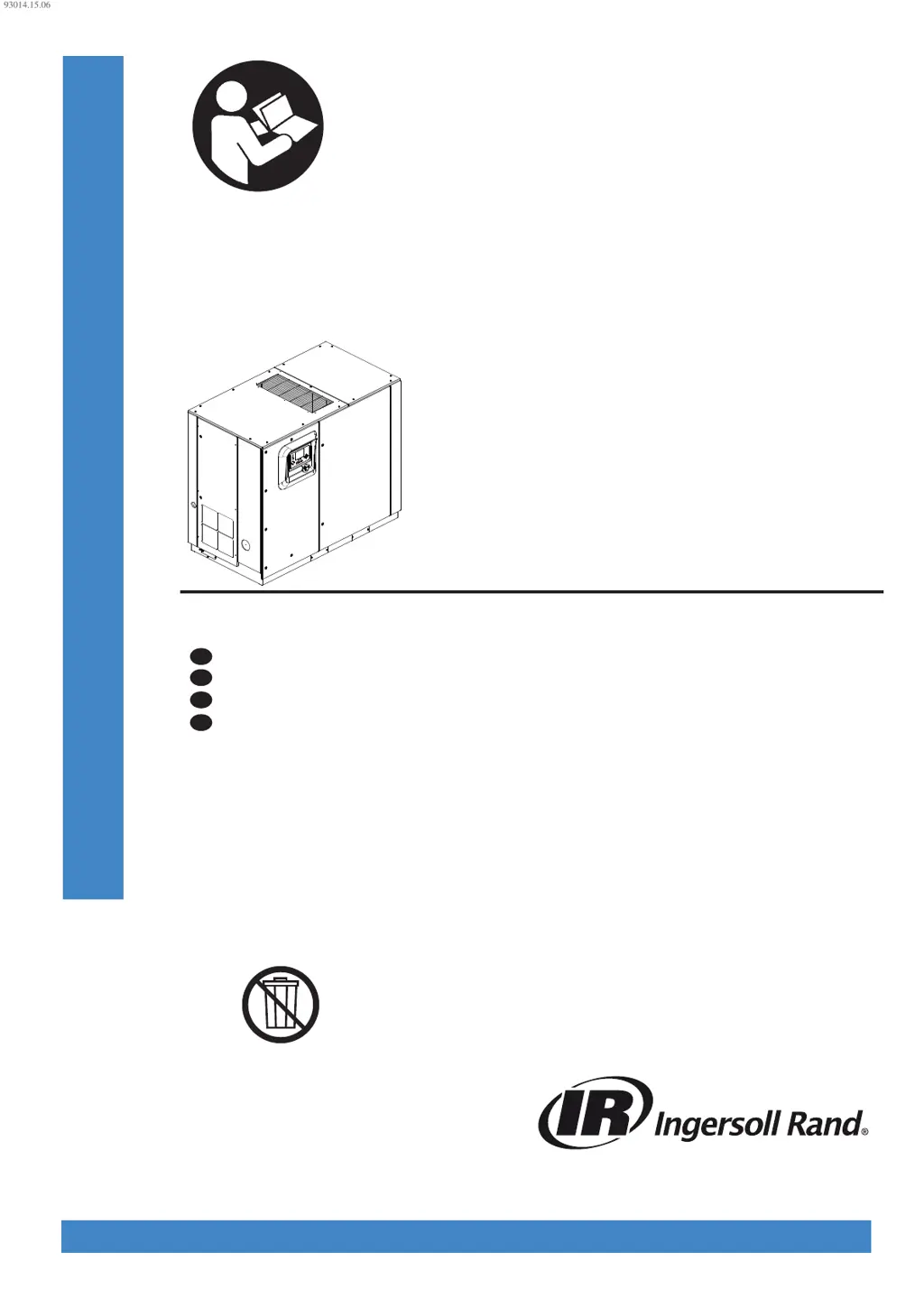
Ingersoll-Rand R110 - User Manual

Ingersoll-Rand R110
276 pages
Print Icon
To Next Page IconTo Next Page
Loading...
80447162
Revision B
June 2014
Save These Instructions
Contact-Cooled Rotary Screw Air Compressor
R30, R37, R45, R55, R75, R90, R110, R132, R160
Product Information
Information produit
FR
Información del producto
ES
Product Information
EN
Informações do produto
PT
93014.15.06
PRINT LANGUAGE
ENGLISH
SPANISH
FRENCH
PORTUGUESE

Table of Contents

Other manuals for Ingersoll-Rand R110

Questions and Answers

  • G
    Gabrielle MendozaSep 23, 2025
    When to change HE filter in integrated dryer models of Ingersoll-Rand Air Compressor?
    • G
      Gary RyanSep 23, 2025
      To address the issue of needing to change the HE filter in integrated dryer models of your Ingersoll-Rand Air Compressor: * If there is a faulty pressure transducer measurement, calibrate and validate the after cooler discharge and package discharge transducers. * If the moisture separator condensate drain trap is faulty, ensure the condensate drain system is functioning properly and condensate is being drained. * If there is a blockage in the dryer, ensure it's not due to freeze up from refrigerant leaks. * If the dryer HE filter is dirty or blocked, change the HE filter.
  • N
    nbutlerAug 27, 2025
    What to do if Ingersoll-Rand R110 is stopped and will not restart?
    • P
      Paige MccartyAug 27, 2025
      If your Ingersoll-Rand Air Compressor is stopped and won't restart, it could be due to the following reasons: * The controller has tripped the compressor and hasn't been reset. See Tables 4 and 5. * The emergency stop button has been pressed but not released. Identify the reason, repair the fault, disengage the button, and reset the controller. * The emergency stop button has been pressed and released, but the controller hasn't been reset. Repair the fault and reset the controller.
  • S
    Scott JohnsonAug 27, 2025
    Why does my Ingersoll-Rand R110 stop and not restart?
    • G
      george53Aug 27, 2025
      If your Ingersoll-Rand Air Compressor stops and will not restart, it could be due to: * A tripped drive controller. See Tables 4 and 5. * The controller has tripped the compressor. See Tables 4 and 5. * The maximum number of starts per hour has been exceeded.
  • D
    Douglas HortonAug 28, 2025
    Why is the discharge air from my Ingersoll-Rand R110 too hot?
    • S
      Shelby BrewerAug 28, 2025
      If the discharge air from your Ingersoll-Rand Air Compressor is too hot, consider these potential causes: * High ambient temperature. Review the installation and system parameters. * Insufficient cooling air. Check the ducting and cooling air path, and verify the direction of blower rotation. * Dirty or blocked aftercooler (cooling air side). Clean or replace the aftercooler.
  • L
    Lori ThompsonSep 23, 2025
    What to do if Ingersoll-Rand Air Compressor stops but there is no alarm message?
    • M
      millerrachelSep 23, 2025
      If your Ingersoll-Rand Air Compressor stops but there is no alarm message: * There may be a loss of outputs of control power. Check the controller outputs (110V AC) power supply (fuses/mini circuit breaker).
  • R
    Raymond CastroNov 24, 2025
    What to do if Ingersoll-Rand Air Compressor will not meet pressure requirements?
    • T
      Taylor WilsonNov 24, 2025
      If your Ingersoll-Rand Air Compressor isn't meeting the required pressure, consider the following: * Check for air loss due to pipe, hose, joint, or seal failures. Repair or replace any faulty components. * Inspect for air loss due to a blowdown valve stuck open and repair or replace if needed. * Look for air loss through the pressure relief valve if it's not seating correctly or is set incorrectly; repair or replace it. * Check for air loss due to a moisture separator drain trap stuck open; repair or replace it if necessary. * Examine the inlet grill or ducting for blockages and clean them. * Replace the air filter if it's dirty or collapsed. * Recalibrate or replace the pressure transducer if it is faulty, incorrectly calibrated, or experiencing EMF interference. * Verif...
  • W
    Whitney StricklandSep 12, 2025
    Why do I need to check setpoints on Ingersoll-Rand Air Compressor?
    • D
      Daniel OrtizSep 12, 2025
      You may need to check the setpoints on your Ingersoll-Rand Air Compressor if: * The controller software has been changed. Recalibrate all sensors and check the setpoints.
  • W
    William TylerSep 12, 2025
    What to do if sensor failure occurs in Ingersoll-Rand Air Compressor?
    • S
      stephencaldwellSep 12, 2025
      If a sensor failure occurs in your Ingersoll-Rand Air Compressor: * The sensor may be missing or faulty. Install, repair, or replace the faulty sensor.
  • J
    Jacqueline HardySep 5, 2025
    What causes excessive coolant consumption in Ingersoll-Rand Air Compressor?
    • J
      Jerry HallSep 5, 2025
      Excessive coolant consumption in your Ingersoll-Rand Air Compressor can be due to: * A coolant system leak. Repair or replace the leaking components. * See also ‘discharge air is contaminated with coolant’.
  • J
    Jo GrahamSep 3, 2025
    Why is pressure too high in Ingersoll-Rand Air Compressor because speed is not reducing?
    • A
      Angel AshleySep 3, 2025
      If the pressure produced by your Ingersoll-Rand Air Compressor is too high because the speed isn't reducing as demand decreases: * The controller settings may be incorrect. Check and modify the settings. * The pressure transducer may be faulty, incorrectly calibrated, or not receiving a pressure signal. Recalibrate or replace it.

Summary

About This Manual

Safety Precautions

Follow all danger, warning, and caution instructions for safe operation and to prevent injury or damage.

Transportation, Receipt, and Handling

Instructions for securing the machine during transport, inspecting for damage upon receipt, and proper unpacking.

Installation Guidelines

Location in Plant

Recommendations for compressor placement, including space, ventilation, noise, and environmental considerations.

Discharge and Condensate Piping

Guidelines for proper discharge piping, including material, size, and condensate removal to ensure safe and effective system operation.

General Electrical Installation

Requirements for proper grounding, electrical connections, and safety measures for compressor installation.

Special Electrical Considerations for VSD Compressors

Specific electrical requirements for Variable Speed Drive compressors, including power supply and grounding.

Water-Cooled System Setup

Cooling Water Piping

Instructions for installing and maintaining cooling water piping, including isolation valves, strainers, and water quality recommendations.

Venting the Water System

Procedures for venting air from fresh water and harsh water cooling systems to ensure proper performance.

Draining the Water System

Step-by-step instructions for completely draining water-cooled systems for maintenance or service.

Water Quality Recommendations

Guidelines for acceptable water constituents to ensure optimal heat transfer and prevent system damage.

General Information and Operation

General Information

Overview of the compressor's design, operating parameters, and system components for fixed and variable speed models.

Integrated Dryer Operation

Details on how the integrated dryer operates in default and energy-efficient modes, including start-up requirements.

Variable Speed Drive (VSD) Operating Instructions

Basic Operation and Startup

Procedures for basic operation, prior checks, initial sequence, and starting the compressor, including rotation checks.

Stopping and Emergency Procedures

Instructions for normal stopping, emergency stopping, and restarting the compressor after a malfunction or safety stop.

Warm-up Mode and Blower Control

Explanation of the warm-up cycle and how the blower speed is controlled for optimal operation.

XE-70 M Controller User Interface

User Interface Overview

Description of the controller's components: membrane, LCD display, command keys, navigation keys, and LED status icons.

Navigation and Display Layout

Explanation of how to navigate through folders, pages, and access parameters using the controller interface.

Controller Navigation and Settings

Folder Navigation and Icons

Guide to navigating through the controller's folders using navigation keys and understanding folder bar icons.

Dashboard Icons and Status Messages

Explanation of dashboard icons and status messages for at-a-glance system status monitoring.

Accessing and Modifying Parameters

Instructions on how to select, access, and change parameters within the controller's interface.

Fixed Speed Compressor Operation

System Overview and Counters

Description of the home screen display, system overview, and counter data for fixed speed compressors.

Analog Inputs and Compressor Information

Details on analog inputs and compressor information displayed on specific pages for fixed speed units.

Operator Settings and Options

Operator Settings Configuration

Adjustable setpoints for online/offline pressure, lead/lag, mode of operation, and timing parameters.

Operator Options Configuration

Configuration of options such as auto-restart, COM control, remote start/stop, and scheduled operation.

Event and Trip History Logging

Events Folder and Logging

Information on events generated by the controller, including warnings, trips, and start inhibits.

Trip Events List and History

Detailed list of trip events, their causes, and how to access the trip history log for diagnostics.

Maintenance and Settings Management

Maintenance Folder Operations

Procedures for checking filter status and configuring maintenance intervals and resets.

General Settings Management

Configuration options for language, units of measure, time, date, and backlight settings.

Modbus and Network Connectivity

Modbus Network Connection

Instructions for connecting the controller to a Modbus RTU master device using RS-485 cable.

Modbus Address and Master Settings

Configuration of Modbus addresses, active protocol, and recommended master settings for optimal communication.

System Controls Connection

X-Series System Controls Connection

Guidelines for interfacing the Xe-70M controller with an Ingersoll Rand X-Series System Controller.

Enabling System Control Capabilities

Steps to enable COM control and auto-restart for proper communication with the system controller.

Notices and Warranty Information

Notices and Disclaimers

Important notices regarding EC Mark compliance, proprietary information, and product modifications.

Warranty Coverage Details

Information on the warranty period, coverage, exclusions, and the process for reporting nonconformities.

Ingersoll-Rand R110 Specifications

General IconGeneral
ModelR110
Maximum Pressure175 PSI
Power SourceElectric
Pump TypeTwo-Stage
Number of Cylinders2
TypeReciprocating
Voltage230V

Related product manuals