
 Need help?
Do you have a question about the Innotech innTOUCH and is the answer not in the manual?
Overview of the device's menu structure and navigation flow.
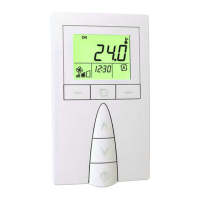
Details the purpose and operation of each physical button on the innTOUCH interface.
Explains fundamental operations like powering on/off and adjusting settings.
Step-by-step guide to setting the current time on the device.
Step-by-step guide to setting the current date on the device.
Instructions for setting up automatic daylight saving time adjustments.
Procedure for creating a new time-based schedule for weekly events.
Procedure for creating a new time-based schedule for yearly events.
Steps to modify existing programmed schedules.
Guide to duplicating an existing weekly schedule.
Instructions for removing programmed schedules.
 General
| Brand | Innotech |
|---|---|
| Model | innTOUCH |
| Category | Accessories |
| Language | English |

 To Next Page
