28
8.1 Interface
The control can only be installed on the view versions
AirLeaf SL, AirLeaf SLS, AirLeaf RS.
8.1.1 Description
The on-board speed selector allows:
• management of the main functions of the device
• internal memory with data saving even in case of
shut-down or power outage
After 20 seconds after the last action the panel bright-
ness is reduced, only the room temperature is seen on
the display. The maximum brightness is restored to the
pressure of any key.
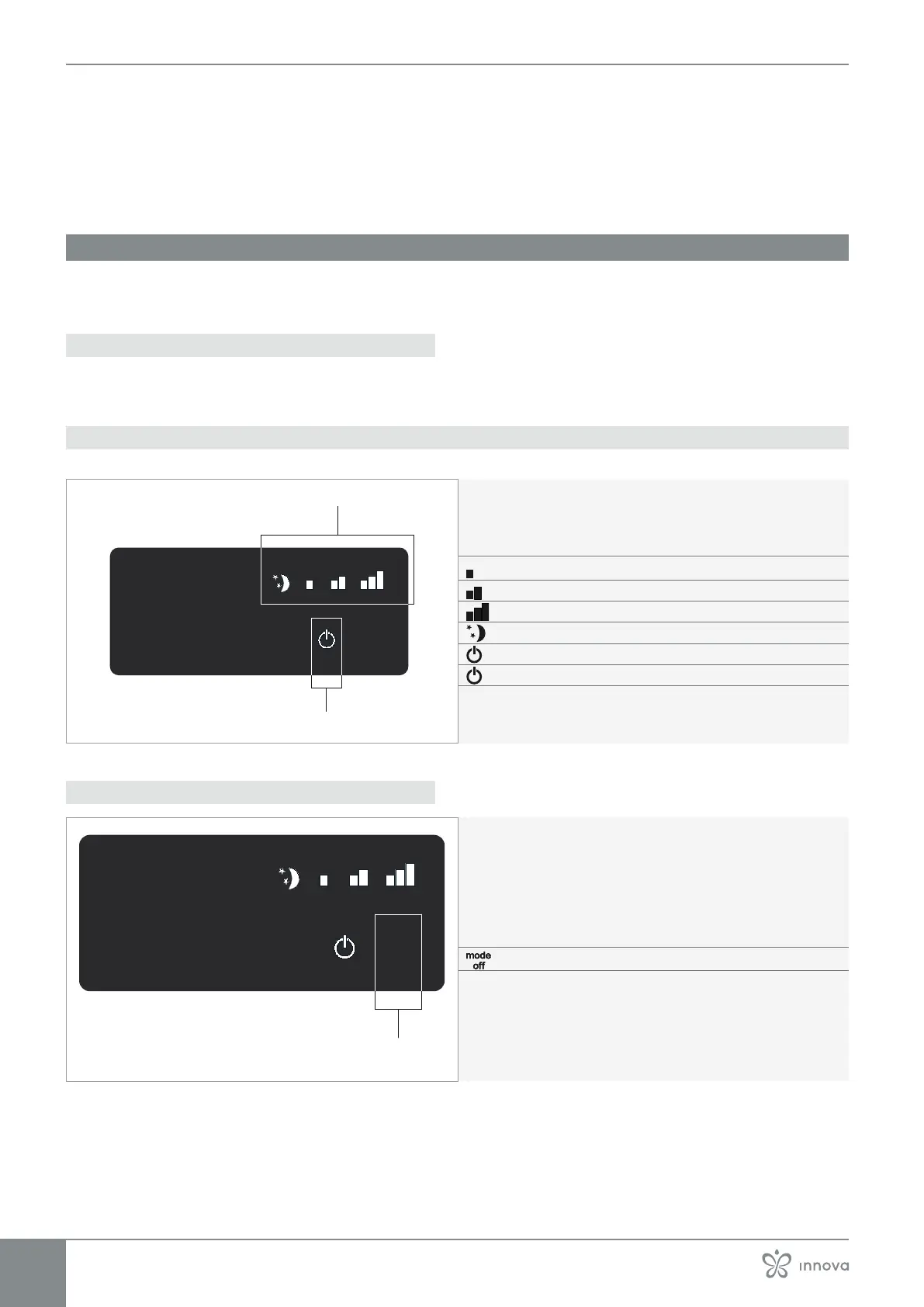
8.1.2 Display
Statuses and active alarms on display.
A Led area
Minimum speed active
Medium speed active
Maximum speed active
Super Silent function active
mode
off
8.1.3 Keys functions
A Keys area
mode
off



 To Next Page