7
SIU
E
ECA644 - ECA647
1.9
1.10
1.11
1.12
1.13
1.14
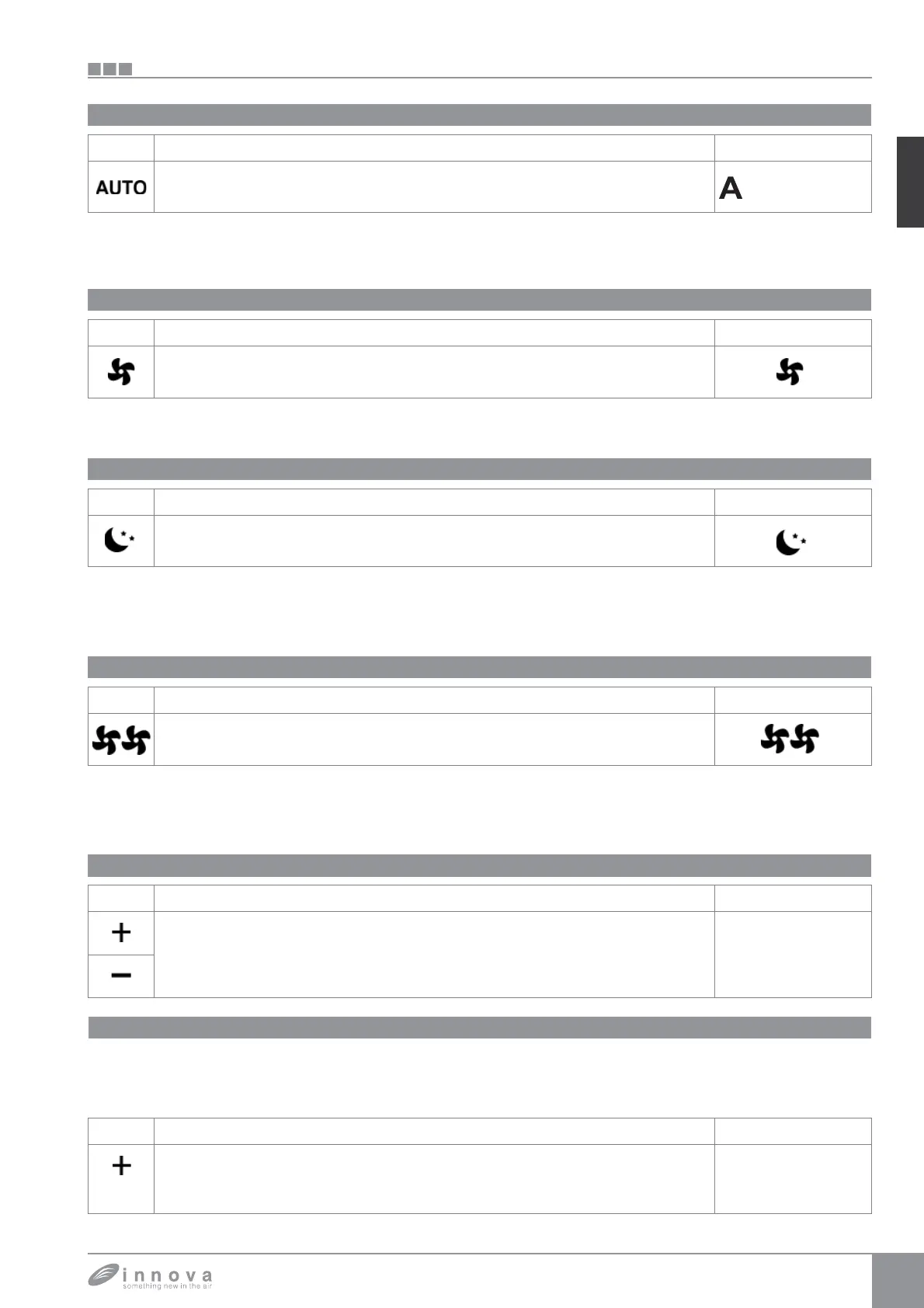
Automatic operation
Silent operation
Night function
Operation at maximum ventilation speed
Key locking
The ventilation speed will be adjusted automatically
between a minimum and a maximum value, based on the
actual distance between the room temperature and the
setpoint using a PI algorithm.
The ventilation speed is limited at a more reduced
maximum value.
By selecting this operating mode the ventilation speed is
significantly reduced and the set temperature is changed
automatically as follows:
- decreased by 1° C after one hour and by another
degree after 2 hours in heating function;
- increased by 1°C after one hour and by another degree
after 2 hours in cooling function.
In this operating mode, you will immediately obtain
maximum power output both in heating and in cooling.
After reaching the desired room temperature you should
select one of the other 3 operating modes to increase the
thermal and acoustic comfort.
Key Operation Display
Press both keys + and - at the same time for 3 seconds to activate the local lock up of
all keys, the confirmation is represented by the text bL appearing on the display.
The user will not be able to perform any adjustment and the text bL appears every time
a key is pressed. Repeat the sequence to unlock the keys.
bL
Key Operation Display
Hold the Max Operation key. The function activation will be signalled by the relative
symbol on the display
Key Operation Display
Hold the Night function key. The function activation will be signalled by the relative
symbol on the display
Key Operation Display
Hold the Silent key. The function activation will be signalled by the relative symbol on
the display
Key Operation Display
Hold the AUTO key. The function activation will be signalled by the relative symbol on
the display
Minimum brightness reduction
After 20 seconds from the last action the panel brightness
will be reduced to increase the comfort during night use
and on the display will appear the room temperature.
If this level of brightness still bothers you can turn off the
display completely.
Key Operation Display
With the panel off press the + key for 5 seconds until the text 01 appears on the
display.
Use the - key to bring the value to 00 and wait 20 seconds to check for the correct
setting.
00









 To Next Page