Product analysis: innovaphone VoIP products 2010
Copyright © 2010 by ComConsult Technologie Information GmbH Page 21
Another positive fact is that the web interface
is clearly structured and thus gives a good
overview. Figure 20 shows a screenshot of
the overview page on the web interface. This
is also the case for the telephone system, for
the DECT base station and for the terminals.
There is no need to familiarise oneself with
other administration user interfaces.
All user data is listed centrally under objects.
Other users, gateways, DECT systems, trunk
connections and features are also defined
over corresponding objects. Figure 21 shows
the table of objects, resulting from the lab se-
tup.
The administrator has extensive documenta-
tion to help setup (English), as well as a wiki
which is also linked over the internal help
function. The address is http://wiki.innova-
phone.com.
Implementation
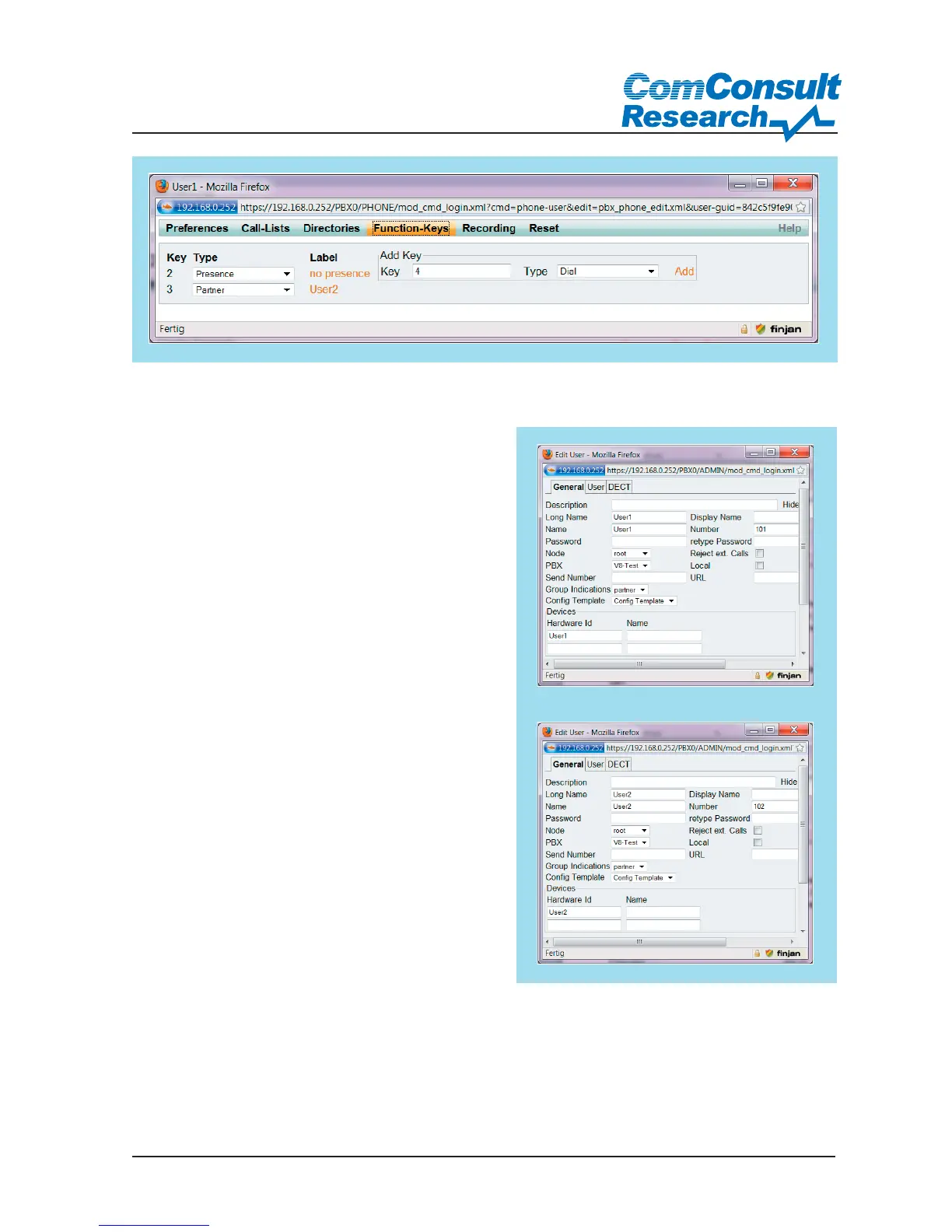
In accordance with the task, initially two IP240
terminals were configured for the presence
service. On the telephone, keys were defined
to set the status and to show subscriber sta-
tus.
No changes were made to the existing 6
basic settings for the presence settings (busy,
vacation, lunch, away, meeting, none)
Figure 22: Setting up function keys
Figure 23: Group member configuration



 To Next Page