Product analysis: innovaphone VoIP products 2010
Copyright © 2010 by ComConsult Technologie Information GmbHPage 22
Presence configurations were also made on
the PBX for the subscribers concerned. This
means, that a group was set-up for the users
concerned, who are entitled to exchange sta-
tus information. Within a group there are two
situations dependent on whether you want to
receive just passive status information or ac-
tively publicise own presence information.
After this, the telephones had to be re-booted
in order to implement the configuration chan-
ges. The telephone settings (function key,
status key) could all be managed centrally
from the PBX’s web interface.
The second task included setting-up Micro-
soft Exchange 2007 as a unified messaging
and fax server solution. This option was ta-
ken into consideration as Exchange is al-
ready established in many companies as an
email service. In order to implement this, it
was necessary to make some configuration
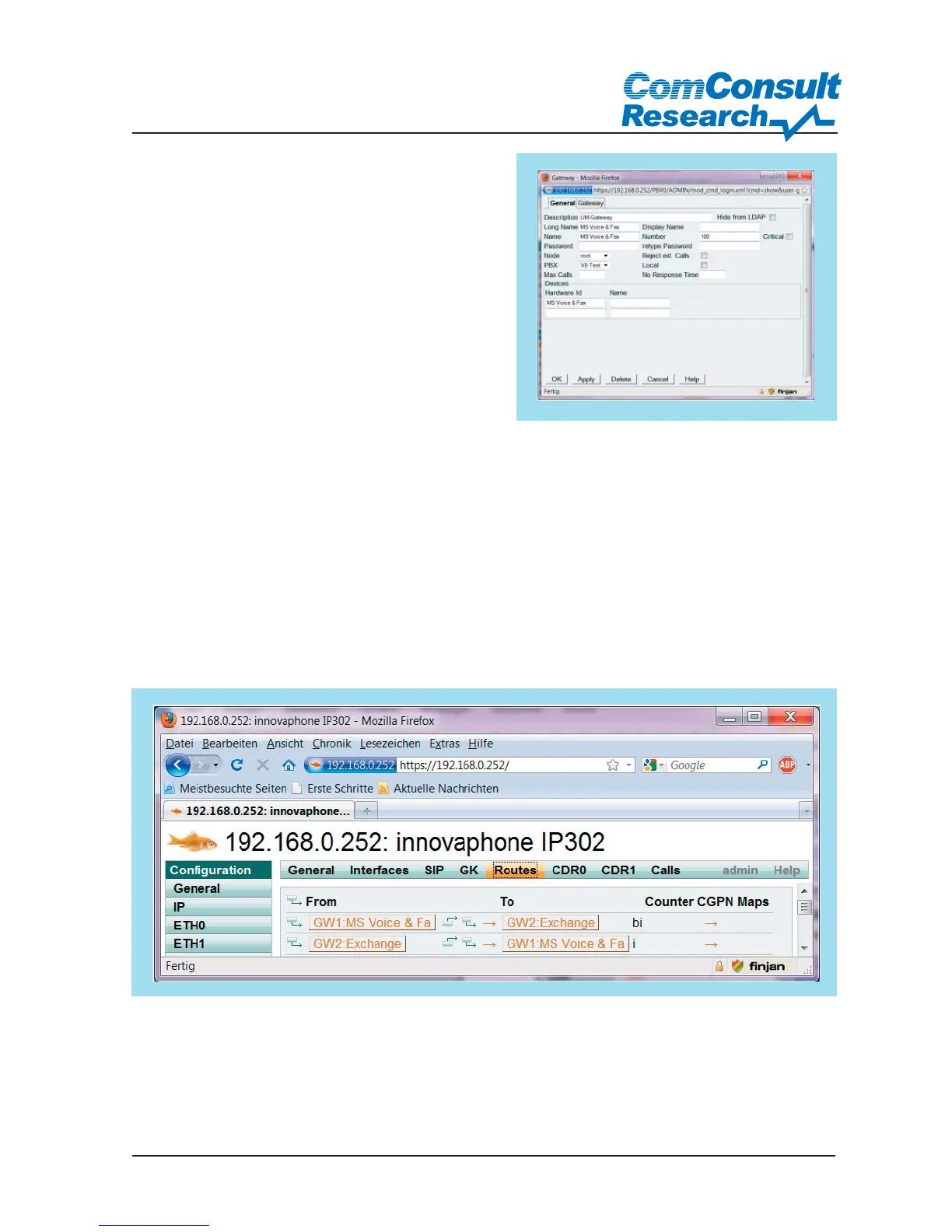
changes to the innovaphone devices. Initially
a local gateway object was generated which
could answer calls if the subscriber was busy
or not answering.
Figure 24: Local gateway voicemail set-up
Figure 25: Call Routing
In addition to this local destination, a real
destination also has to be set up. To do this it
was necessary to leave the PBX object envi-
ronment to reach the gateway area.
It was important to set TSIP as the connec-
tion protocol to signal to the exchange and
to support fax using T.38.



 To Next Page