Errors excepted, subject to availability and modifications.
E 05/2020 | A 05/2020, Copyright © 2000-2020 innovaphone® AG
innovaphone® AG | Umberto-Nobile-Str. 15 | D-71063 Sindelfingen | Phone +49 7031 73009-0 | www.innovaphone.com | E-Mail: info@innovaphone.com
10 / 12
innovaphone IP101/102 – User Guide
Call Lists
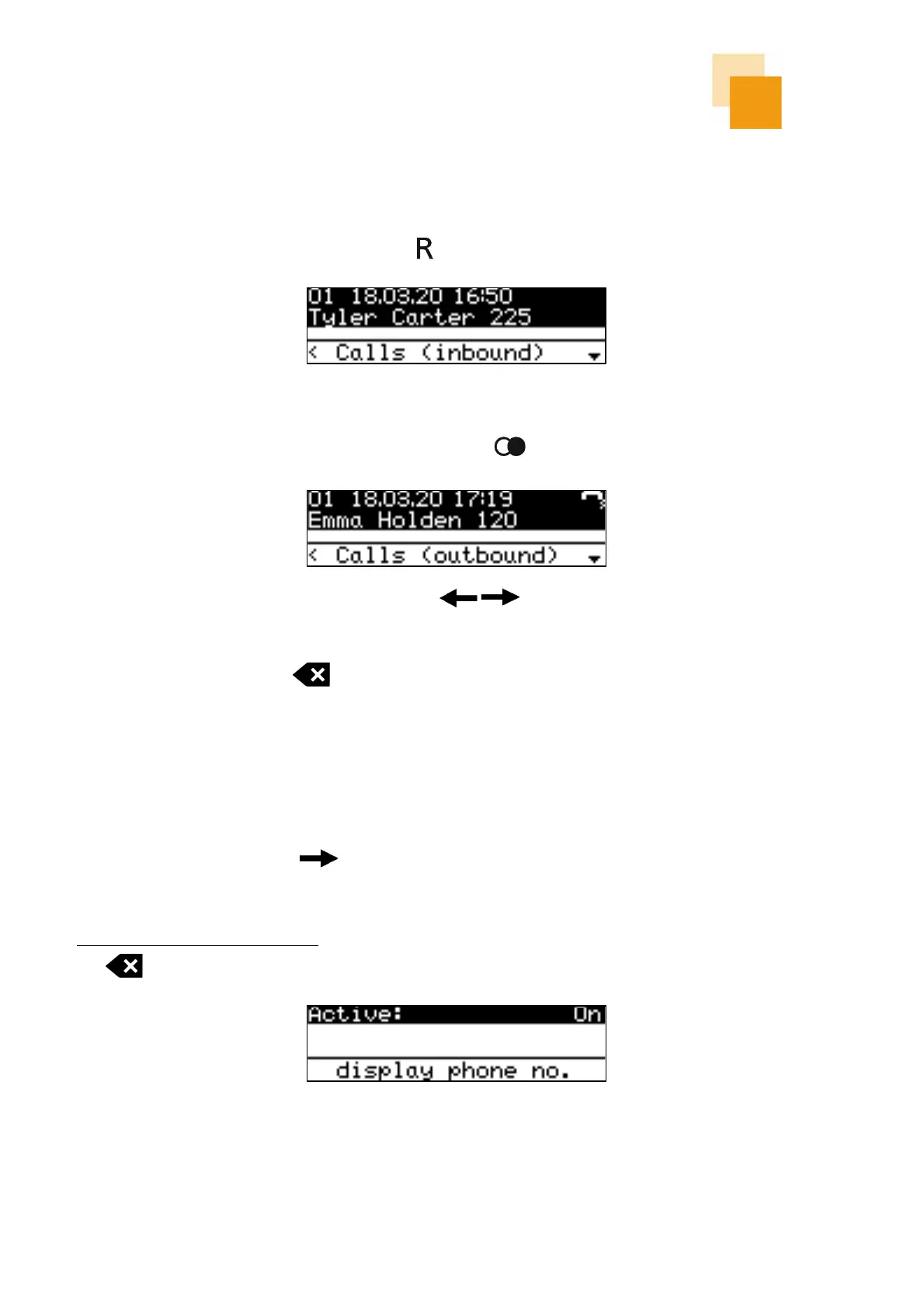
There are the following versions of call lists: "Inbound calls" and "Outbound calls".
Calls (inbound) can be displayed by pressing the key.
Calls (outbound) can be displayed by pressing the redial key .
You can scroll through the lists with the arrow keys . To call an entry from a call list, simply lift
the handset (or press the loudspeaker or headset key) when the entry appears on the display.
By pressing the correction key , the displayed number can be transferred to the dial preparation and
then be modified if necessary.
Additional Settings
By pressing the right arrow key in the home screen, additional information or settings will be
displayed:
Displaying the own phone number at the called party can be switched on or off by pressing the correction
key .



 To Next Page