Errors excepted, subject to availability and modifications.
E 05/2020 | A 05/2020, Copyright © 2000-2020 innovaphone® AG
innovaphone® AG | Umberto-Nobile-Str. 15 | D-71063 Sindelfingen | Phone +49 7031 73009-0 | www.innovaphone.com | E-Mail: info@innovaphone.com
7 / 12
innovaphone IP101/102 – User Guide
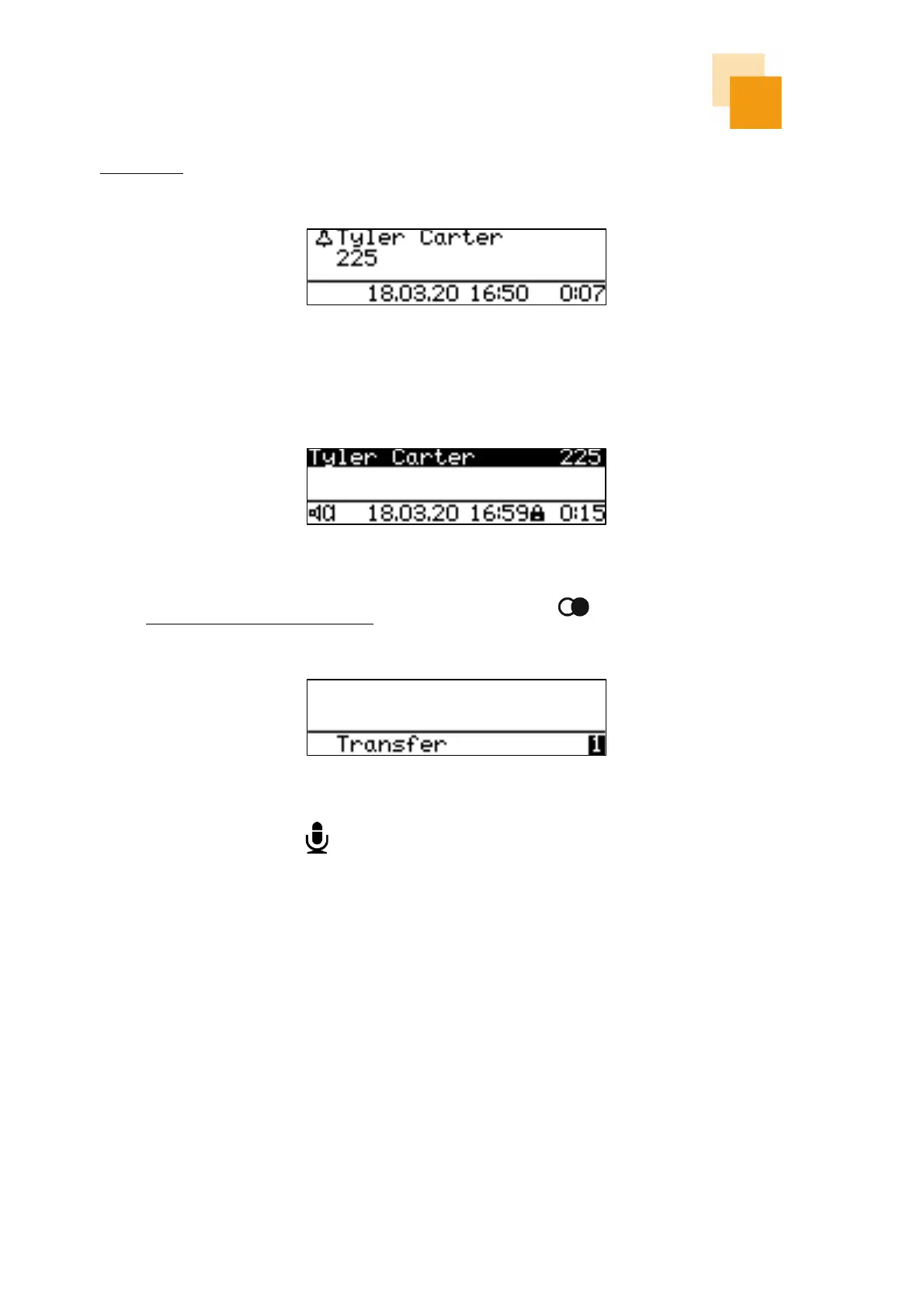
An inbound call will be indicated on the display with a ringing symbol, as well as additional information such
as “name” and “phone number” of the caller, if available.
An incoming call can be answered via the handset or the loudspeaker key. If the call is accepted via the
loudspeaker key, the call is answered in hands-free mode or via a connected headset.
A call can be transferred before answering by pressing the redial key . An input field for the forwarding
destination number appears automatically.
By pressing the microphone key the ringtone will be muted.



 To Next Page