DA2 Installation Guide
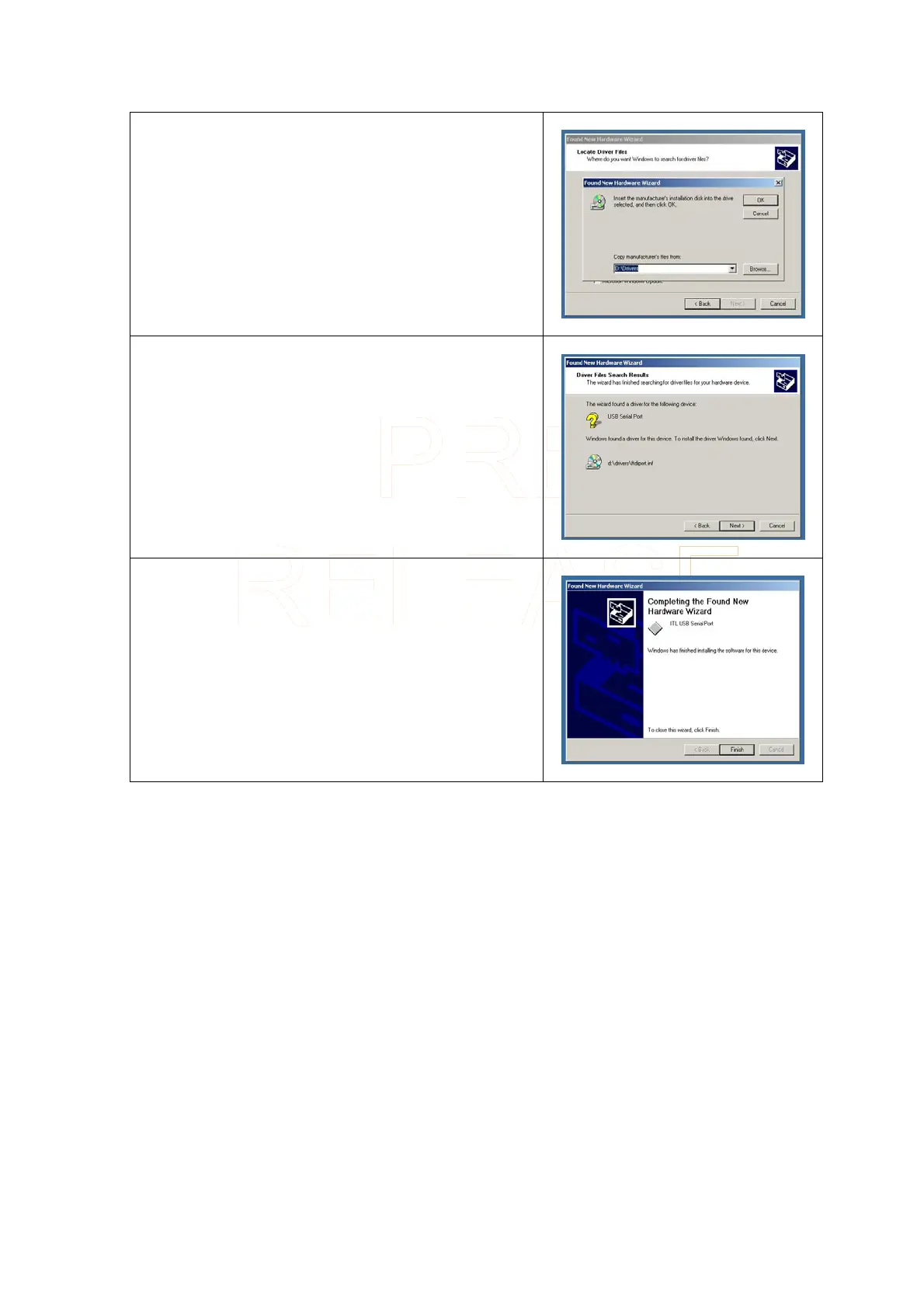
A browser window will open to allow you to select the
driver’s location. In the location box type “χ:\drivers”
where χ represents your CD-ROM drive letter (usually D).
Click on Next >
A box will be displayed indicating that the driver has been
found.
Click on Next >
When the driver has been successfully installed, the
following screen will be shown.
Click on Finish
Innovative Technology Ltd Page 8 of 12



 To Next Page