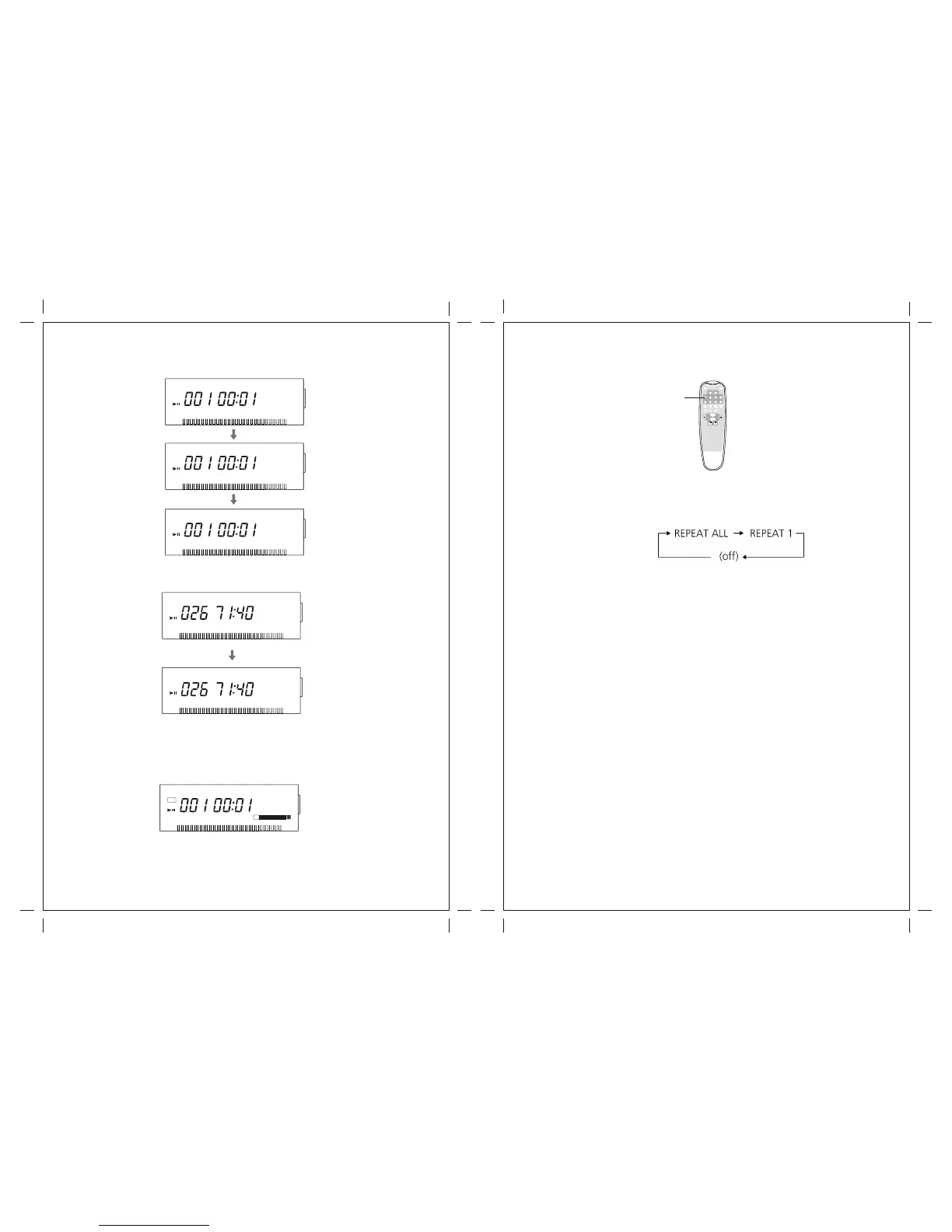
Each time the DISPLAY button is pressed, the display changes as follows:
Repeat Playback
Each time the REPEAT button is pressed, the repeat mode is changed as follows:
REPEAT ALL (Repeat ALL the Tracks)
Press the REPEAT button once during playback.
All the tracks of the disc will be played repeatedly.
REPEAT 1(Repeat one track)
Press the REPEAT button twice during playback.
The track being played will be played repeatedly. If you press the MUSIC SKIP button
and select another track, the track you select will be played repeatedly.
It is also possible to select a track to be repeated in the stop mode. Press the
REPEAT button twice and then select the track number by pressing the MUSIC SKIP
button. Press the PLAY button to start playback.
If one of the following buttons is pressed, repeat mode will be cancelled:
OPEN/CLOSE,POWER, FM/AM, PHONO, AUX
Repeat playback works with finalized disc only.
STAND BY
REPEAT SHUFFLE
PROGRAM
OPEN/
CLOSE
CLEAR
DISPLAY
PHONO
TAPE
AUX
RADIO
CD
RECORD
REC VOL- REC VOL+
MANUAL/
AUTOINCREMENT INCREMENT
TRACK
FINALIZE
ERASE
VOL-
VOL+
Repeat
20 21
CD REPEAT 1 ALL
CD
TR
CD-R REPEAT 1 ALL
CD
CD-RW REPEAT 1 ALL
CD
CD-R REPEAT 1 ALL
CD
TR
Unfinalized CD-R/CD-RW, stopped
CD-RW REPEAT 1 ALL
CD
NO TOC CD-RW
AUTO TRACK
REC
PHONO AUX
TAPE
-dB 30 12 6 3 0 OVER
L+R
During recording
TR
TR
TR
TR


 To Next Page