FINA LI ZE
D. Cassette Tape
Tape Handling:
Do not store tapes in the following places:
1. On top of heaters, exposed to direct sunlight or in any other places with high
temperatures.
2. Near speakers, on TV sets or amplifiers or where they would be exposed to strong
magnetic fields.
3. Where humidity is high and in dirty, dusty places.
4. Avoid dropping or subjecting cassettes to excessive shocks.
5. As C-120 tapes are physically weak and could become entangled in the transport
mechanism, do not use them.
Listening to TAPE
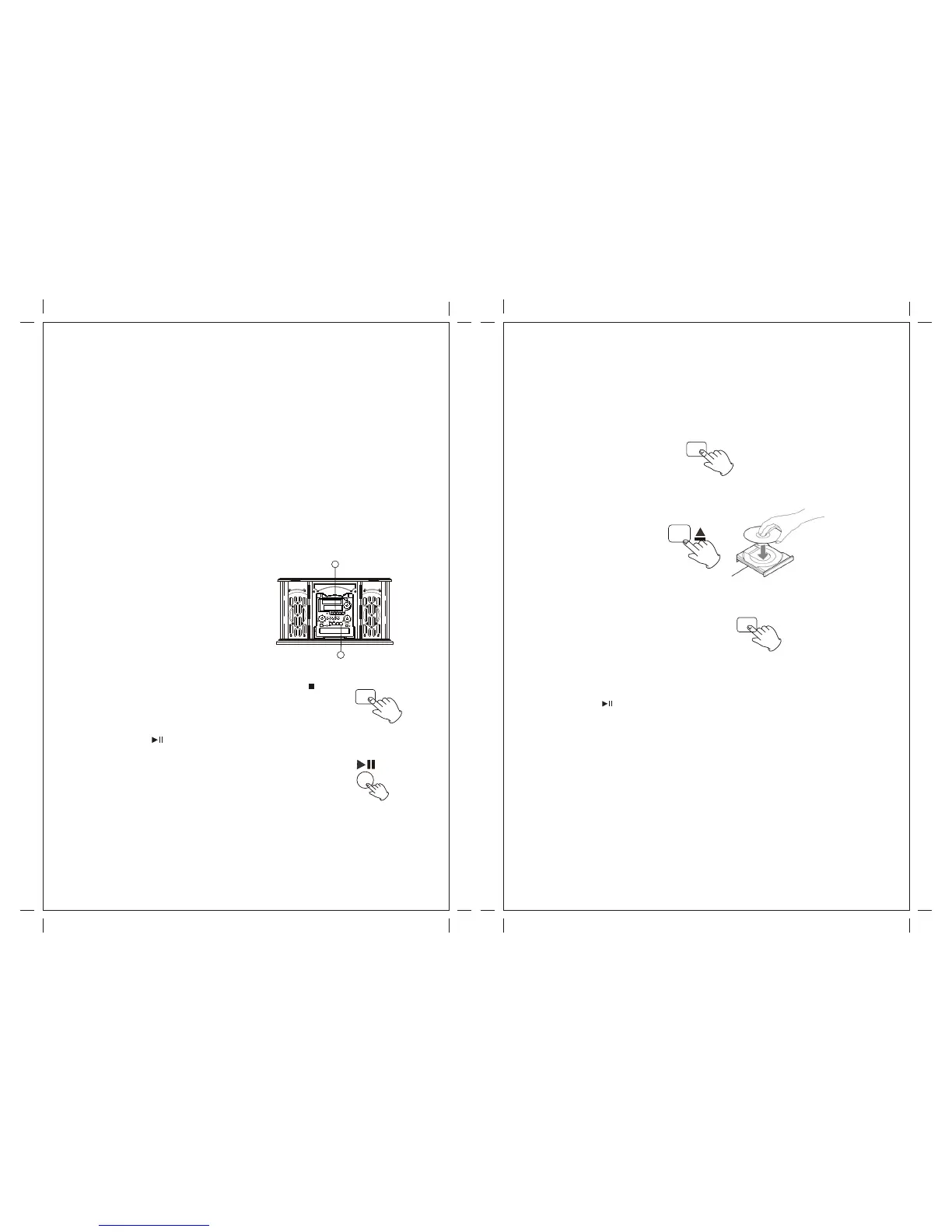
1. Load Cassette Tape into the unit (located on side of the unit) Playback will
automatically begin.
2. Press button halfway to Fast Forward the Tape. Press button lightly and playback will
resume.
3. Press button all the way to end playback and eject Tape.
The display will show "--- Busy" during finalize, wait until the busy
disappear to complete the finalize.
The finalize time is subject to the contents of record, it may take
few minutes in some case.
Finalizing
As has been explained earlier, in order for
A disc to become a standard CD, it must have
a Table of Contents(TOC) written to it. This
Process is known as finalizing.
1. Press the FINALIZE button in the stop mode.
“FiN-d” appears on the display.
To cancel the finalizing process, press the STOP button ( ).
2. Press the PLAY ( )button to start finalizing.
When the operation has been finished, the NO TOC indicator turns
off and the display returns to the track/time display.
During finalizing, no button works.
Never turn the power off nor unplug the power cord.
Although finalized CD-R discs may be played on ordinary CD players, remember that
finalized CD-RW disc may not play on ordinary CD players.
Erase or Unfinalize a CD-RW
It is possible to erase the last recorded track, it is also possible to erase a whole disc.
Erase procedures are possible only on an unfinalized CD-RW disc. If a CD-RW disc has
been finalized, unfinalize it prior to erasure. Remember that it is not possible to perform any
Erase or unfinalize procedures on a CD-R disc.
1. Press the CD button to select “CD”.
2. Load a recorded CD-RW.
3. Press the ERASE button in the stop mode.
“-- Busy” (unfinalize) appears when a finalized disc is loaded.
“Er” and the last track number appear when the disc hasn't been finalized. Each time the
ERASE button is pressed, the display changes as follows:
“Er” and the number of the last track recorded on the disc
Select this to erase the last track on the disc.
This will not appear when only one track is recorded on the disc.
(1). Wait until “Busy” disappear on the display.
(2). Press the ERASE button, "ErR Al" will appear on the display.l
(3). Press the ( ) button to begin erase the last track.
(4). Repeat to press Erase button to continue the next track.
30 31
1
2
CD
ERASE
AUX IN


 To Next Page