Basic Troubleshooting
If your device shows following problem during operating, please check the instruction as below. If
problems can’t be solved, please contact local authorized service.
Too much APPS on processing.
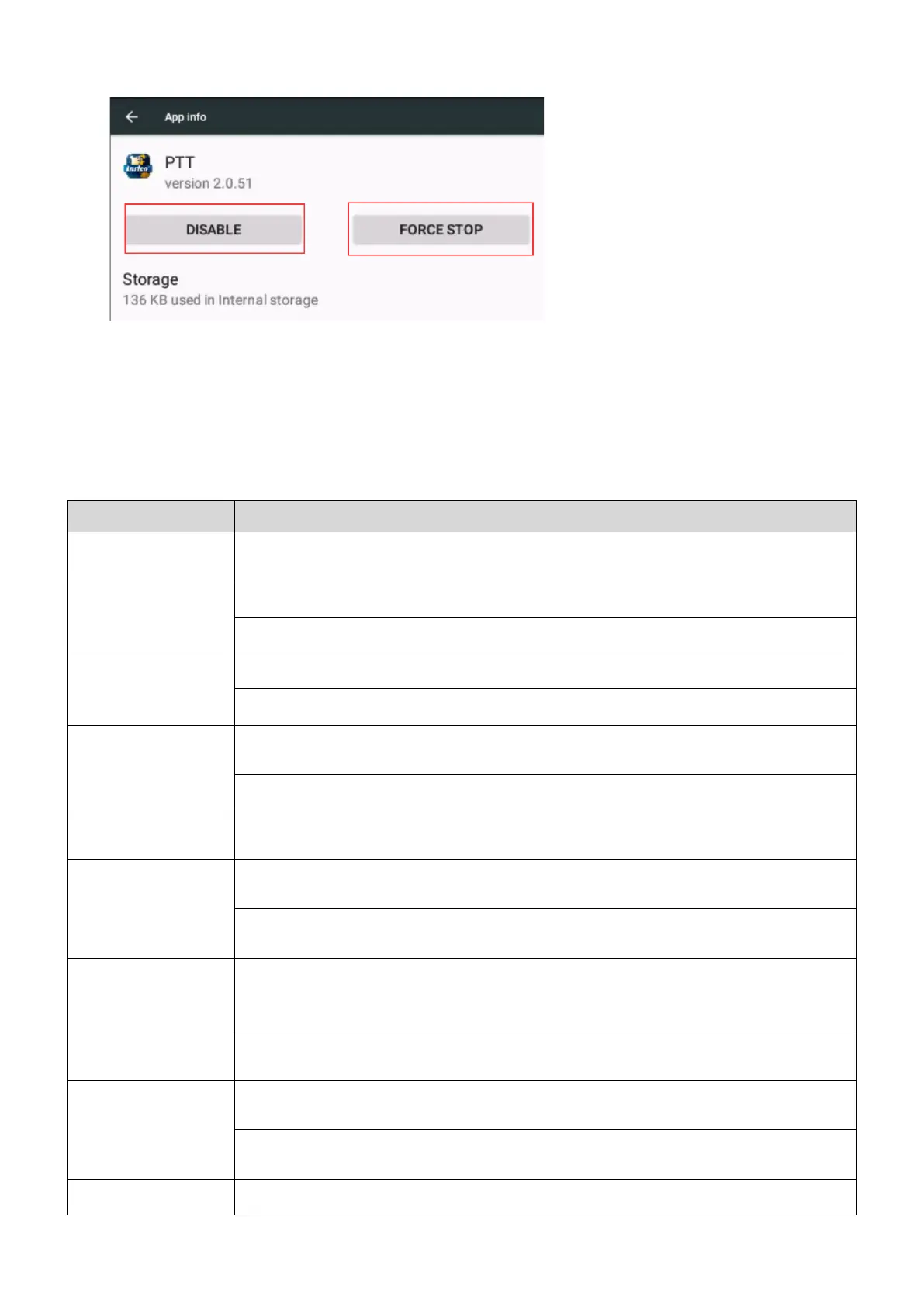
- Force some programs to quit or restart the terminal.
The buttons may not work temporarily, restart the terminal.
The buttons is broken, contact the dealer or our company.
Display screen may not work temporarily, restart the device.
The display screen is damaged, contact the dealer or our company.
Echo or Noise During
Connecting
The signal may be weak, make sure the terminal is within network coverage.
- Restart the device and it’ll automatically search for better available network.
The speaker may be covered, clean the speaker surface.
The signal is weak and the device can’t receive the signal.
- Move to open and flat area and try again.
Unable to Detect SIM
Card
The SIM card may be incorrectly installed.
- Remove and re-insert the SIM card.
The SIM card may be not working due to dirt or damage.
- Clean the electrical contact or replace it.
Localized poor coverage due to basement, blocking buildings or destructive interference,
and geographical distance from obstacles between your device and the nearest cell tower.
- Please move to somewhere with improved signal.
Localized network is busy during rush hours.
- Please wait for a while before another attempt or try to avoid using in rush hours.
The power adapter plug may be damaged or poor contacting.
- Pull out and re-plug the adapter.
The charging cable connectors may be damaged or poor contact.
- Pull out and re-insert the cable.
The duration mostly depends on network service provider settings.


 To Next Page