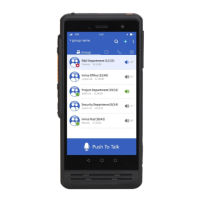
6. Personalization Settings
Long press any blank space of the main screen to access to personalized settings interface. You can set
wallpaper, add widgets, and the system.
Icon Removal: Long press the menu in the screen or widget icon, move or delete corresponding icons.
7. Factory Reset
Select "Backup & Reset” in the settings menu, and then restore factory settings.
Warning: Restoring the phone to initial factory state, which means clearing the system, application data
and settings, and downloaded applications.
Status Indicators
The indicators could be customized according to the APP. The following is the default indicator status
of Inrico APP.
Operation Interface
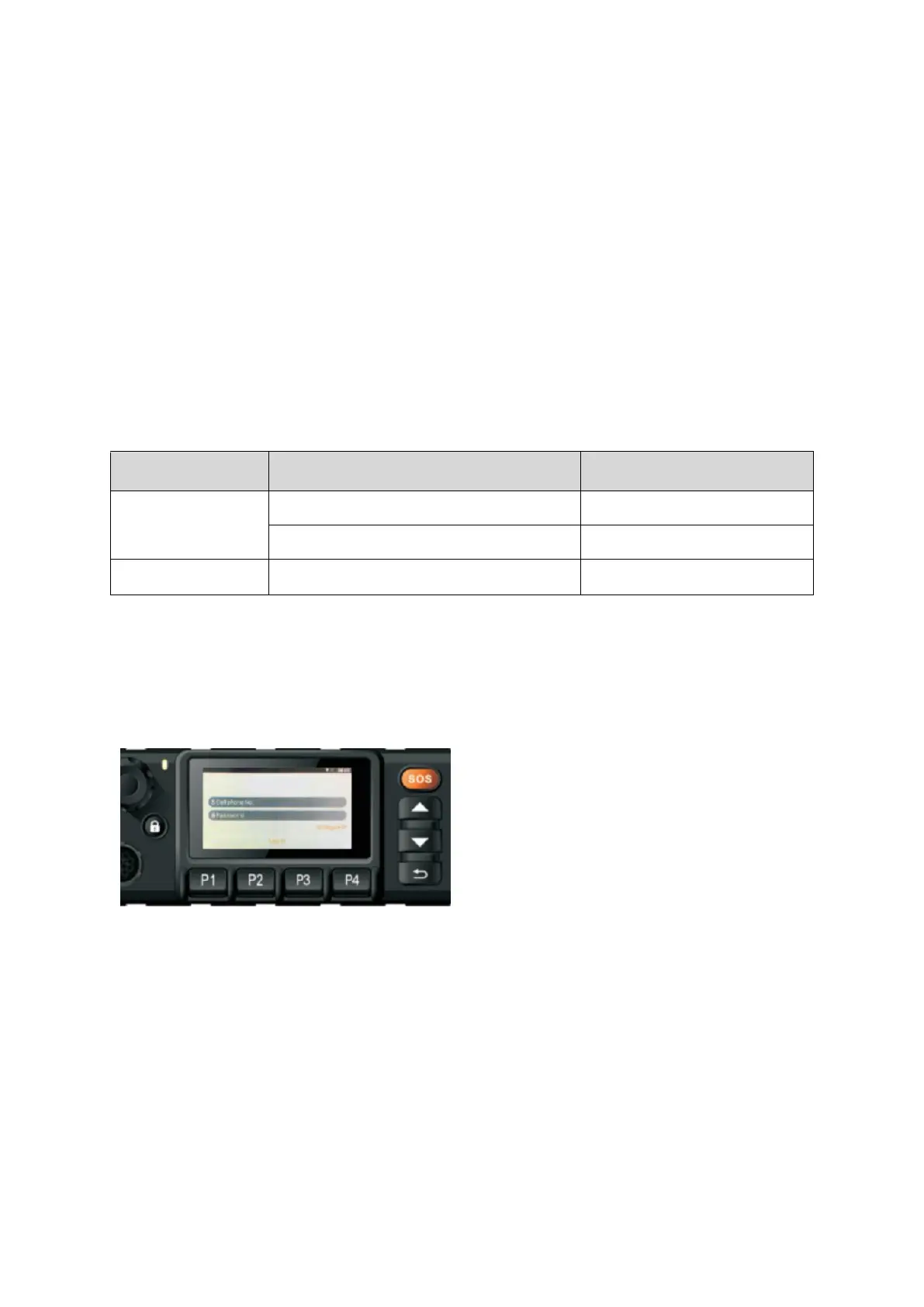
1. Input Account and Password
The user configure IP address according to the platform server and then login.
2. Communication
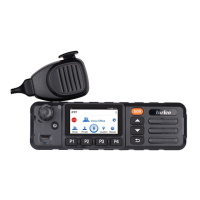
①Select the contact or group, press PPT button of the palm-mic to talk.


 To Next Page