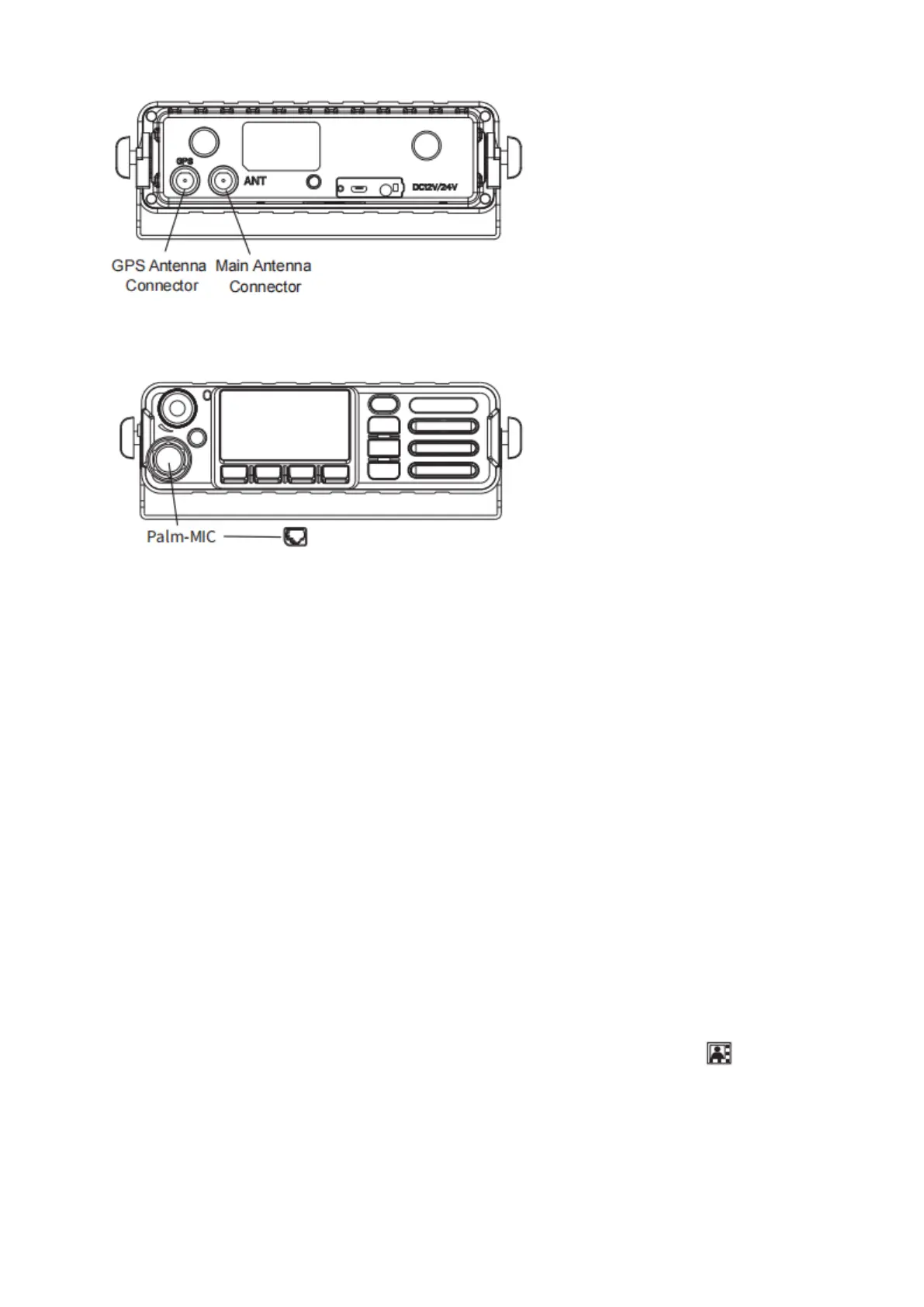
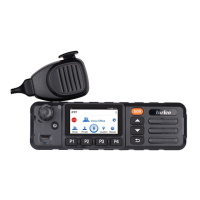
5. Attaching the Palm Microphone
Basic Functions
1. Powering Up and Powering Off the Device
Make sure that the power connector is plugged in properly.
Power on: Press and hold the power button until the display lighting up.
Auto Power On/0ff Button: press to turn on or power off.
2. Unlock the Screen
Short press the Hang Up button to lock the screen, and click again to wake up. Pay attention not to
press antenna.
3. Message
Click “Message”, received messages will be displayed, and you can edit send, and delete.
4. Prompt Bar
Press on the top of the screen, select the drop-down menu and drag down to open.
The prompt bar displays the operating applications. Click on the running list bar and quickly switch to
the corresponding application.
Friendly Note: No network in flight mode. In addition, the prompt bar still displays the current
notifications (like unread text messages, etc), and running applications. Click the icon to view list.
Click quickly to enable corresponding function.
5. Setting
Set and view related system functions and status.


 To Next Page