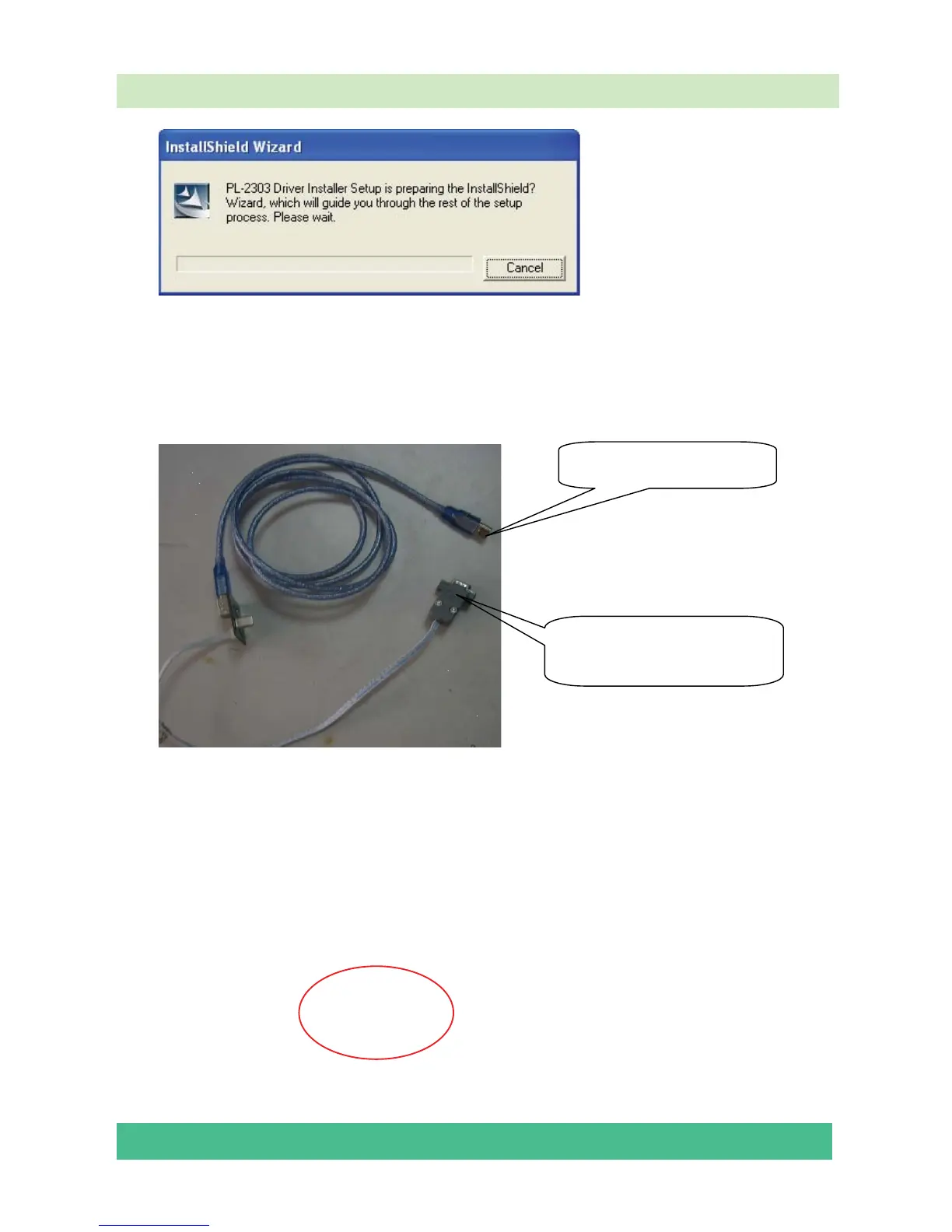
Select the default value, the driver will be installed step by step.
6.2.2 Hardware connecting
Connect the unit to your pc with a USB-to-serial port cable. USB port connects to your pc, and
serial port to the TV’s VGA port.
For the first connecting, the pc will recognize and automatically install the USB device. The
process is just like the installation of a mini disk, see the following picture.
USB connector: to PC.
Serial connector: to TV’s
VGA port.




 To Next Page