6.Software Upgrading
Before upgrading, read the following.
1ǃBefore upgradingˈWrite down the ADC Calibration values of the channel of VGA and
componentDŽ
2ǃUpgrade the software.
3ǃTo clear the EEPROM .
A Select the item “Clean Unprotected”.
B Press VOL+ button to clear the EEPROM data.
C Close the OSD menu after 5 seconds.
D Restart the TV.
4 Write the ADC Calibration values copied just now into the channels of VGA and component.
5ǃAfter operation above all, necessarily, Renew search the channels for the customer.
6.1 USB directly Software Upgrading
1˅ǃThe software is upgraded by a burning toll-MtkTool, which can burn the program file *.bin to
the main board of the unit.
2˅ǃThe software can be upgraded by USB Disk.
z First, copy the *.pkg file to USB Disk;
z Second, rename the pkg file name to LTDN55T28GUS.pkg˄NS-55E560A11˅.
z Power on the TV, and insert USB Disk to USB port.
z The TV will identify the software and upgrade automatically. Follow the instructions and
do it.
6.2 Get ready for upgrading
6.2.1 Install the driver
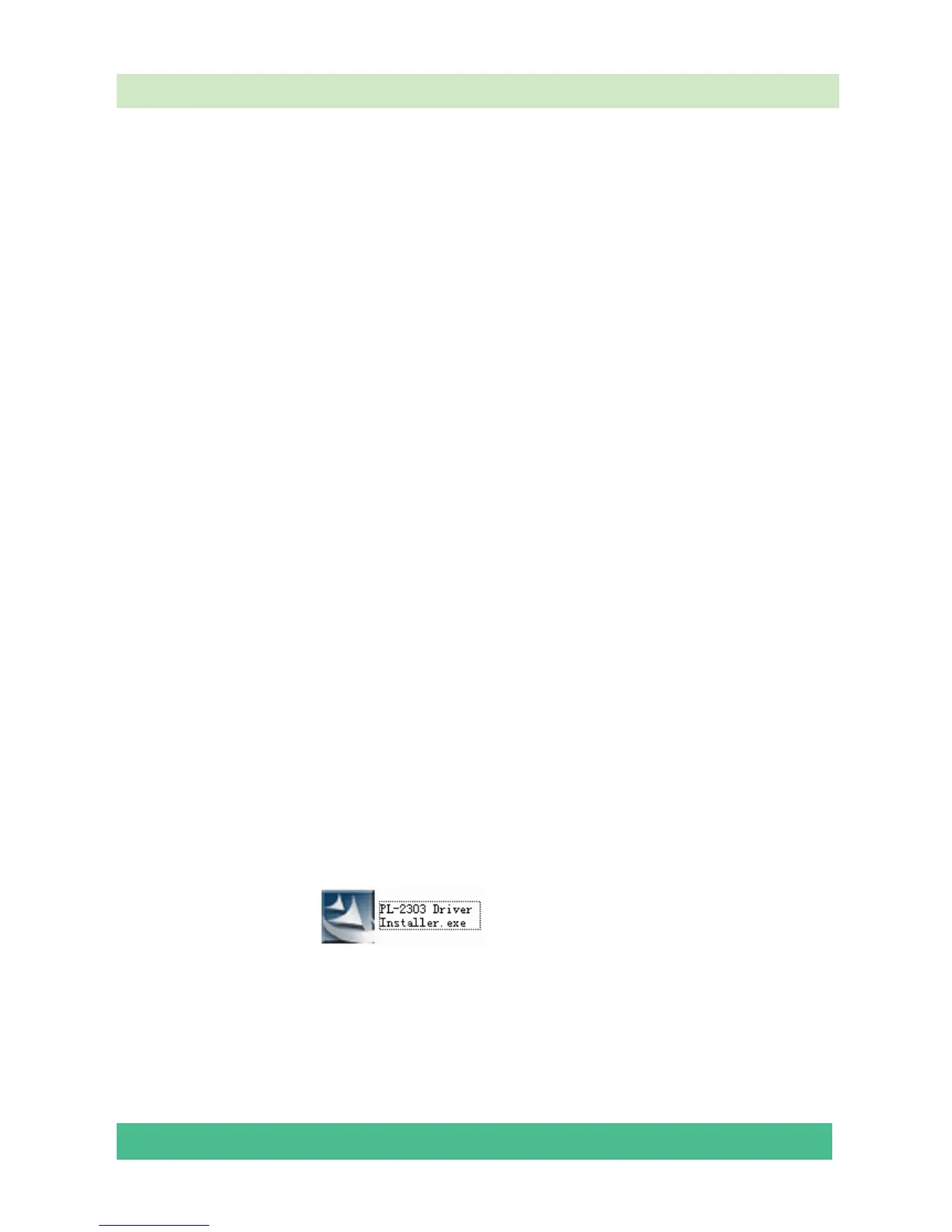
Double click the icon
, install the driver.




 To Next Page