18
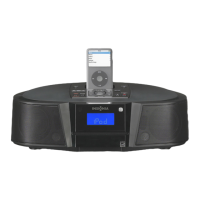
Insignia NS-ES6113 CD Shelf System with iPod® Dock
www.insigniaproducts.com
• Press OK (in stop mode) to select a specific CD or USB track
to play. The first digit of the current track begins to blink. Press
UP to increase the number, or DOWN to decrease the number.
Press OK again to confirm and start playback.
Playing an iPod
®
To listen to an iPod
®
Shuffle:
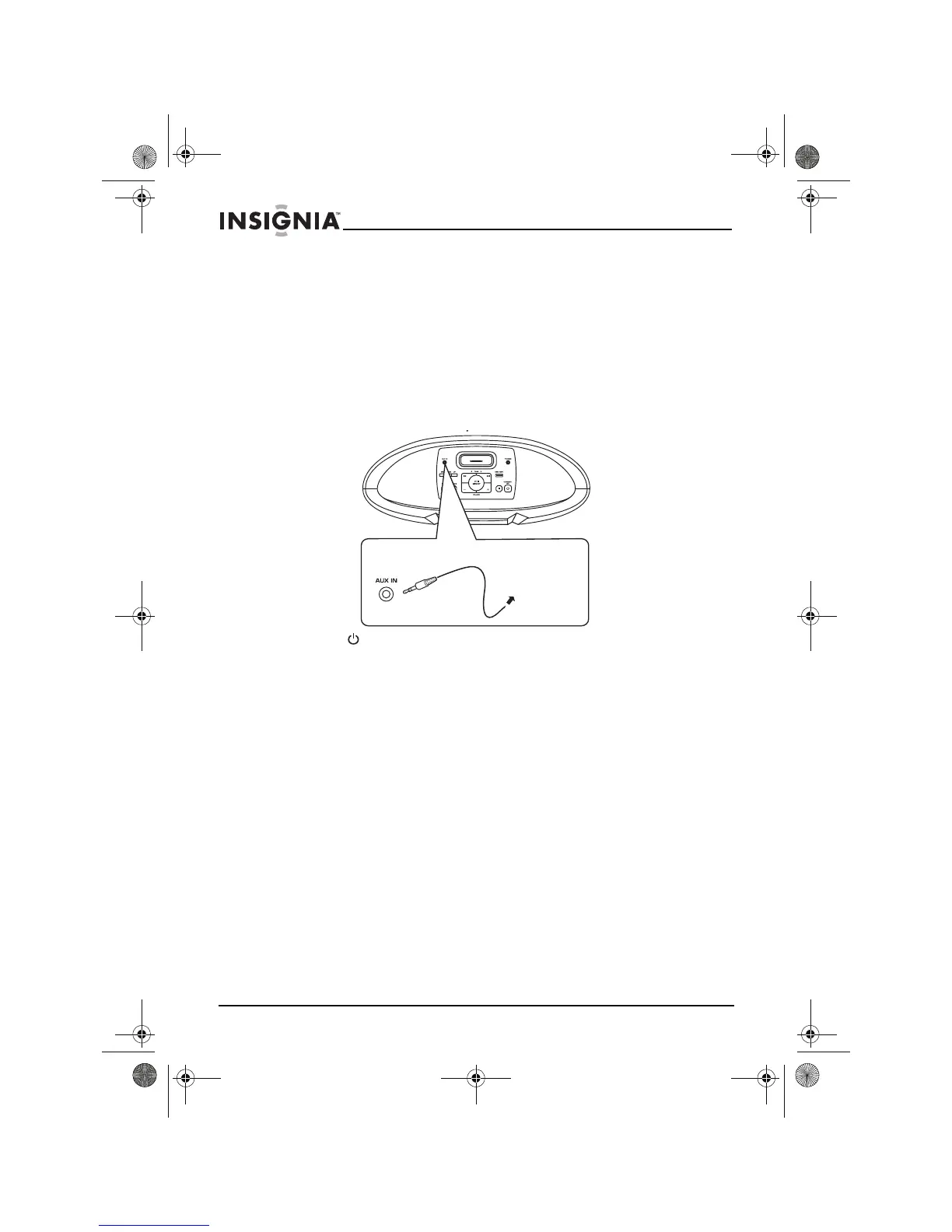
1 Connect the iPod
®
Shuffle to the AUX IN jack on the top panel of
your shelf system using a stereo mini plug cord (not supplied).
2 Press STANDBY/ON to turn on your shelf system.
3 Turn the volume down.
4 Press the SOURCE button to select AUX.
5 Start playback on the iPod
®
Shuffle, then adjust the volume to a
comfortable level.



 To Next Page